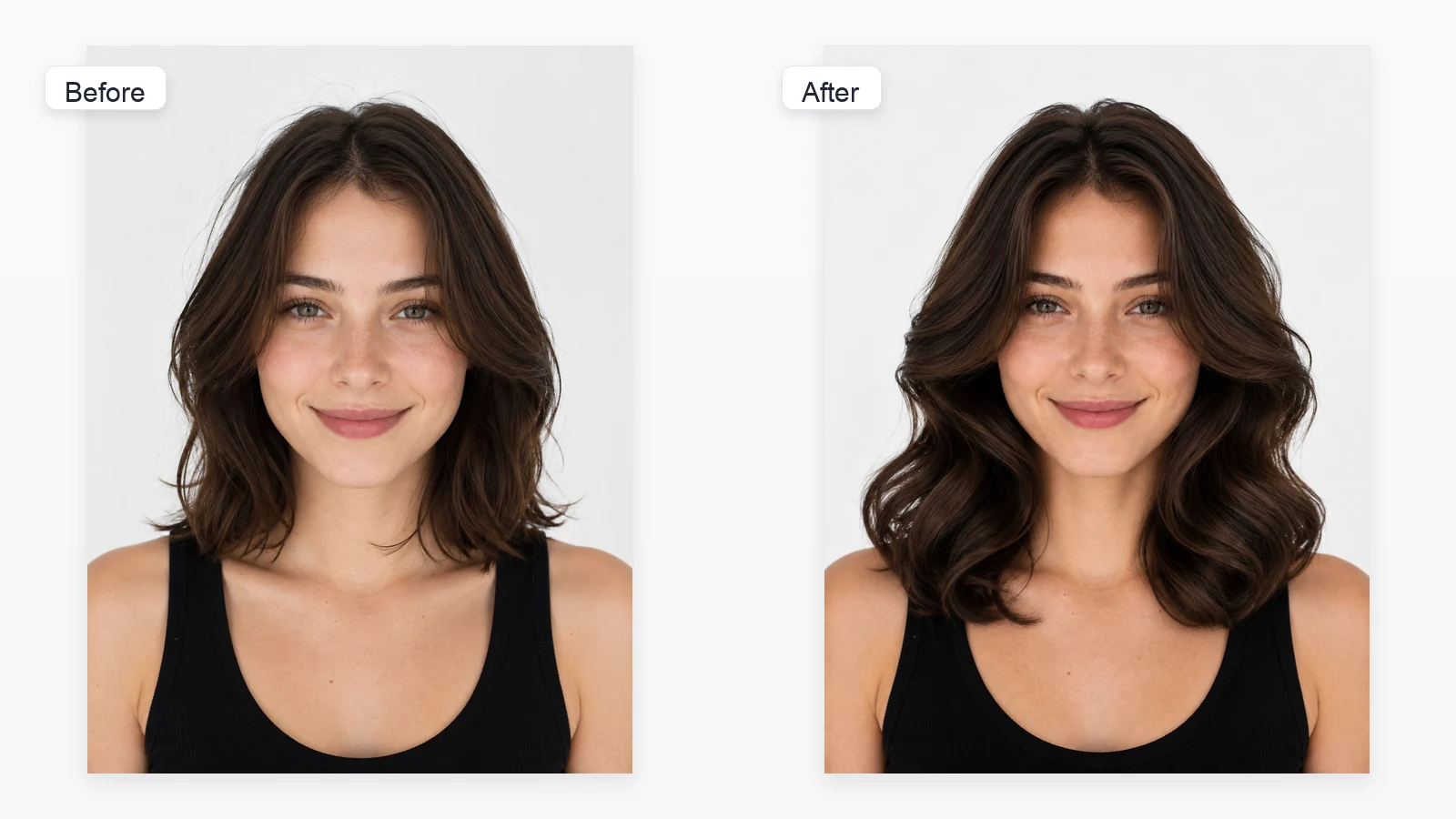
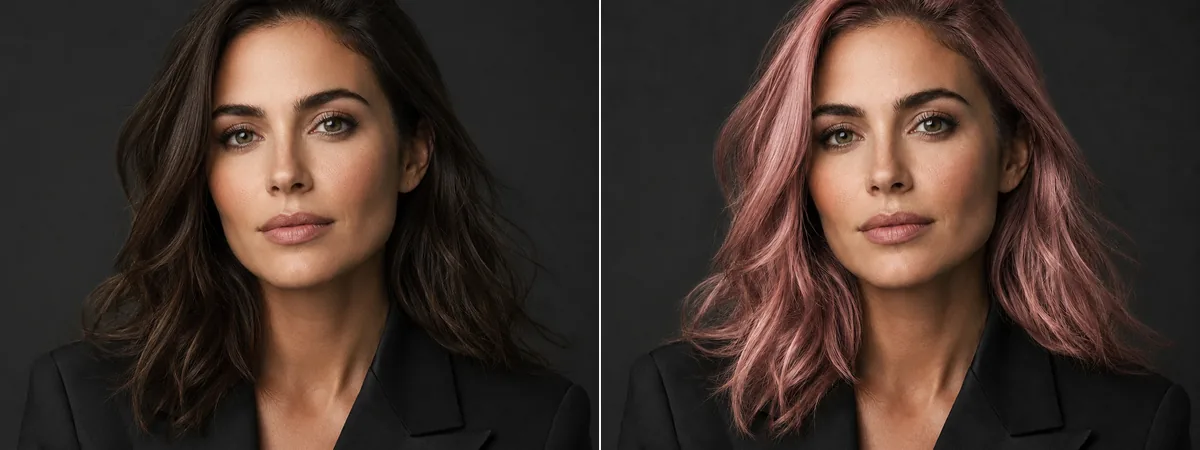
Show enough hair length
Avoid cropped photos where the sides, crown, or ends are outside the frame.
Upload one clear portrait and preview what you would look like with a perm. Toolaze starts with Soft Wave Perm selected, includes women and men perm styles, hides preset prompts, and keeps Custom available for a text description or reference image.


Image 1: upload the portrait you want to edit.
Use a clear portrait where your hair length, face, and current hairline are visible.
Start with Soft Wave Perm, then compare loose digital, curly bob, spiral, Korean volume, beach wave, or men's wavy perm styles.
Preset styles use hidden prompts. Switch to Custom if you want tighter curls, looser waves, more root volume, or a reference hairstyle image.
An AI perm filter edits the visible hairstyle in a portrait into a curled or wavy perm concept while preserving the face, expression, clothing, lighting, and background. Use it to compare soft waves, digital perm shapes, curly bob styles, spiral curls, Korean volume perms, or men's wavy perms before a salon visit.
Compare soft waves, digital perms, curly bob looks, Korean volume perms, and men's wavy perms from one portrait.
Upload a portrait and test a perm direction before committing to a salon visit.
Use built-in styles for speed, or switch to Custom to describe tighter curls, root volume, curl size, or a hairstyle reference.
Perm previews work best when the model can see your current hair length and face-framing shape.
Avoid cropped photos where the sides, crown, or ends are outside the frame.
Even light helps curls blend into the original hair and face shape.
Hair can frame the face, but sunglasses, hands, or heavy shadows make the edit less stable.
Very short hair may not preview long spiral curls well; choose a perm style close to your current length for cleaner results.
Yes. You can open the image tool, upload one portrait, and start previewing perm styles. This is not an unlimited-use promise; generation limits or model availability may still apply.
Soft Wave Perm is selected by default because it is a natural starting point before comparing tighter curls or higher-volume styles.
Yes. The page includes men's perm presets such as Men's Wavy Perm, Short Curly Perm, Textured Perm, and Loose Flow Perm.
AI Hairstyle Changer covers many haircut directions. Perm Filter is narrower and focuses on curled, wavy, and salon-perm looks.
No. For built-in presets, Toolaze sends your uploaded portrait plus the hidden perm prompt. The card image only helps you choose a style.
Yes. Open Custom and choose Describe hair style to write curl size, volume, parting, or length. You can also use Reference hair style to upload a hairstyle reference image.
No. It is a visual concept. Real perm results depend on hair condition, length, density, previous treatments, chemical processing, and styling.