Show the full head
Do not crop the crown or hide the hairline with a hat, hood, hands, or heavy fringe.
Upload one clear portrait and start from the Men tab with Buzz Cut already selected. Toolaze hides the built-in haircut prompt for preset styles, keeps Custom available, and lets you compare realistic short-hair previews with no signup.


Image 1: upload the portrait you want to edit.
Use a sharp front-facing or slight three-quarter photo where your full head, face, and hairline are visible.
The Men tab opens with Buzz Cut selected, and you can also try Bald, Crew Cut, Taper Fade, Slick Back, Short Curly, and more.
Toolaze sends the selected built-in haircut instruction while keeping the prompt box hidden for presets. The generated history still stores the prompt so you can review what was used.
An AI buzz cut filter changes the visible hairstyle in a portrait into a short clipper-cut concept while preserving the face, expression, clothing, lighting, and background. Use it to compare whether a buzz cut, bald look, crew cut, taper fade, or another short men's style fits your head shape before you visit a barber.
Open the tool, upload one portrait, and try a buzz cut or another men's short hairstyle without creating an account.
The Men tab reuses the same hairstyle presets as AI Hairstyle Changer, so Buzz Cut sits beside Bald, Crew Cut, Taper Fade, Slick Back, Short Curly, and more.
Preset styles use built-in prompts to preserve identity and reduce guesswork. If you need exact guard length or fade wording, switch to Custom.
Clear head shape, hairline, and lighting give the model more reliable cues for a buzz cut or bald preview.
Do not crop the crown or hide the hairline with a hat, hood, hands, or heavy fringe.
Soft, balanced light makes temples, scalp shading, and edge lines easier to edit.
Front-facing and slight three-quarter portraits work better than profiles, tilted poses, or wide-angle distortion.
Skip blur, strong beauty filters, sunglasses, and hair covering most facial features.
Yes. You can open the image tool, upload a portrait, and start previewing a buzz cut without signing up. This is not an unlimited-use promise; generation limits or model availability may still apply.
Buzz cut searches are mainly about men's short hair. The page keeps the Men preset tab and Custom so the default experience stays focused instead of mixing women's hairstyles into this haircut page.
Yes. The Men tab opens first and Buzz Cut is the selected preset, so the first generation uses the built-in buzz cut instruction.
Yes. The Men tab includes the full men's hairstyle preset set from AI Hairstyle Changer, including Bald, Crew Cut, Textured Crop, Taper Fade, Messy Fade, Short Curly, Slick Back, Soft Bowl, Textured Flow, and Short Box Braids.
Preset styles use hidden built-in prompts so users can choose a haircut visually without editing text. Generated history can still show the prompt that was used.
No. It is a visual concept. Real results depend on hair density, growth direction, hairline, head shape, barber technique, and clipper guard.
Yes. Use the image to explain the general length and shape you like, then ask your barber what is realistic for your hair and head shape.
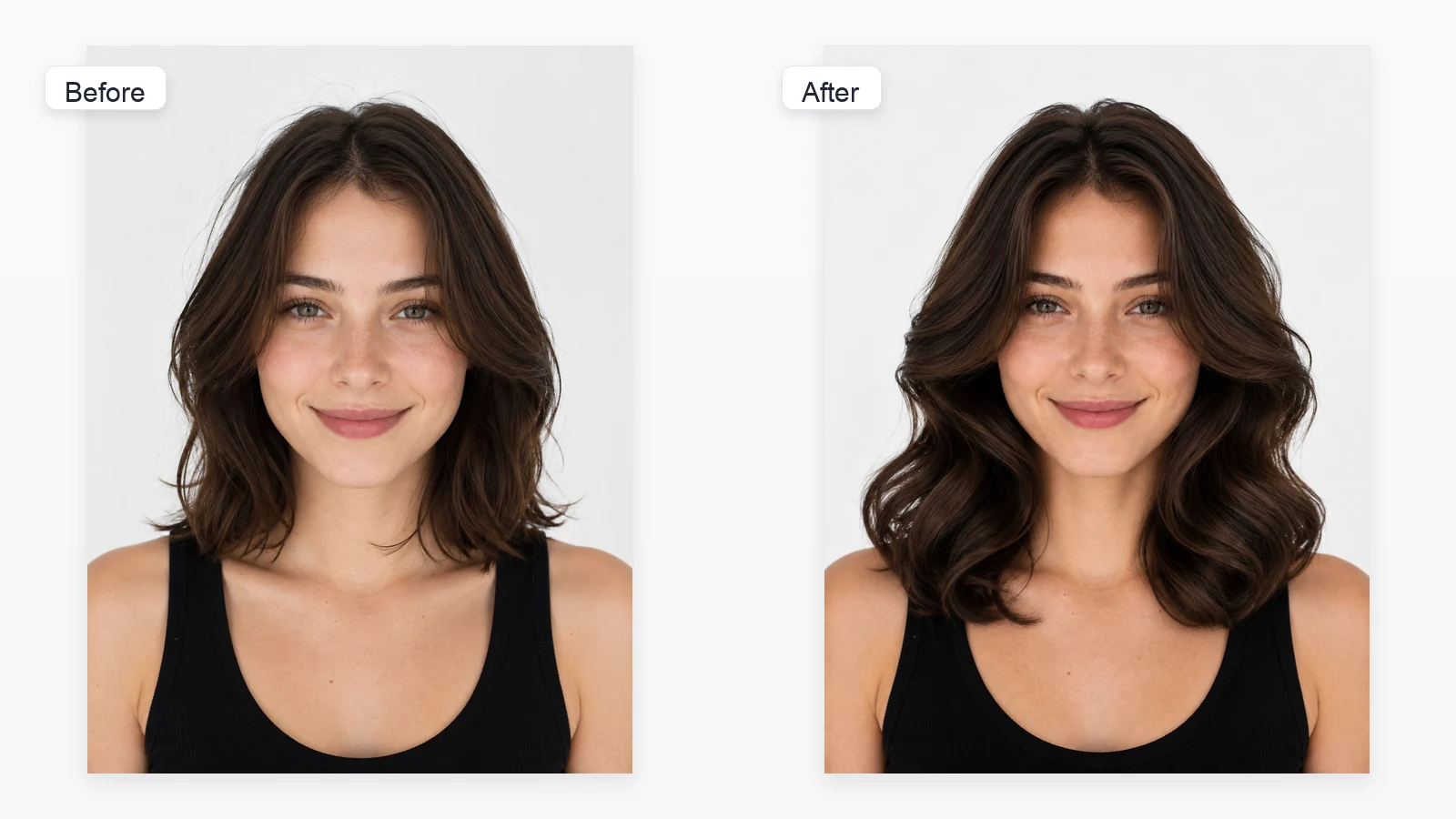
Explore longer, textured, curly, and other haircut directions from one portrait.
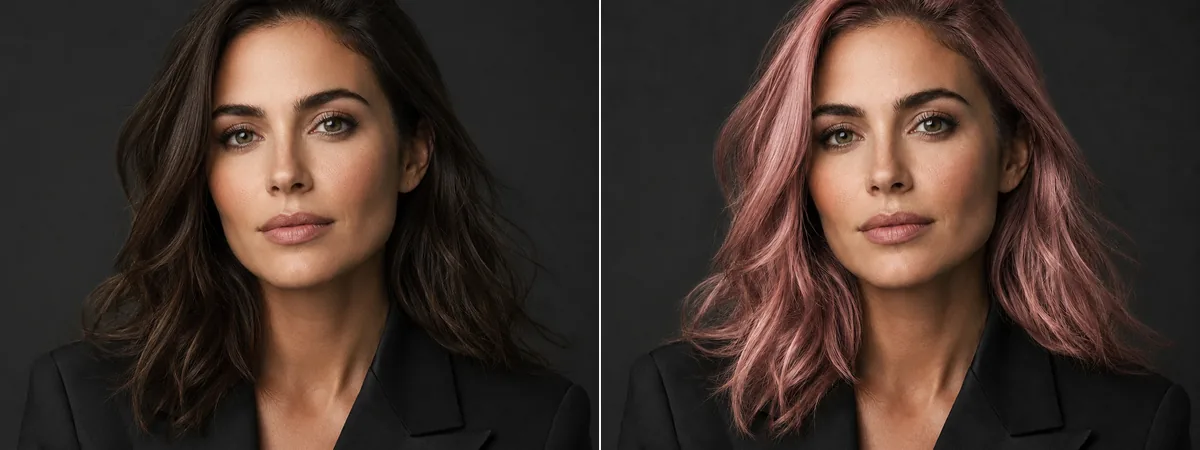
Keep your hairstyle and preview a different natural or creative hair color.

Apply a custom text instruction to edit another part of an uploaded image.