Use one clear subject
A product, face, flower, chair, pet, shoe, book, or small object usually works better than a crowded scene.
Upload one image and turn its main subject into a quiet paper-poster composition. Toolaze uses a minimal zine style with aged texture, sparse typography, large negative space, and one vivid ink accent.


Use a clear photo with one recognizable subject. JPG, PNG, or WebP up to 30MB.
The generator reads the uploaded image, finds the clearest subject, and turns it into a zine-style paper poster. The output is not a literal copy of the photo. It is a regenerated paper composition with a small focal cluster, archival texture, and a restrained editorial mood.
You do not need to write style directions. Upload one image, choose the available output settings, and generate. The zine-poster style logic handles subject placement, paper texture, sparse type, and the color accent automatically.
Choose a photo with a clear person, product, object, pet, plant, room detail, or visual subject.
Select the aspect ratio you want before generating. The zine style adapts to that canvas while keeping the subject airy.
Create the poster, review the subject, texture, type, and color accent, then download the result.
The subject stays small so the paper surface, silence, and composition become part of the image.
The uploaded person, product, pet, plant, object, or room detail remains readable as the tiny focal point.
Soft scan noise, halftone wear, paper fibers, and ink bleed create an analog editorial feel.
Tiny serif, typewriter, or monospaced marks add a zine-cover rhythm without becoming a headline.
The result stays calm, flat, and indie-poster-like instead of turning into a glossy ad or full scene.
A single saturated color, such as cobalt, tomato red, lemon yellow, or pear green, keeps the poster readable at a glance.
The style works best when the main subject is easy to recognize before the image is transformed.
A product, face, flower, chair, pet, shoe, book, or small object usually works better than a crowded scene.
Avoid heavy cropping, covered outlines, or motion blur when the shape of the subject matters.
Busy photos can still work, but cleaner backgrounds make it easier to choose the subject and simplify the poster.
The zine style is strongest for shape, mood, texture, and color. Small logos, labels, and fine text may change.
Create quiet paper visuals for posts, profile updates, playlists, newsletters, and mood-led social content.
Turn a product or object photo into a soft editorial poster for early campaign direction and brand moodboards.
Transform portraits, flowers, books, room details, found objects, and everyday photos into minimal zine-style studies.
No. Upload one image and Toolaze applies the zine-poster style automatically.
No. The generator keeps the main subject recognizable, but the final image is regenerated as a minimal paper poster with new texture, layout, and type.
Use a clear photo with one main subject, visible edges, and enough contrast for the object or person to be recognized.
Yes, it can help create moodboards, social visuals, poster drafts, and editorial concepts. Review final outputs before commercial use, especially if your upload includes logos, people, or protected assets.
The page uses GPT Image 2 with Toolaze's zine-poster style logic for reference-guided image generation.
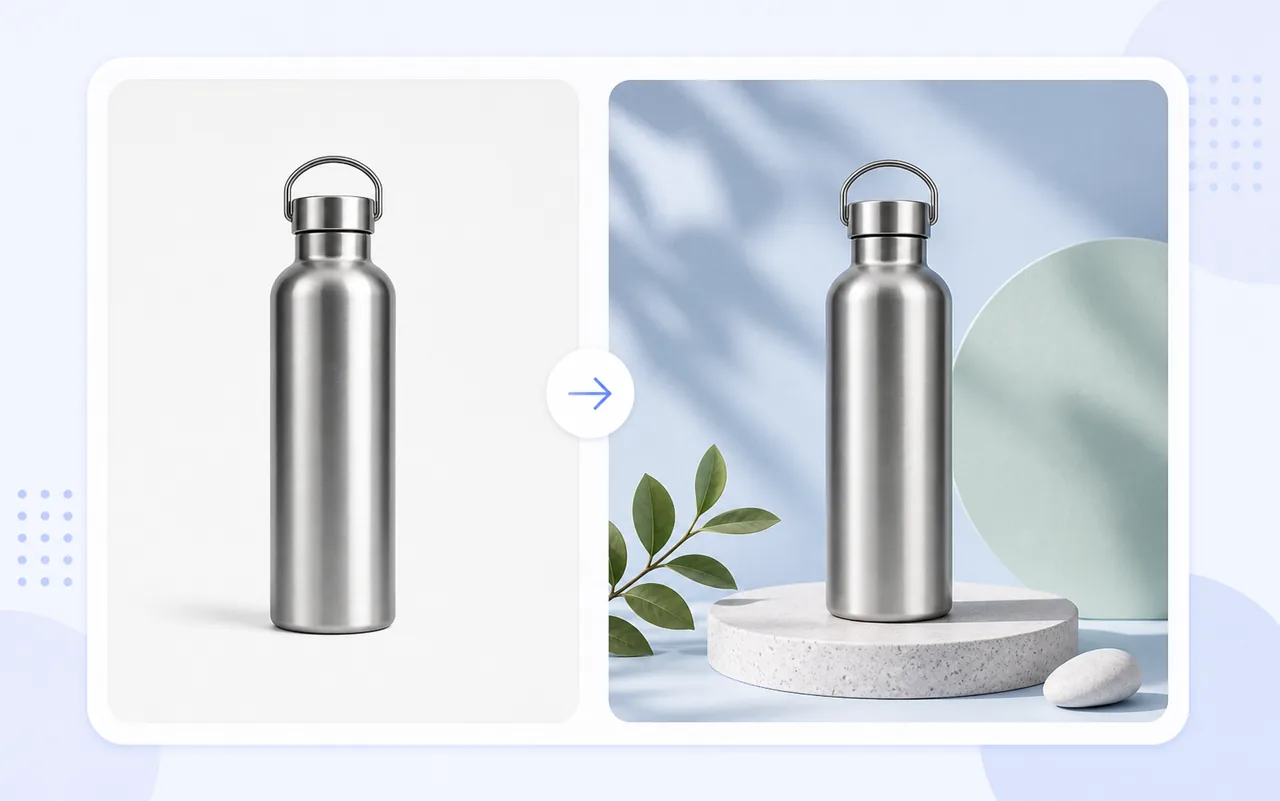
Create and edit images with Toolaze's GPT Image 2 generator.
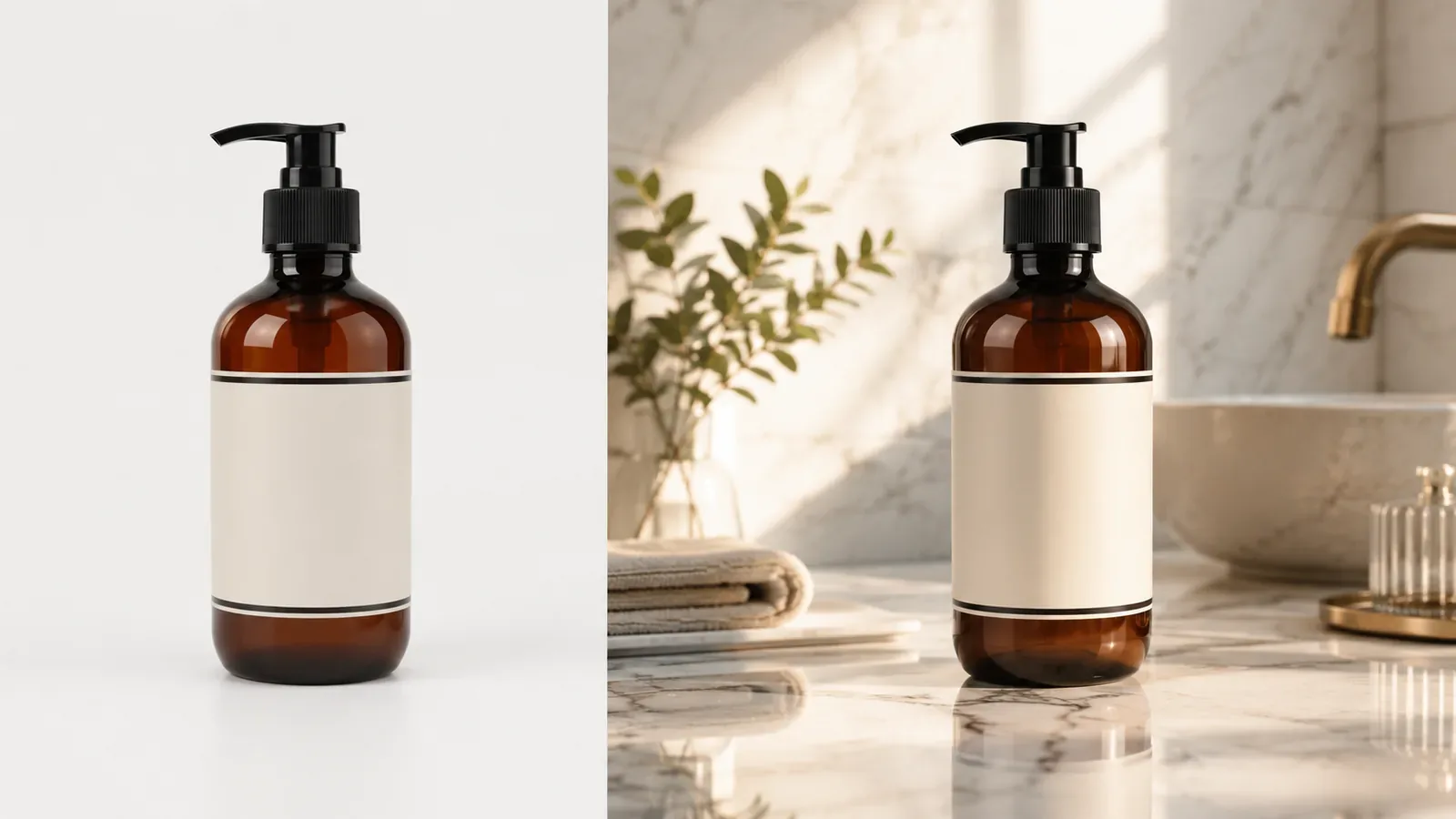
Upload a reference image and transform it with text-guided image editing.

Start from written ideas when you want direct creative control over the image brief.