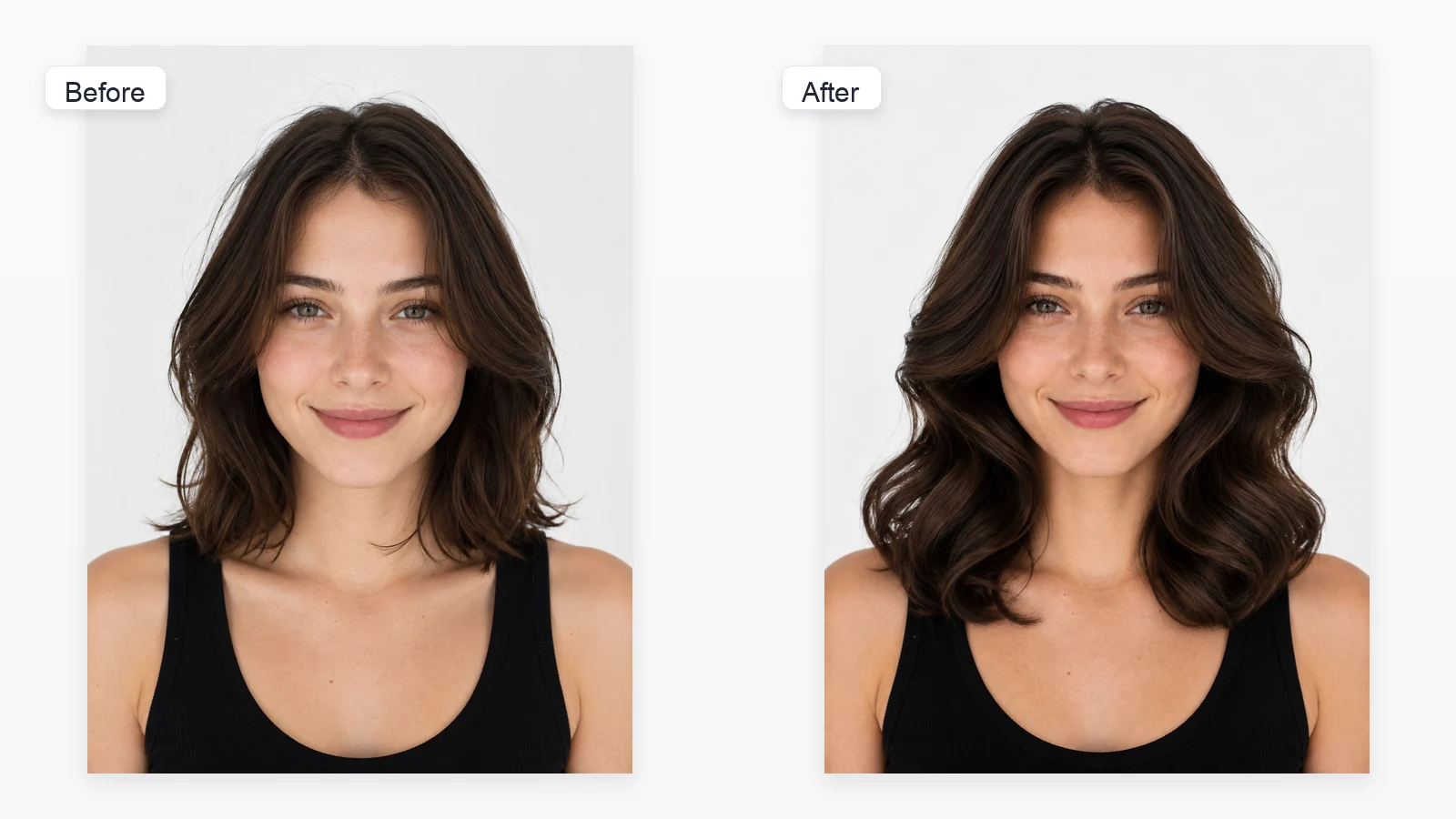
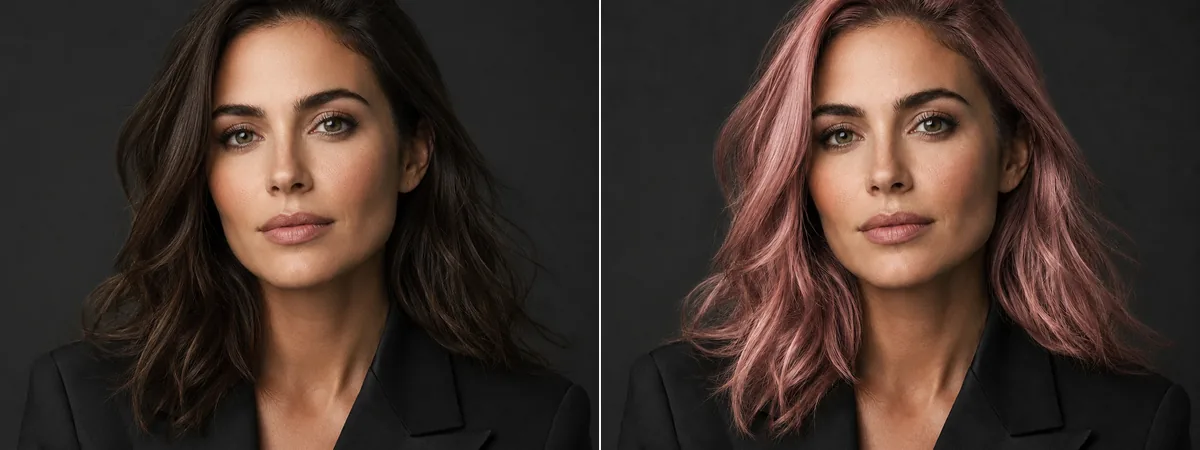
Show your forehead area
Avoid hats, heavy shadows, hands, or hair covering the full fringe area.
Upload one clear portrait and start from the Women tab with Blunt Bangs selected. Toolaze gives you multiple bang styles, hides the built-in prompt for presets, and keeps Custom available for a text description or hairstyle reference.


Image 1: upload the portrait you want to edit.
Choose a clear face-forward photo where your forehead, hairline, and current hairstyle are visible.
The Women tab opens with Blunt Bangs selected, and you can switch to curtain, side-swept, short, layered, wavy, or curly hairstyles.
Preset styles use hidden prompts. Open Custom if you want to describe a fringe style or upload a hairstyle reference image.
An AI bangs filter edits the front hairstyle in a portrait so you can test curtain bangs, wispy bangs, blunt bangs, side bangs, see-through bangs, or curly bangs while preserving the face and the rest of the photo. Use it before a salon visit, a profile refresh, cosplay planning, or a quick style check.
Try curtain, wispy, blunt, side, bottleneck, see-through, micro, and curly bangs from one portrait.
Open the image tool, upload a portrait, and start comparing fringe ideas without creating an account.
Use the built-in styles for speed, or switch to Custom to describe a different fringe or upload a hairstyle reference.
Bangs depend on the forehead, hairline, and face framing, so a clean portrait matters.
Avoid hats, heavy shadows, hands, or hair covering the full fringe area.
Straight-on portraits make bang length, parting, and symmetry easier to preview.
Natural lighting helps the model blend bangs into straight, wavy, or curly hair.
Filters can blur the hairline and make the new fringe look less believable.
Yes. You can open the image tool, upload one portrait, and start previewing bangs without signing up. This is not an unlimited-use promise; generation limits or model availability may still apply.
Blunt Bangs is selected by default so you can immediately preview a clear full-fringe transformation.
You can try Curtain Bangs, Wispy Bangs, Blunt Bangs, Side Bangs, Bottleneck Bangs, See-Through Bangs, Micro Bangs, and Curly Bangs.
No. Preset card images are visual choices. For built-in presets, Toolaze sends your portrait plus the hidden prompt for the selected bangs style.
Yes. Open Custom and choose Reference hair style to upload a hairstyle reference image. You can also choose Describe hair style and write the fringe style in text.
No. It is a visual concept. Real bangs depend on hair thickness, cowlicks, forehead shape, cut technique, and daily styling.
Yes. It can help communicate the direction you like, but a stylist should adapt the fringe to your hair texture and face shape.