Show the full outfit area
Full-body or waist-up photos usually work better than tight face crops because the model can read sleeves, hem lines, hands, and body position.
Upload a person photo and choose a built-in clothing reference, or use Custom to upload your own clothing reference and add optional directions. Preview realistic AI outfit changes for business, formal, swimwear, creator, and product styling.

Image 1: upload the person photo you want to edit.
An AI clothes changer edits the visible clothing in a person photo while keeping the person, pose, lighting, and scene as stable as possible. Upload the person as image 1, then choose a built-in outfit or upload a clothing reference as image 2. Custom mode uses the same two-image workflow and lets you add precise directions for fabric, color, fit, coverage, or occasion.
Choose Women or Men for a fast start with a curated full-body clothing reference. Use Custom when you have your own clothing reference and want to add optional styling directions. Treat the output as a visual preview. Fine fabric labels, exact brand logos, hidden seams, and physically impossible layering can still need manual review.
Use image 1 for the person. Choose a clear full-body or half-body photo where the current outfit, arms, torso, and body outline are visible.
Choose a built-in outfit in Women or Men, or open Custom and upload your own clothing reference as image 2. In Custom, add optional directions when you need to clarify fabric, color, fit, coverage, or occasion.
Check whether the face, body proportions, hands, background, and clothing coverage stayed stable. If needed, add constraints such as preserve pose, keep face unchanged, match image 2 clothing, realistic fabric folds.
AI clothing edits work best when the reference image clearly shows the person and the garment area you want to replace.
Full-body or waist-up photos usually work better than tight face crops because the model can read sleeves, hem lines, hands, and body position.
Straightforward standing or seated poses are easier than crossed arms, covered torsos, motion blur, mirrors, or heavy occlusion.
Include preserve face, hair, skin tone, pose, body proportions, background, and lighting when you need a clean virtual try-on preview.
Small brand marks, badges, labels, and embroidery may distort. Use fictional logos or plain garments unless you own and need the specific asset.
These are the four default clothing directions used by the tool. Use them with a clothing reference image, or adapt the wording in Custom mode.


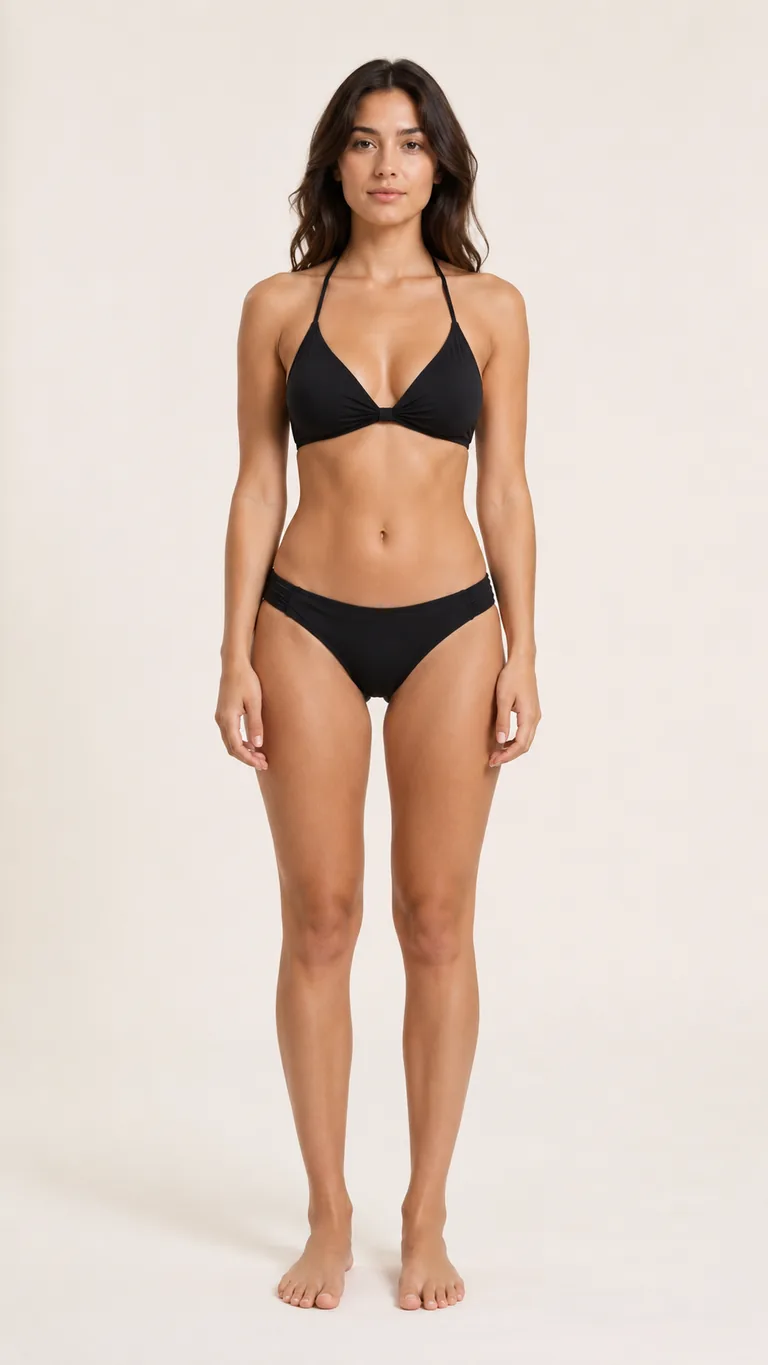
Use AI for fast direction, then use manual retouching or a real shoot when exact product fidelity is required.
| Workflow | Best for | Watch-outs |
|---|---|---|
| Toolaze AI Clothes Changer | Fast outfit previews, creator looks, profile refreshes, moodboards, ecommerce concept tests, and social visuals. | Review hands, edges, fabric logic, tiny logos, and exact product details before publishing. |
| Manual Photoshop retouching | Pixel-level fixes, brand-approved campaigns, exact logo placement, and commercial image finishing. | Takes more time and usually needs a skilled editor. |
| Physical photoshoot | Final product catalog images, legal product accuracy, fit validation, and garment construction details. | Requires clothes, model time, location, styling, and reshoot budget. |
Preview work-ready jackets, tops, and clean wardrobe ideas while keeping your face and portrait framing stable.
Test streetwear, seasonal outfits, event looks, and thumbnail styling without setting up another photo session.
Mock up early product lookbook directions, colorways, and campaign wardrobe concepts before a final shoot.
Upload a person photo plus a clothing reference, then add optional directions to control fabric, color, fit, coverage, or occasion without rebuilding the whole image.
Use built-in prompt patterns that tell the model to keep face, hair, pose, body proportions, lighting, and background stable.
Use the tool for tasteful, fully clothed edits and practical outfit planning, not clothing removal or impersonation.
Yes. Toolaze provides an online AI clothes changer workflow for quick outfit previews. Availability and generation limits may depend on the current Toolaze access policy shown in the product.
It is virtual try-on style image editing: upload a person photo and describe the clothes you want to preview. It is useful for visual ideas, but it should not replace real garment fitting, sizing, or final product photography.
Use a clear full-body or half-body photo with visible clothing, simple pose, good lighting, and minimal occlusion. Photos with crossed arms, cropped torsos, hidden hands, or heavy blur are harder to edit cleanly.
Yes. Say exactly which garment to replace and what must stay unchanged. For example: change only the jacket to a navy blazer, keep the shirt, face, hair, pose, and background unchanged.
Use brand marks, uniforms, or protected designs only when you own the rights or have permission. For general previews, plain garments and fictional logos are safer and usually render more cleanly.
No. Use the tool only for tasteful, fully clothed outfit edits. Do not use it to remove clothing, create sexualized images, impersonate someone, or edit a person without appropriate permission.
Try a new hairstyle on the same portrait after previewing an outfit.
Match a new outfit with a different hair color preview.
Use a broader image-to-image workflow for restyling, scene edits, and reference-guided transformations.