
Free AI Baby Generator Online

Upload one or two photos, choose a portrait style, and create a playful baby image for fun.

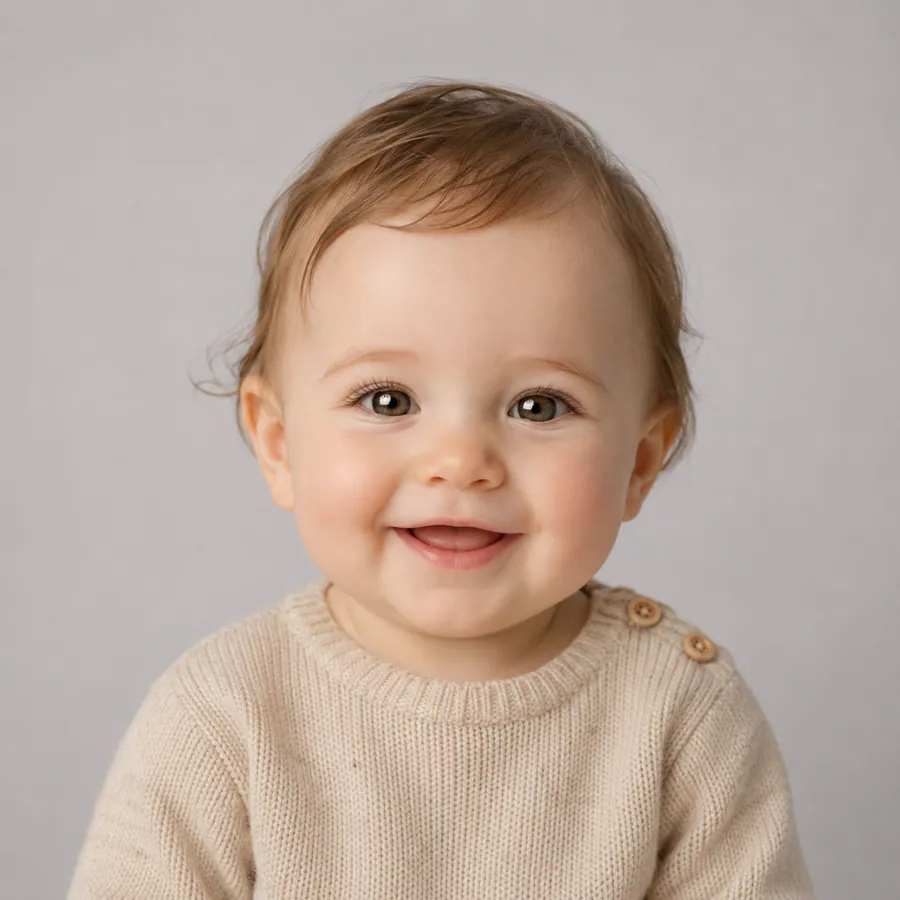
Soft studio baby portrait created from photo references
2/2
Input 11
Input 22

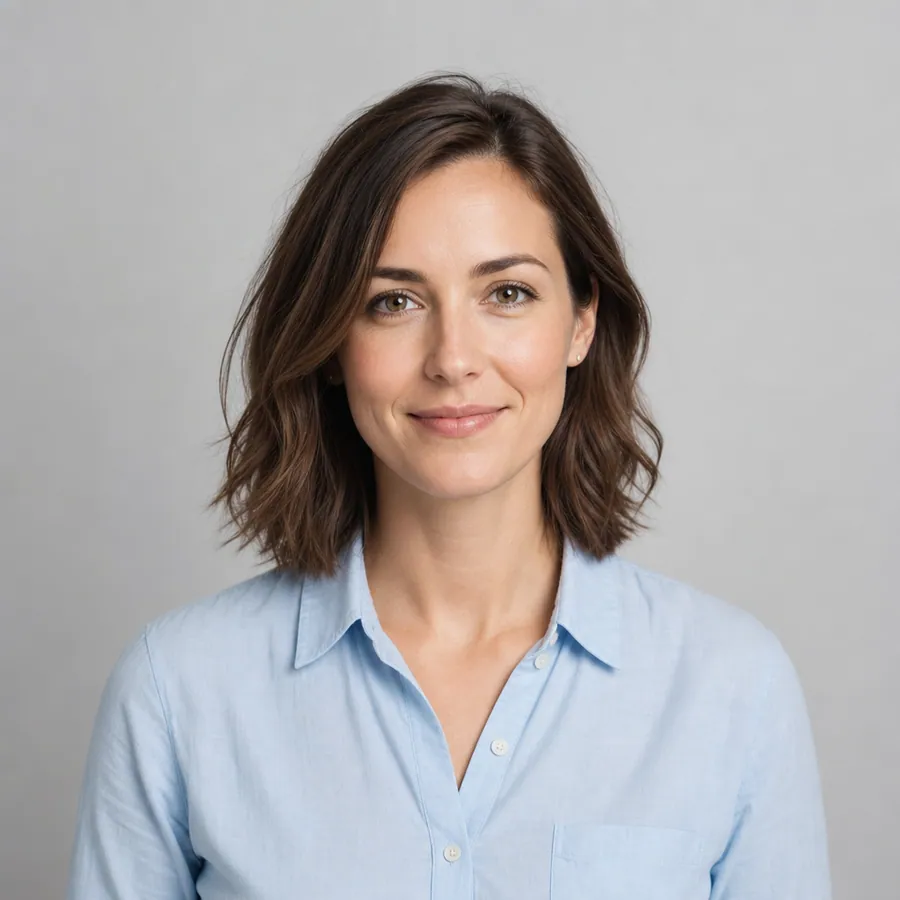
Add two clear portraits, one couple photo, or one single portrait.

For creative fun only. This is not a genetics or future appearance prediction.

What Is an AI Baby Generator?

Create a fictional portrait from photo references

An AI baby generator creates a fictional baby portrait from one or two reference photos. Start with two separate portraits, one clear couple photo, or one single portrait, then choose a style and edit the prompt. The result is a creative image for entertainment and sharing. It does not predict genetics, parentage, health, or what a real child will look like.

Baby Portrait Style Examples

Choose a visual direction first, then edit the prompt to adjust the expression, clothing, light, or background.

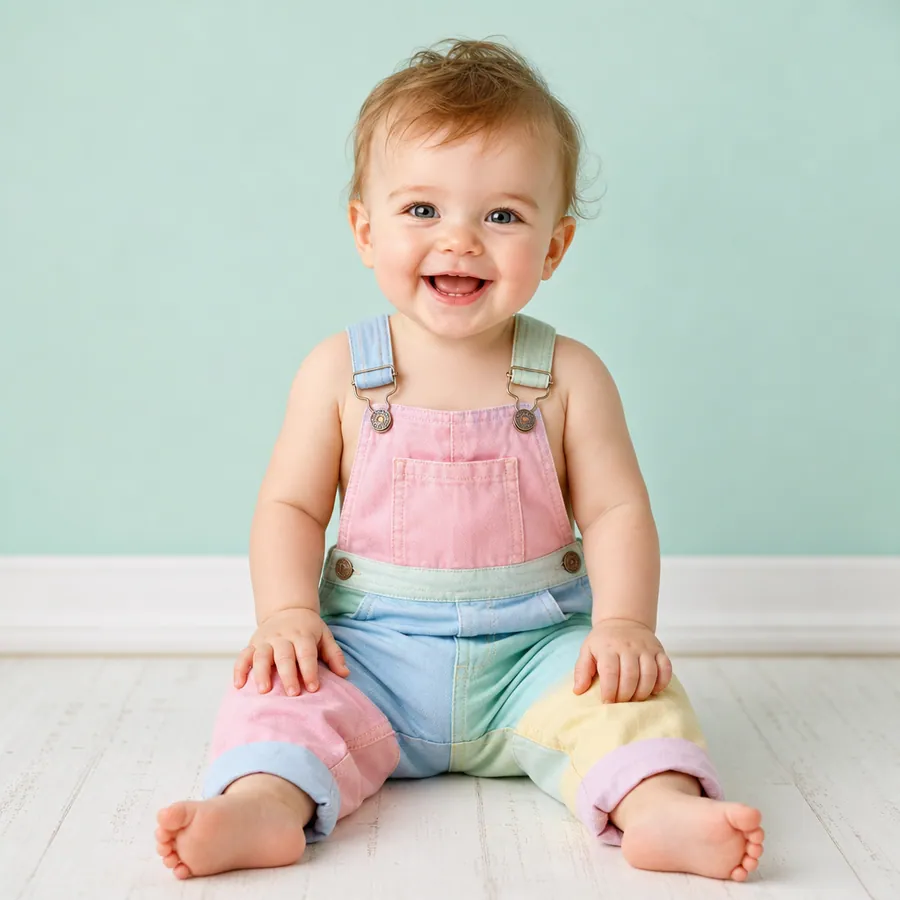
Soft Studio

Soft Studio

Create a warm, natural baby portrait inspired by the uploaded reference photos, with a gentle smile, soft studio lighting, clear facial details, and a simple neutral background. Keep the result playful and fictional, not a prediction of a real child.
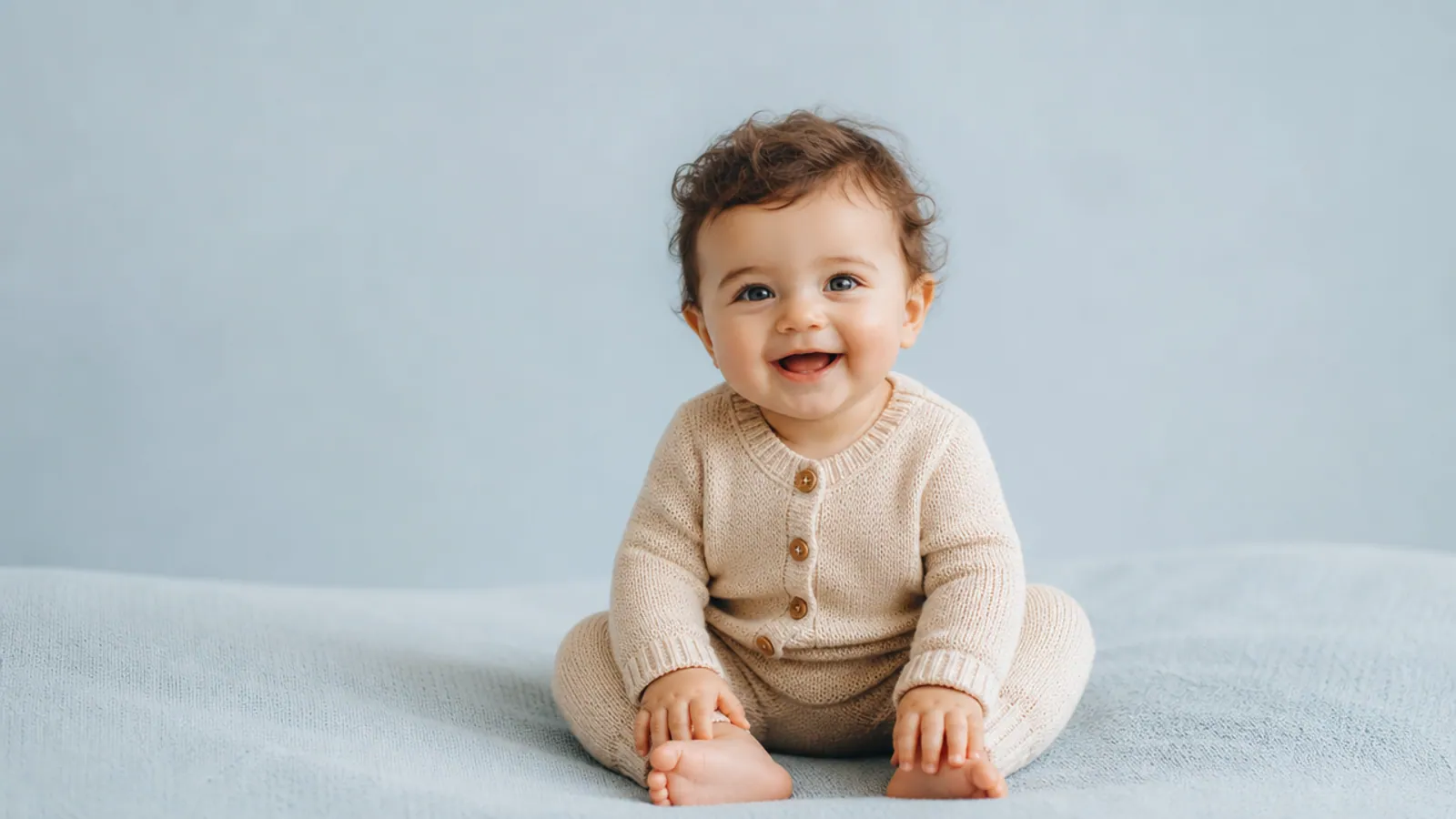
Cozy Blanket

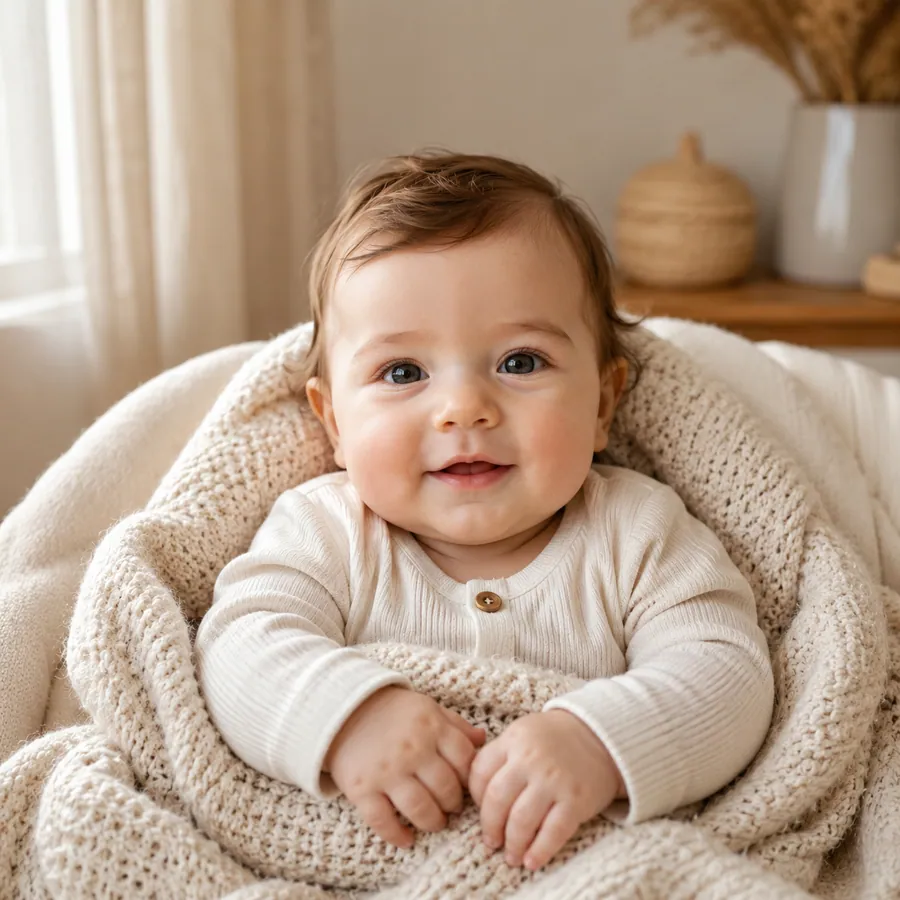
Cozy Blanket

Create a cozy baby portrait inspired by the uploaded reference photos, wrapped in a soft knit blanket, with warm window light, a calm expression, and a clean home studio background. Keep it fictional and made for fun.

Sunny Outdoor

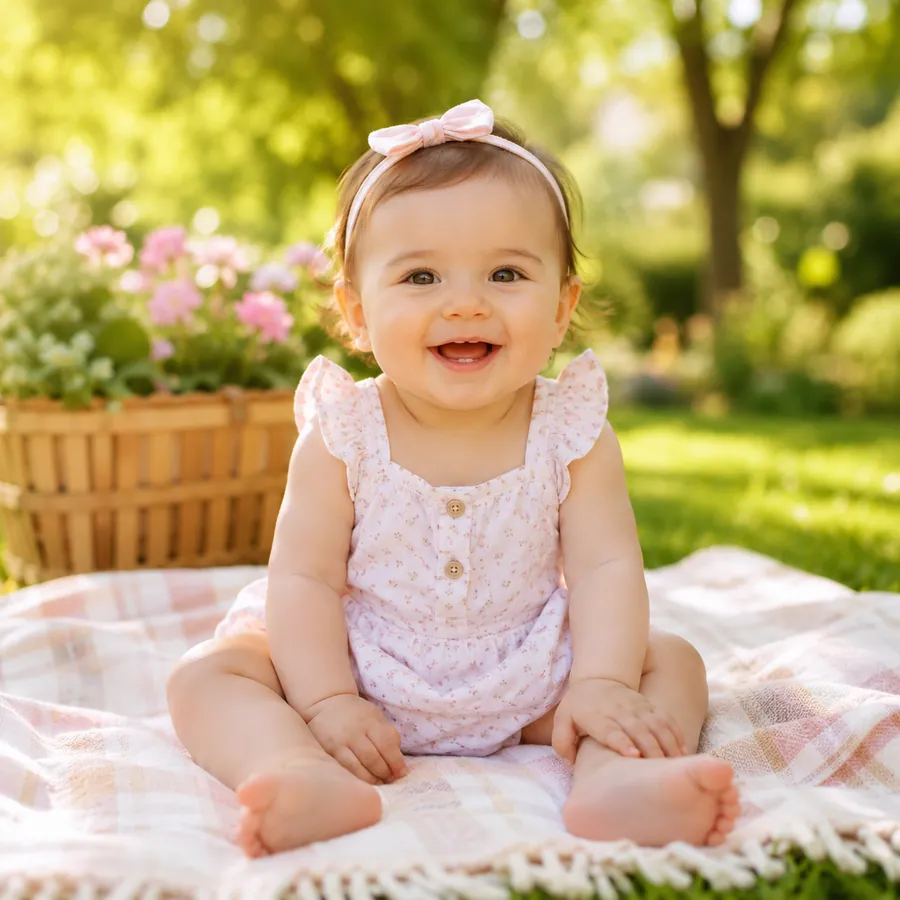
Sunny Outdoor

Create a cheerful outdoor baby portrait inspired by the uploaded reference photos, with soft morning sunlight, a natural smile, green garden bokeh, and realistic photography. Keep it fictional and made for fun.

Playful Smile

Playful Smile

Create a playful baby portrait inspired by the uploaded reference photos, with a bright natural smile, soft colorful clothing, clean daylight, and a simple portrait background. Keep it fictional and made for fun.

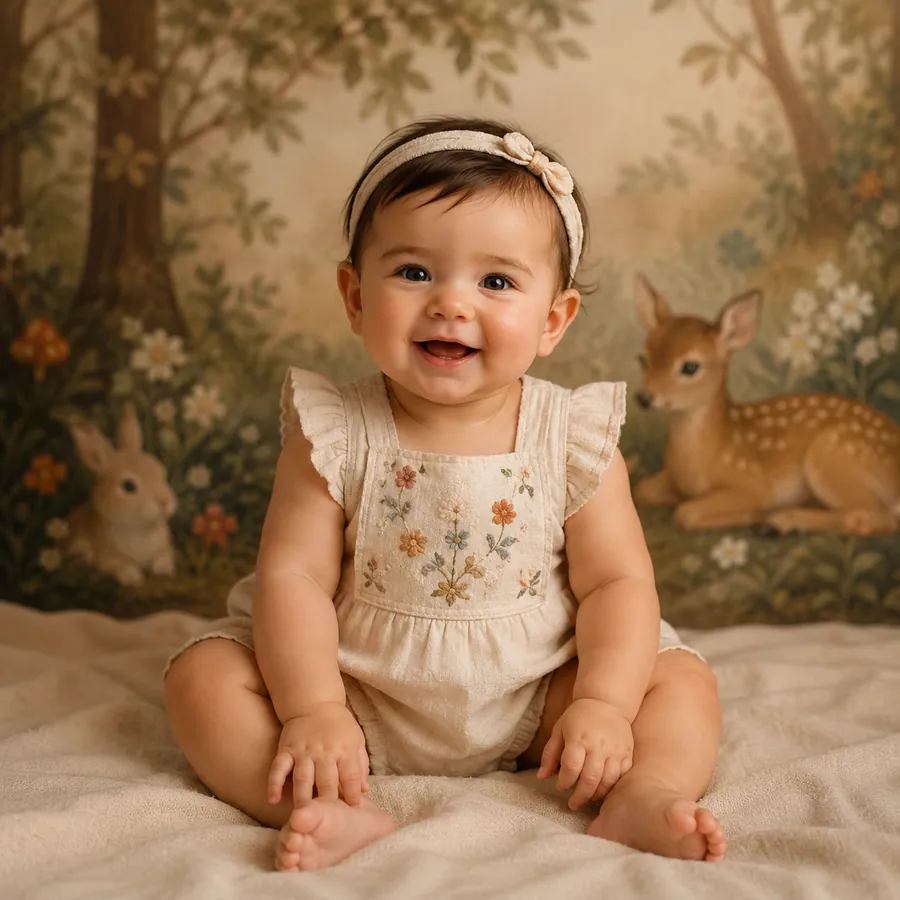
Storybook Portrait

Storybook Portrait

Create a gentle storybook style baby portrait inspired by the uploaded reference photos, with soft painted textures, warm light, subtle whimsical details, and a clear friendly face. Keep it fictional and made for fun.

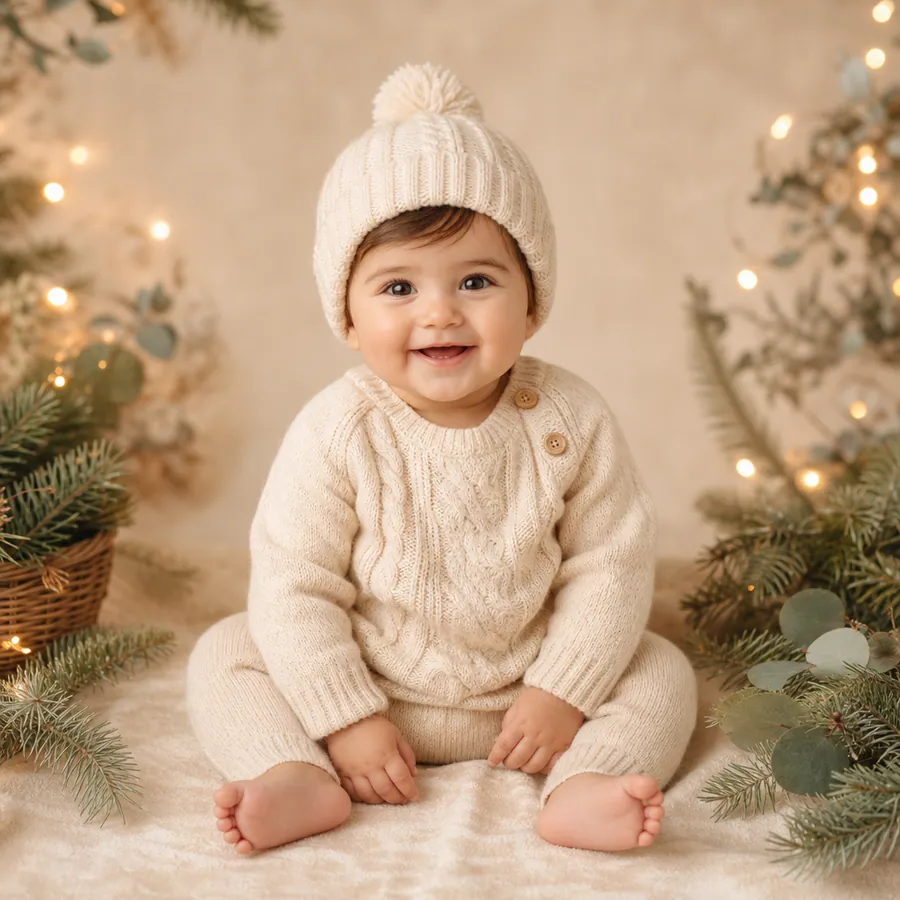
Family Card

Family Card

Create a polished baby portrait inspired by the uploaded reference photos for a family greeting card, with a warm neutral backdrop, soft festive details, balanced studio light, and generous framing. Keep it fictional and made for fun.

How to Create an AI Baby Portrait

1

Upload one or two clear photos

Add two separate portraits for a clear two-person reference, one couple photo where both faces are easy to see, or one portrait for a single-reference result.

2

Choose a portrait style

Pick Soft Studio, Cozy Blanket, Sunny Outdoor, or another preset. Each style fills in a useful prompt that remains editable.

3

Generate, review, and download

Create the portrait, review it in the result panel, and adjust the style or prompt if you want a different mood before downloading.

Photo Tips for Better Baby Portraits

Clear references help the generator read faces, lighting, and framing before it creates a fictional portrait.

Keep faces easy to see

Use front-facing or near-front-facing photos with visible eyes, nose, and mouth. Avoid sunglasses, masks, and tiny faces.

Use balanced light

Natural window light or soft indoor light usually preserves more useful facial detail than strong shadows or colored lighting.

Match the framing

For two separate photos, similar head-and-shoulders crops are easier to read than one close selfie and one distant full-body image.

Check a couple photo

Make sure both faces are large, unobstructed, and sharp. Avoid crowded group photos where the intended references are unclear.

Creative Ways to Use Your Baby Portrait

Private couple keepsake

Make a playful portrait to share privately with your partner and compare several visual styles.

Family card concept

Use generous framing as a starting point for a private greeting card, announcement mockup, or scrapbook page.

Long-distance surprise

Send a lighthearted image in a message when you and your partner are apart.

Social post idea

Try a cheerful portrait for a private story, couple post, or creative profile update.

Style experiment

Compare studio, outdoor, cozy, playful, and storybook directions from the same references.

What the AI Baby Generator Can and Cannot Do

Use the result as a creative portrait. It is not identity, parentage, medical, or future appearance information.

QuestionWhat Toolaze SupportsImportant Limit
Can I use two photos?Yes. Upload up to two reference images. Two separate portraits are the clearest default.Results vary with photo quality, lighting, and framing.
Can I use one photo?Yes. Use one clear couple photo or one single portrait.One image gives the generator less visual reference context.
Can I choose a style?Yes. Start with a portrait preset and edit the prompt.A preset guides the look but does not guarantee exact details.
Can I download the result?Yes. Review the generated portrait and use the download action.Save the image you want to keep after generation.
Does it predict genetics?No. It creates a fictional image from visual references and a prompt.It cannot forecast a real child's appearance.
Does it verify parentage or health?No. It is a creative image tool.It does not provide identity, parentage, medical, or health information.

AI Baby Generator Features

One or two photo references

Start with two separate portraits, one couple photo, or one clear single-person portrait.

Six portrait styles

Choose a visual direction before editing the prompt for a more specific mood.

Editable prompt

Adjust the expression, clothing, lighting, framing, and background in your own words.

Easy refinement

Switch styles or revise the prompt when the first result needs a different direction.

Preview and download

Review the generated portrait in the result panel and save the image you prefer.

Free online workflow

Create a playful portrait online with no signup and no watermark on the standard AI Tools experience.

How People Use the AI Baby Generator

Three practical workflows for creating and refining a fictional baby portrait.

β˜…β˜…β˜…β˜…β˜…

β€œWe used two simple phone portraits and tried the studio and outdoor styles. The second result worked better after I removed the busy background instructions. We treated it as a fun image to send each other, not something that was supposed to be accurate.”

Maya R.

Long-distance partner

β˜…β˜…β˜…β˜…β˜…

β€œI wanted a gentle placeholder image for a private card concept before the family chose real photography. The Family Card preset gave me useful framing, and I could change the clothing and background without rebuilding the prompt.”

Jordan L.

Family card designer

β˜…β˜…β˜…β˜…β˜…

β€œThe clearest result came from two photos with similar lighting. I switched from a realistic studio look to a softer storybook style. Some details changed between generations, so I chose the portrait with the cleanest expression.”

Lena S.

Couple content creator

AI Baby Generator FAQ

How does the AI baby generator work?+

Upload one or two reference photos, choose a Baby Portrait Style, and edit the prompt if needed. Toolaze uses the photos and prompt to create a fictional baby portrait that you can review and download.

Can I use one photo?+

Yes. You can use one clear single-person portrait or one couple photo. Two separate portraits usually give the workflow clearer references, but they are not required.

Can I upload two separate parent photos or one couple photo?+

Yes. The tool accepts up to two images. You can upload two individual portraits, one couple photo with both faces visible, or one single portrait.

What photos work best?+

Use clear, front-facing or near-front-facing photos with balanced light and visible facial features. Avoid sunglasses, heavy filters, strong shadows, tiny faces, and crowded group photos.

Is the AI baby generator free and online?+

Yes. You can open the tool online, create a baby portrait without signing up, and download the result without a watermark. Usage limits may vary.

Does it predict what a real baby will look like?+

No. The result is a fictional image made for fun and creative use. It does not predict genetics, parentage, health, or a real child's future appearance.

Can I choose a baby portrait style?+

Yes. Start with Soft Studio, Cozy Blanket, Sunny Outdoor, Playful Smile, Storybook Portrait, or Family Card. You can edit the prompt to change the expression, clothing, light, or background.

Can I download the generated image?+

Yes. After the portrait appears in the result panel, review it and use the download action to save the image you prefer.