Look for spatial rhythm
Horizon lines, paths, railings, people in space, architecture, lights, shadows, or repeated objects give the lower panel more structure.
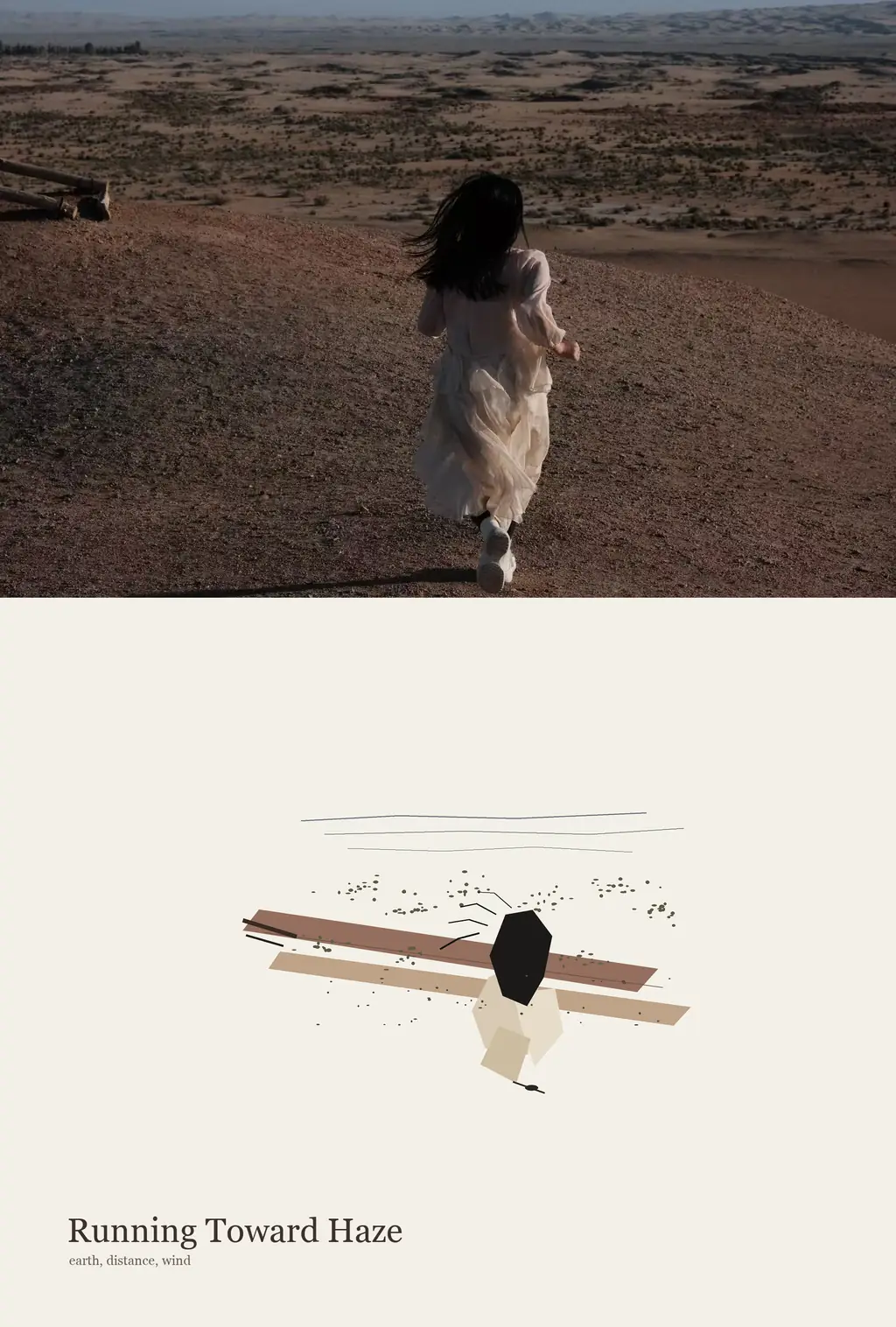
Upload one photo to create a vertical editorial artwork in your browser: the original image stays faithful above, while a sparse abstract memory panel and short English title are composed below. Use it for personal archives, travel memories, visual essays, gallery drafts, and quiet social covers.
 1
1Use a photo with clear spatial relationships. JPG, PNG, or WebP up to 30MB. The photo stays intact while the poster is composed locally in your browser.
No model call, upload job, credits hold, or remote generation task is used for this composition.
Upload one photo to create a vertical editorial artwork in your browser: the original image stays faithful above, while a sparse abstract memory panel and short English title are composed below. Use it for personal archives, travel memories, visual essays, gallery drafts, and quiet social covers.
The generator keeps the uploaded photo as the visible source image, then distills its spacing, axes, color hierarchy, movement, and negative space into a clean ivory panel below. The result feels like an editorial diptych rather than a filter, collage, or redrawn illustration.
You do not need to write style directions. Upload one image and the local composer applies the Photo Abstract Editorial rules automatically, including the panel layout, restrained mark system, muted palette, and short English title.
Choose a photograph with visible relationships: a person in space, a horizon, architecture, objects, a crowd rhythm, or a clear light direction.
Auto lets the final canvas follow the source photo and the lower panel. You can choose another aspect ratio, but fixed shapes may require more whitespace or a softer crop.
Toolaze keeps the photo faithful and composes the abstract memory panel, palette, marks, and title from the same image in the browser.
Check the panel balance, title placement, and source-photo fit. Your recent results appear in the right-side local history panel for download.
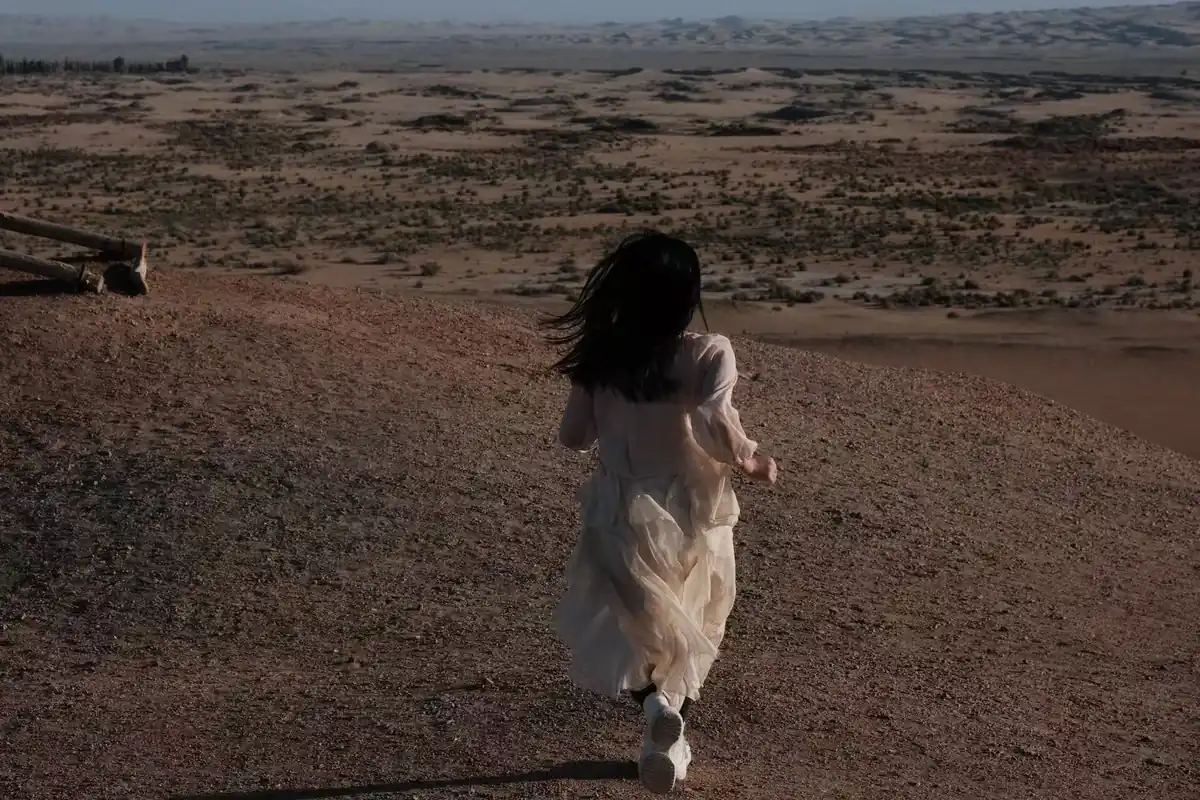
The upper image stays photographic. The style does not redraw, retouch, extend, or apply a filter to the source photo.
The split between photo and panel changes with the source image instead of forcing a mechanical half-and-half frame.
The lower panel translates visual relationships into a small sparse motif, not a miniature copy of the photo.
Muted color roles come from the uploaded image, with only a few accents when those colors are visible in the source.
A restrained two-to-five-word title is placed only on the ivory panel and grounded in the image's visible facts.
The panel stays flat, quiet, and untextured so the composition depends on space, rhythm, and marks.
The style works best when the source image has relationships that can be distilled, not only a single isolated object.
Horizon lines, paths, railings, people in space, architecture, lights, shadows, or repeated objects give the lower panel more structure.
Avoid heavy blur, blocked faces, extreme close crops, or photos where the important subject is already too small.
Photos with a clear dark tone, light tone, and one subtle accent usually create the most coherent abstract panel.
Auto is best for faithful photo preservation. Use 9:16, 4:5, 1:1, or 16:9 only when the outer canvas matters more than the photo's natural shape.
Turn landscapes, roads, shorelines, museums, and city walks into quiet archival images with a faithful source photo.
Use portraits or people-in-place photos when you want the subject preserved but echoed with abstract spacing below.
Create refined covers for essays, journals, moodboards, playlists, presentations, and social posts with a literary feel.
No. Upload one photo and Toolaze applies the Photo Abstract Editorial composition rules automatically in your browser.
No. The photo area should preserve the uploaded image faithfully. The generated part is the abstract panel and title below it.
Yes. Auto is the recommended default because the composition should follow the uploaded photo and the panel balance. Fixed ratios such as 9:16, 4:5, 1:1, or 16:9 change the outer canvas while keeping the photo fitted rather than aggressively cropped.
The style is intentionally automatic. The uploaded image is the source, and the local composition rules control the faithful photo area, abstract memory panel, palette, title, and clean ivory surface.
Use a photo with clear visual relationships, such as a person in space, a horizon, a path, a facade, a crowd rhythm, a strong shadow, or a simple object group.
No. The poster is built with browser Canvas code from the uploaded photo, sampled colors, geometric balance, and local title logic. There is no remote image-generation job for this tool.
