Seedance 2.0 Mini is Live Now!
Create faster 480p and 720p video drafts with image-to-video starts, prompt tests, and lower-credit iteration before larger renders.
Try For Free
Seedance 2.5
Create complete AI video scenes up to 30 seconds long and direct them with as many as 50 multimodal references. Combine text, images, video, and audio to choreograph motion, subject interactions, and camera movement in one generation.
Seedance 2.0
AI video generator for text-to-video and image-to-video. Blend prompts with reference images, short clips, and audio; credit use depends on model settings.

GPT Image 2
Text-to-image AI built for clean compositions and legible in-image text. Selected generations are free to try; continued use may require credits.
Seedream 5.0 Pro
Advanced AI image model for cinematic campaign visuals, brand systems, product ads, and high-resolution creative workflows.
Trending
AI Kissing Video Generator
AI Dance Generator
AI ASMR Video Generator
AI Motion Control Generator
AI Talking Avatar

AI Age Filter
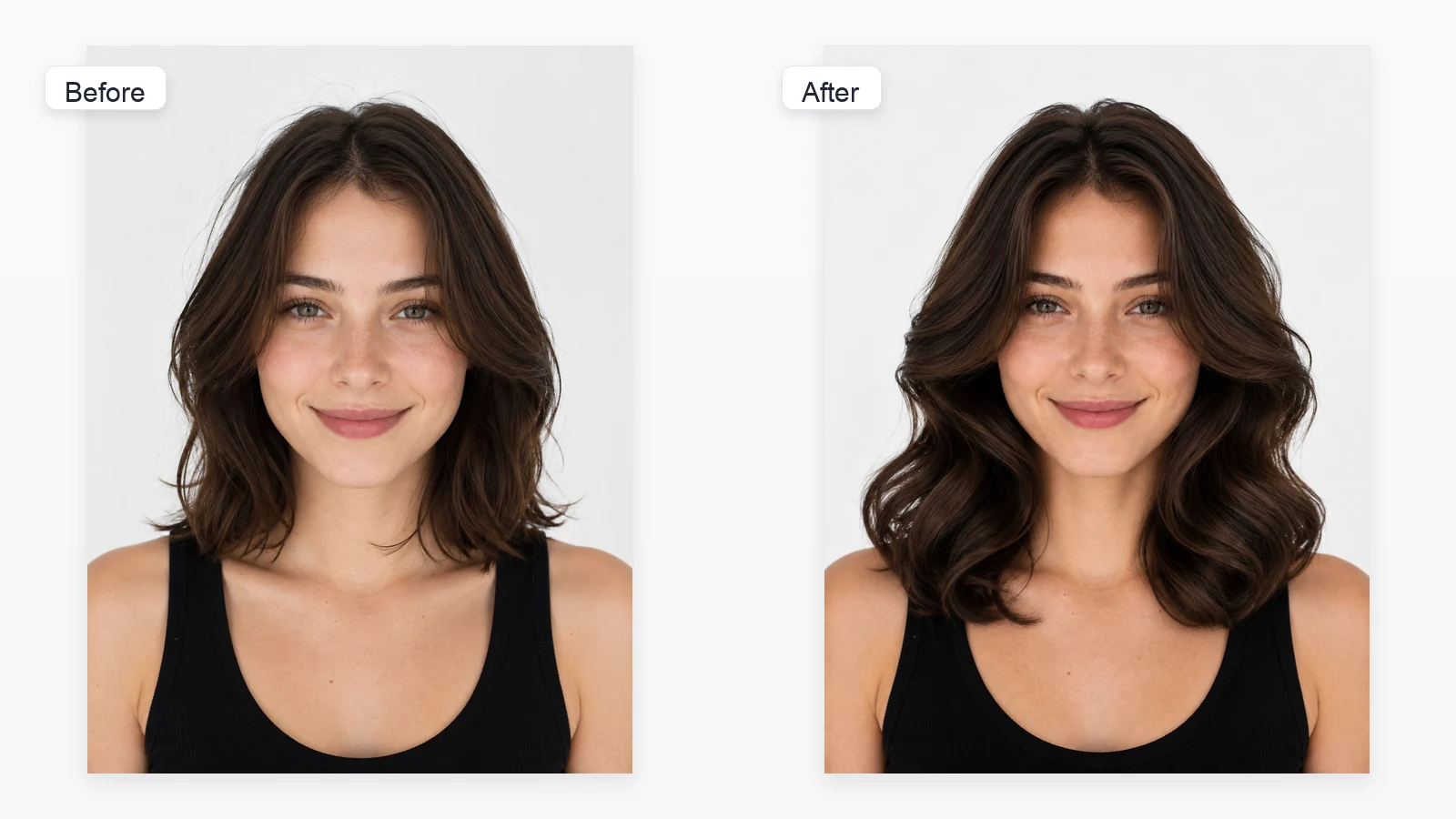
AI Hairstyle Changer

Buzz Cut Filter

Bald Filter

Bangs Filter

Perm Filter
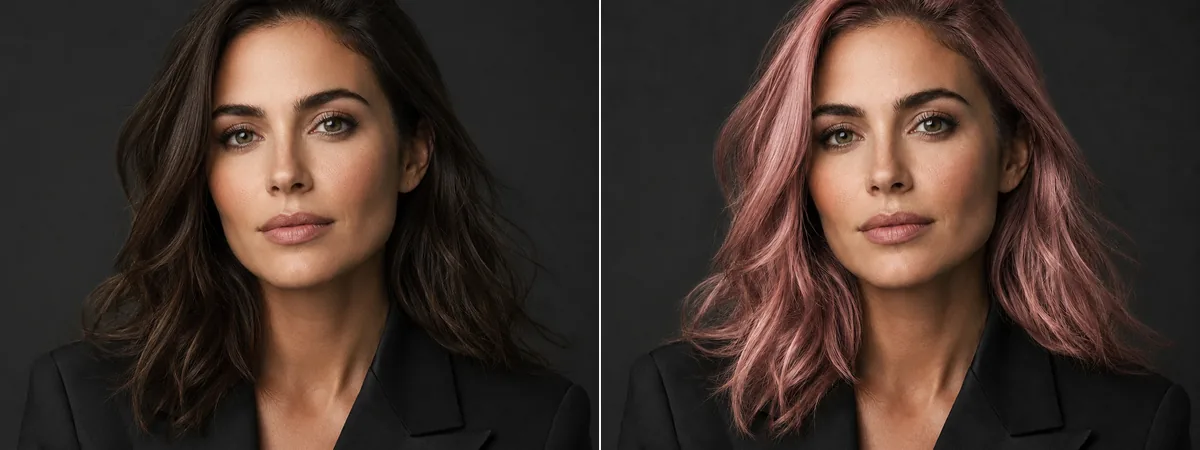
AI Hair Color Changer
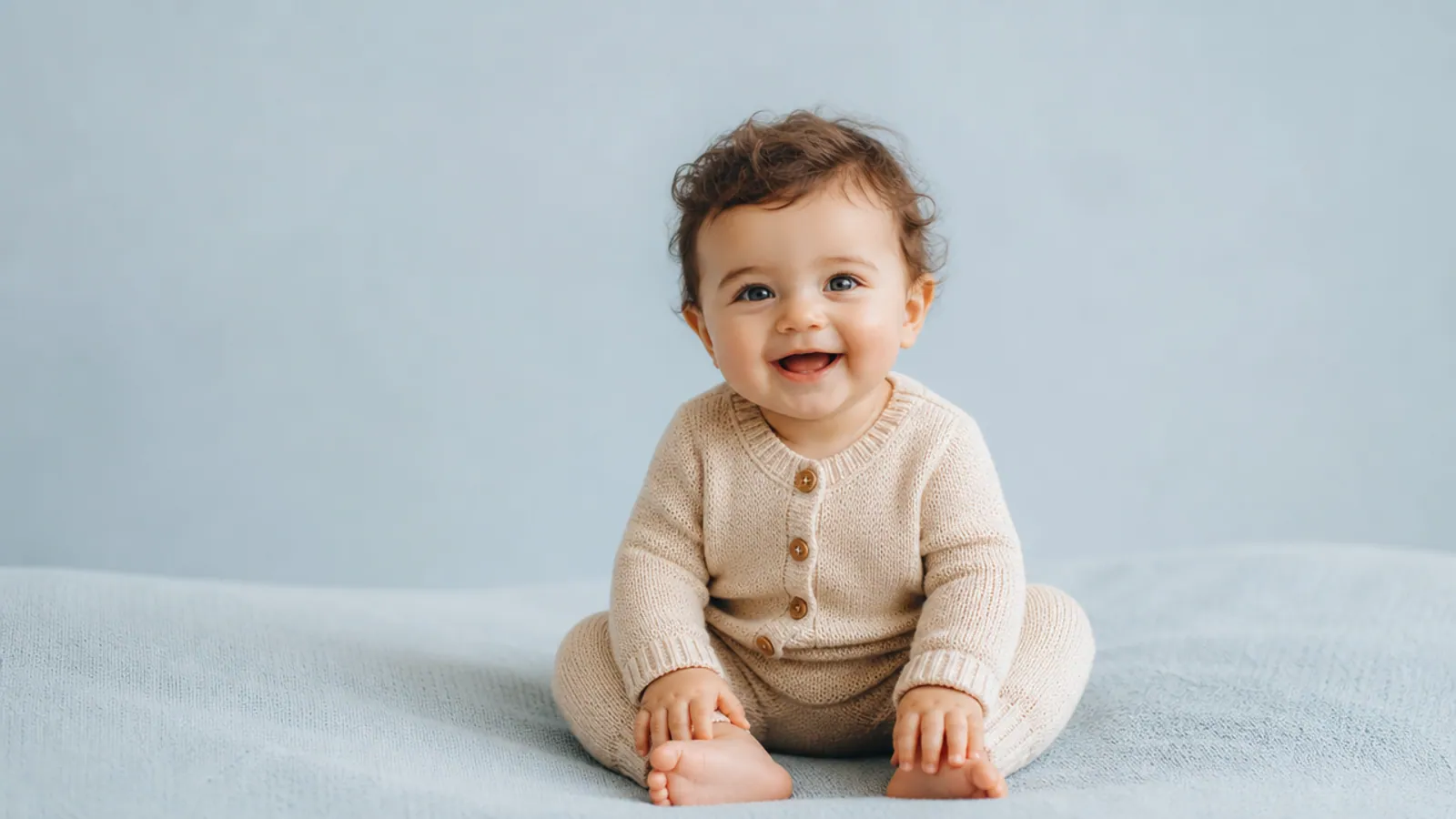
AI Baby Generator

AI Couple Photo Maker

World Cup AI Image Generator

AI Zine Poster Generator
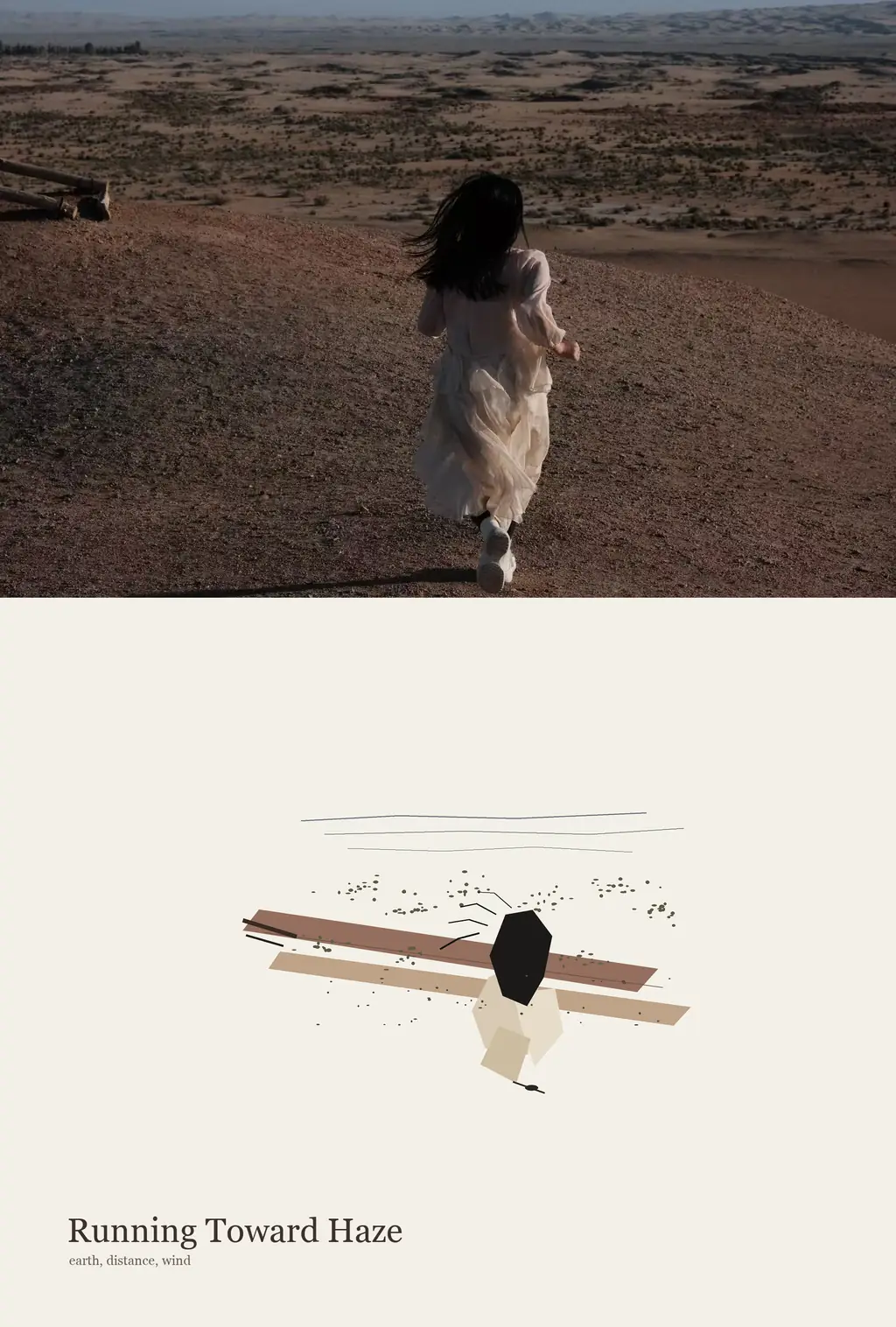
Photo Abstract Poster Generator

Watermark Remover

Photo Restoration

Unrestricted / Unlimited AI Image Generator

Free AI Clothes Changer Online

AI Bikini Generator
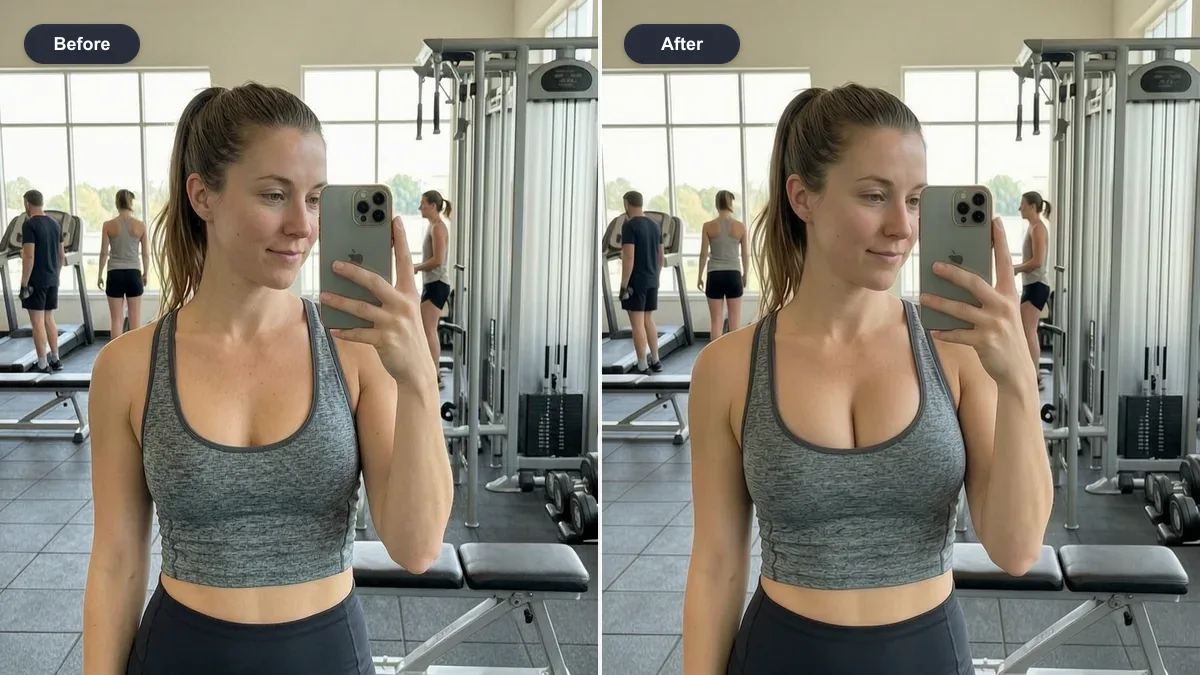
AI Breast Expansion
AI Tools
Concrete creative tools for portraits, style previews, cleanup, restoration, and practical media workflows.
AI Image Models
AI image generation online with text-to-image and image-to-image workflows. Try selected tools for free, then use credits for continued generation depending on model and settings.
Seedream 5.0 Pro
Advanced AI image model for cinematic campaign visuals, brand systems, product ads, and high-resolution creative workflows.

GPT Image 2
Text-to-image AI built for clean compositions and legible in-image text. Selected generations are free to try; continued use may require credits.

GPT Image 2.5
Create and edit images free online. Start with GPT Image 2.5 Flare for quick visual drafts or choose Sunburst when a detailed edit needs more precise control.
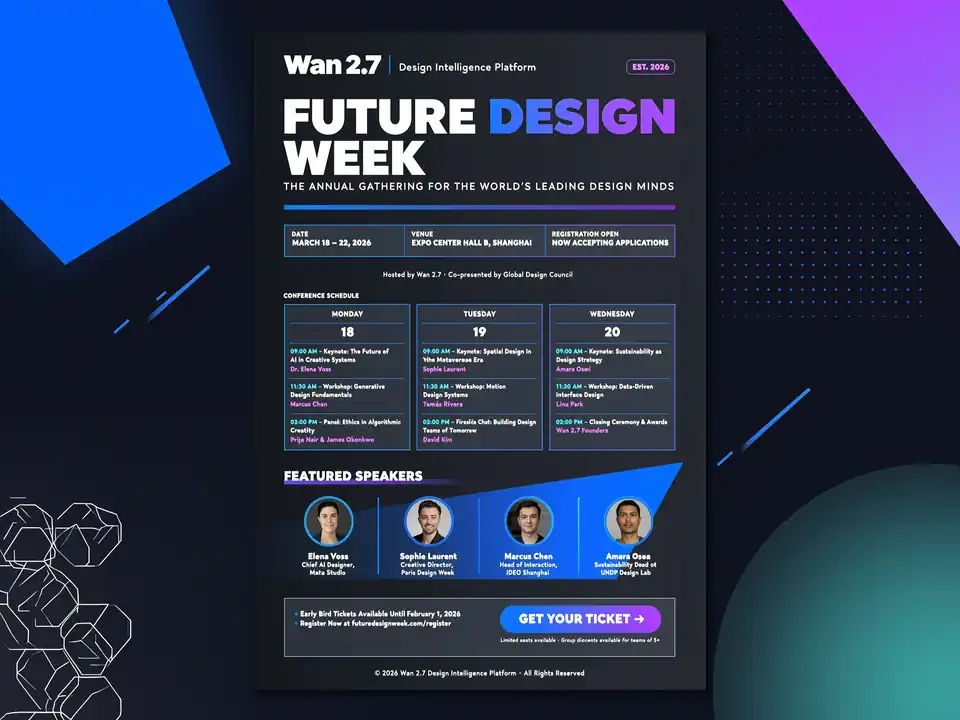
Wan 2.7 Image
AI image generator for complex prompts, multi-reference inputs, prompt-based edits, readable text layouts, and 2K to 4K creative workflows on Toolaze.

Nano Banana Pro
AI image generator for text-to-image and detailed edits: product shots, portraits, and campaign visuals with strong prompt fidelity. Free to try on Toolaze.

Nano Banana 2
Fast AI image generator for everyday text-to-image and quick variants—ideal for social posts, concepts, and iterative creative tests without a heavy pipeline.
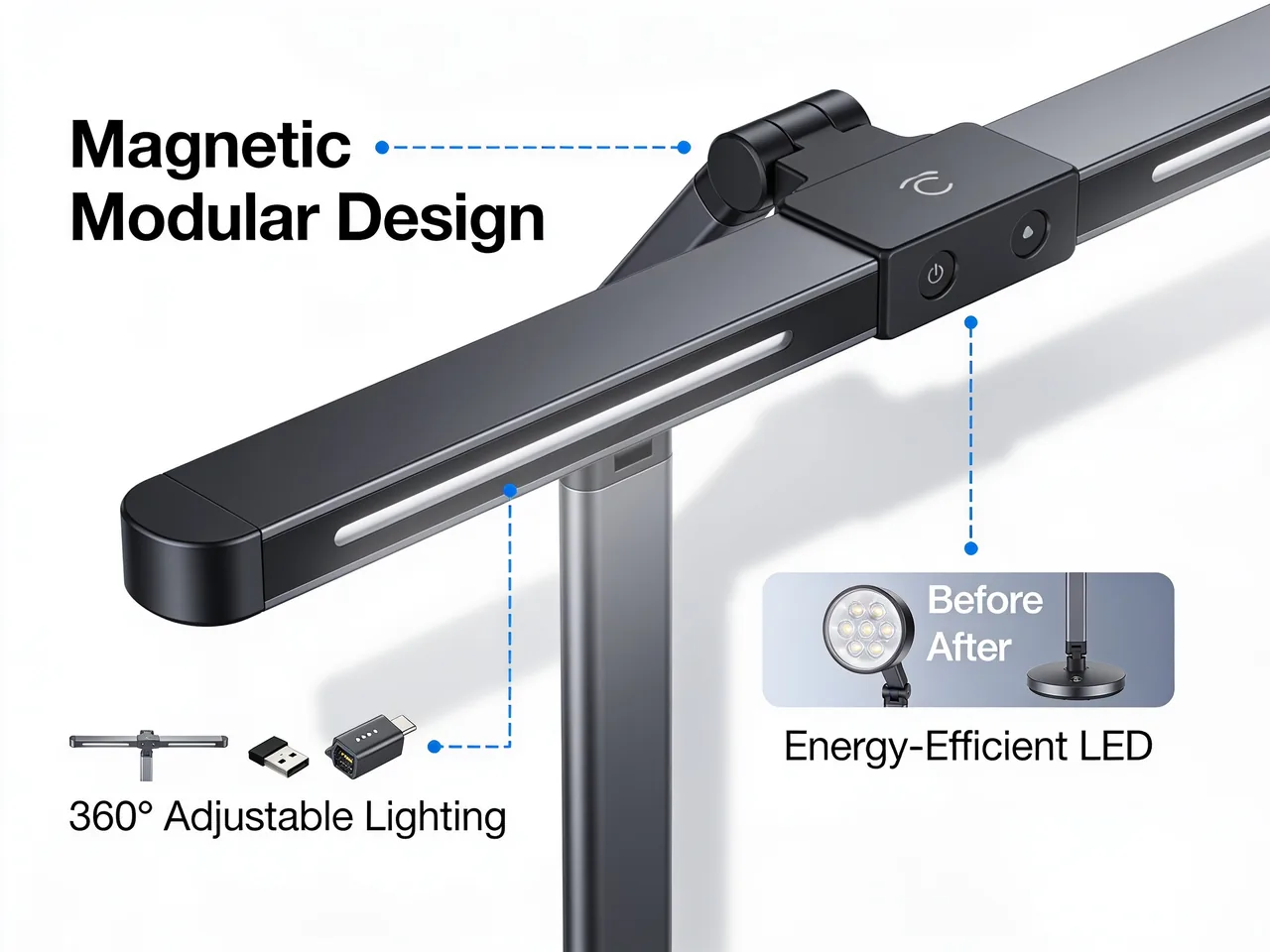
Seedream 4.5
Use Seedream 4.5 online on Toolaze for free with no signup. Create 4K product visuals, poster layouts, typography-rich designs, and reference-guided image edits from the web interface with ByteDance Seed's image generation and editing model.
AI Video Models
Create AI videos from prompts, reference frames, or one uploaded image. Explore AI Dance Generator for short social dance clips alongside video tools for promos, storyboards, and cinematic scenes.
Seedance 2.5
Create complete AI video scenes up to 30 seconds long and direct them with as many as 50 multimodal references. Combine text, images, video, and audio to choreograph motion, subject interactions, and camera movement in one generation.
Seedance 2.0
AI video generator for text-to-video and image-to-video. Blend prompts with reference images, short clips, and audio; credit use depends on model settings.
Wan 3.0
Create Wan 3.0 videos from text or multimodal references. Choose 480P, 720P, or 1080P output from 2 to 30 seconds, then guide the scene with images, video, or audio references.
Veo 3.1
Generate Veo 3.1 videos from text prompts or image anchors with native audio, first/last-frame steering, 4/6/8 second timing, and 720p or 1080p output. Choose Lite, Fast, or Quality for product demos, social ads, cinematic transitions, storyboard beats, and sound-led short clips.
HappyHorse
Generate 3 to 15 second HappyHorse videos from text or one image in 720p or 1080p. Use multi-shot prompts and audio output for product demos, short ads, ASMR scenes, and storyboards; choose HappyHorse 1.1 when you need more aspect ratios or a larger reference upload.
Kling 3 Motion Control
Use the newer Kling motion-control flow when the uploaded video should drive pose, gesture, body timing, and camera rhythm. Add one character image, one motion reference video, and an optional preservation prompt.
PixVerse V6
Create PixVerse V6 videos from text prompts or up to two reference images, then choose 1 to 15 seconds, 360p, 540p, 720p, or 1080p output in a wide set of social and cinematic ratios. Use it for fast concept clips, two-reference image-to-video tests, multi-shot product stories, native audio scenes, ASMR textures, and s…
Wan 2.7
Create Wan 2.7 videos from text, images, video references, or audio direction. Use multi-shot prompts, first/last-frame transitions, continuation scenes, and synchronized sound for short cinematic clips at 720p or 1080p.
Wan 2.5
Use Wan 2.5 for lower-cost Wan testing from a text prompt or one reference still. Create 5 or 10 second 720p/1080p clips for ad hooks, product motion, poster animation, thumbnail variants, and sound texture checks; keep only the ideas worth another render.
Kling 3.0
AI video generator with native 4K and 2K output, plus cinematic multi-shot controls. Try supported workflows and use credits for continued generation.
Kling 2.6 Pro Motion Control
Choose the lower-cost Kling motion-control flow when you already have clean driving footage and need a character image to follow it. It keeps the same image-plus-video task focused on practical motion drafts.

Grok Imagine Video 1.5
Use xAI's Grok Imagine Video 1.5 image-to-video model on Toolaze to turn a starting image into short motion clips, or draft a prompt-only scene in the Toolaze video workflow. Choose 1-15 seconds, 480p/720p, and aspect ratios for social clips, product motion, and storyboards.
Why Toolaze?
Built for Creators & Performance
Everything you need to know about why Toolaze is the smart choice for AI image generation, AI video generation, and creative workflows.
Free to Try AI Image & Video Creation
Try selected AI image and video workflows online. Continued generation, premium models, or higher settings may require credits.
Clear Credit-Based Usage
Credit requirements are shown before generation. Purchase credits when you need more image or video generations.
4K Output & Multimodal Inputs
AI image models support up to 4K resolution. AI video models accept text, images, video, and audio. Pro-quality output with fast generation—production-ready for creators.
Start With Clear Limits
Explore selected tools online, review the required credits, and sign in when you need account history, purchases, or continued generation.
AI Image Generator & AI Video Generator Online
Toolaze brings AI image generation, AI video generation, and practical media utilities into one platform. Try selected features for free, then purchase credits when you need more generations or supported premium model workflows.
Use text-to-image, image-to-image, text-to-video, and image-to-video workflows with supported third-party AI models. Credit requirements may vary by selected model, quality settings, duration, and account status.
Have Questions? We Have Answers!
What is an AI image generator?+
An AI image generator creates images from text prompts or reference images. Toolaze lets you try selected image workflows for free, while continued generation may require credits depending on model and settings.
What is an AI video generator?+
An AI video generator creates videos from text, images, or other media. Toolaze supports text-to-video and image-to-video workflows through third-party AI models, with credit requirements shown before generation.
Which Toolaze features are free?+
Browser-based utility tools may be available for free. AI image and video generation features may require credits depending on the selected model and generation settings. The required credit amount is displayed before generation.
Are Toolaze credits a subscription?+
No. Toolaze credits are one-time purchases. Purchased credits are valid for 12 months, and failed generations return credits when our system confirms no usable output was delivered.
Can I use AI image generator online without signing up?+
Some selected tools may be available to try before signing in. Account access may be required for credit purchases, generation history, higher limits, or continued AI generation.