Free Online
Open the generator in your browser and start creating image drafts without installing software or setting up a paid design suite.
Create AI images online from text prompts or reference images. Use Toolaze AI Image Generator for product images, posters, ads, thumbnails, portraits, social media visuals, UI concepts, and reference-guided edits directly in your browser.

An AI image generator turns text prompts, reference images, or editing instructions into new visuals. It can create realistic photos, product mockups, posters, thumbnails, portraits, illustrations, UI concepts, and social media graphics directly in the browser.
Toolaze works as a free online AI image generator and model selection hub. Start with a simple text prompt, upload a reference image when needed, then choose the model that best fits your task, such as stronger text rendering, product staging, image editing, fast variations, or polished commercial layouts.
Use it for practical image creation: product images, ecommerce listings, paid ads, social posts, YouTube thumbnails, campaign concepts, presentation graphics, character ideas, design references, and client review drafts.
Start creating images without installing design software or setting up an account. Test prompts, compare visual directions, and generate usable drafts quickly from your browser.
Open the generator in your browser and start creating image drafts without installing software or setting up a paid design suite.
Test prompts, generate variations, and compare models as you refine ads, product images, thumbnails, and design drafts.
Begin generating images without creating an account. Sign-in may be useful later for saved workflows, credits, or higher-volume usage.
Create ads, product concepts, posters, thumbnails, social visuals, and design options for review before final publishing.
Use Toolaze when you need more than a decorative image. Build prompt-based visuals, edit from references, compare models, and generate image drafts for real marketing, product, design, education, and content workflows.

Turn a written prompt into a new image. Describe the subject, style, layout, background, lighting, aspect ratio, and exact words that should appear in the image.

Upload a reference image and ask the model to change the background, style, lighting, scene, product setup, composition, or visual direction while keeping important details stable.
Open Image to Image
Create ecommerce product images, marketplace listing drafts, lifestyle scenes, package mockups, seasonal product visuals, and clean product hero images.

Generate campaign posters, paid social ads, event graphics, launch visuals, promo banners, and short-copy commercial layouts.
Browse Ad Prompts
Make YouTube thumbnails, blog hero images, social media posts, creator graphics, profile concepts, and scroll-friendly visual hooks.

Switch between supported image models when your prompt needs stronger text rendering, better reference editing, higher visual polish, faster output, or more creative variation.
Compare ModelsExplore common results you can create with Toolaze, from marketing images and product visuals to UI concepts, educational graphics, portraits, thumbnails, and reference-guided edits.

Create a clean product poster with a readable headline, product hero, offer area, and polished campaign composition.

Generate scroll-stopping social ads with short copy, strong contrast, a clear benefit, and a mobile-friendly layout.

Draft app screens, dashboard panels, onboarding cards, or product feature overviews for early design exploration.

Turn a product idea or reference into a cleaner marketplace image, lifestyle shot, bundle visual, or seasonal listing draft.

Create bold thumbnail concepts with a clear subject, expressive composition, readable short text, and strong visual contrast.

Create study visuals, science diagrams, historical explainers, process charts, and classroom graphics with section labels.

Generate portraits, creator avatars, character ideas, profile images, style studies, and visual references for storytelling.

Upload a reference image and change background, lighting, composition, or style while keeping the main subject stable.
Most users start with text-to-image for fast exploration, then move to image-to-image when they need more control. Toolaze combines both workflows with model selection, so you can choose the right path for each image task.
Copy a prompt, paste it into the generator, then adjust the subject, brand style, format, and model for your own image.
Create a premium product launch poster for a fictional sparkling water brand called "Luma Fizz". Show one can as the hero product, cold condensation, citrus slices, bright studio lighting, clean white and indigo background, readable headline text "FRESH SPARK", small subtitle "Citrus sparkling water", polished commercial ad layout, 4:5 vertical poster.

Create a bold YouTube thumbnail for a video titled "5 AI TOOLS I USE DAILY". Use a clean tech background, one expressive creator portrait, five floating app-style cards, large readable text, strong contrast, bright rim lighting, modern creator economy style, 16:9 composition.

Create a square social media ad for a productivity app. Show a clean phone mockup with a simple task dashboard, a bright desk scene, and the headline "Plan Your Day in Minutes". Use friendly modern typography, high contrast, and a layout that works on mobile feeds.

Use the uploaded product photo as the reference. Preserve the product shape, logo placement, and camera angle. Change only the background into a premium marble bathroom scene with soft daylight, clean reflections, luxury skincare styling, and natural shadows.

Create a clean ecommerce product image for a reusable water bottle. Show the bottle standing upright on a white background with soft shadows, three small feature callouts, and a premium marketplace-ready look. Keep the image uncluttered and realistic.

Create a modern SaaS analytics dashboard mockup for a fictional product named "PulseDesk". Include readable labels, left sidebar navigation, three metric cards, a line chart, a campaign table, calm white background, indigo accent color, realistic product UI screenshot style.

Create a character reference sheet for an original adventure game courier named Mira. Show front view, side view, back view, three facial expressions, one backpack prop, color palette, and clothing details. Keep the same character identity across every panel.

Create a clear educational infographic explaining how solar panels work. Include labeled sections for sunlight, photovoltaic cells, inverter, battery, and home power. Use simple icons, readable short labels, clean spacing, friendly science classroom style.

Different image models are better at different jobs. Choose by output goal: readable text, product images, reference edits, fast variations, polished design drafts, or creative exploration.
Best for clean text-to-image prompts, readable short text, posters, product ads, UI mockups, and commercial graphics.
Try GPT Image 2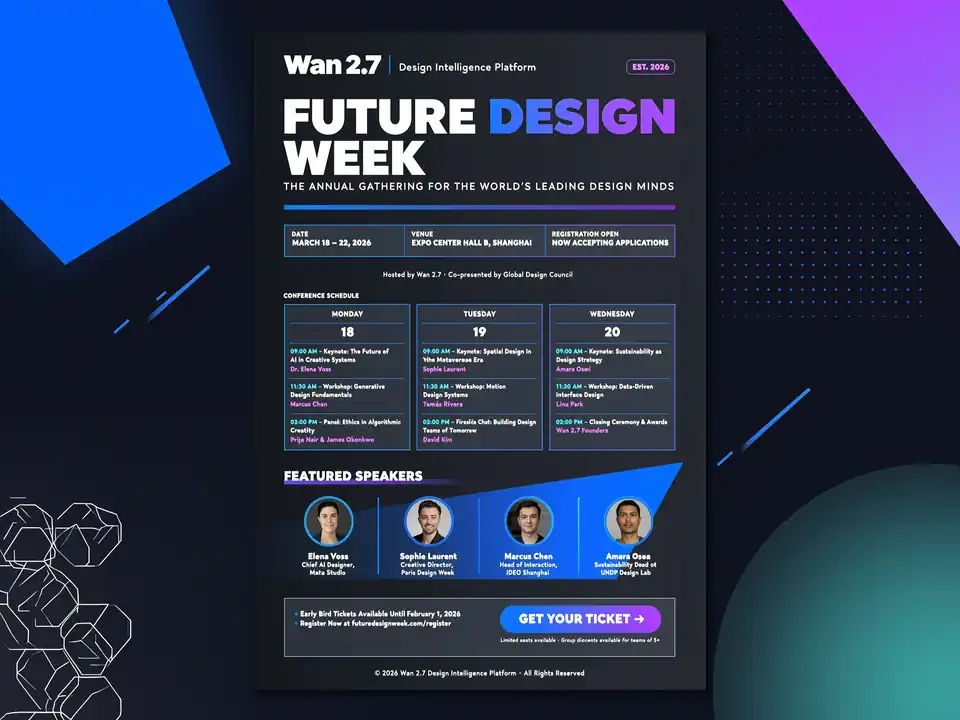
Best for structured prompts, multi-reference edits, text-heavy layouts, prompt reasoning, and image sets.
Try Wan 2.7 Image
Best for high-quality image generation, reference edits, portraits, product shots, and polished campaign drafts.
Try Nano Banana Pro
Best for fast everyday image generation, quick creative variants, broad aspect ratios, and image-to-image drafts.
Try Nano Banana 2
Best for commercial product visuals, typography-led layouts, prompt adherence, and brand-style compositions.
Try Seedream 4.5Best for lightweight image generation workflows, campaign ideas, image drafts, and fast creator experiments.
Try Seedream 5.0 LiteCreate an image in a few steps, then refine the result with clearer prompts, reference images, or a different model.
Step 1
Describe the asset type, subject, scene, style, mood, aspect ratio, and any text that should appear in the image.
Step 2
Add a reference image when you want to preserve a product, face, object, pose, layout, room, sketch, or visual direction.
Step 3
Select a model based on the task, such as text-to-image generation, image editing, product visuals, social ads, or fast prompt variations.
Step 4
Check text spelling, faces, hands, brand claims, product details, and composition before using the image publicly.
Step 5
Adjust one part of the prompt at a time, change the model if needed, or upload a stronger reference image for more controlled output.
Move from idea to visual draft for business assets, creator content, design exploration, and fast client review.
Generate product launch posters, paid social concepts, ecommerce mockups, packaging ideas, and seasonal campaign images.
Create YouTube thumbnails, TikTok covers, Instagram graphics, creator posts, reaction images, and share-ready content formats.
Make profile concepts, character sheets, stylized portraits, avatars, and reference-friendly creative directions.
Draft event posters, quote graphics, presentation covers, editorial layouts, and short text-heavy designs for review.
Explore app screens, landing page visuals, brand moodboards, feature graphics, and early design directions.
Start from text or upload a reference image, then change background, style, lighting, composition, or use case.
Build infographics, classroom diagrams, process visuals, study aids, labeled charts, and presentation-ready educational graphics.
Edit product photos, change backgrounds, restyle rooms, improve lighting, create variants, and turn rough references into polished drafts.
Continue with a specialized model page or browse more Toolaze tools when your workflow needs editing, compression, conversion, or model comparison.
Browse more AI tools for image, video, writing, productivity, and creative workflows.
Explore AI ToolsCompare Toolaze image and video models by task, output style, model family, and creative workflow.
Browse ModelsUpload a reference image, describe the edit, and create controlled variations, product shots, background swaps, or restyles.
Edit from ImageUse GPT Image 2 for posters, product ads, readable text, UI mockups, and structured image generation.
Try GPT Image 2Browse prompt structures for text-heavy images, product visuals, UI mockups, and campaign-ready layouts.
Open PromptsUse ad-focused prompt templates for product launches, social campaigns, paid creative, and thumbnail concepts.
Browse AdvertisingConvert downloaded AI images between JPG, PNG, WebP, and HEIC formats for publishing workflows.
Convert ImagesCompress generated images for web publishing, ecommerce listings, social uploads, and faster page speed.
Compress ImagesQuick answers about free usage, no sign up access, text-to-image generation, image-to-image editing, model choice, and commercial review.
An AI image generator creates images from text prompts, reference images, or editing instructions. It can make product images, posters, ads, thumbnails, portraits, illustrations, UI concepts, and social media visuals.
Yes. Toolaze lets you start creating AI images online for free. Usage may vary by quota, model availability, selected settings, and account status.
No sign-up is required to start. You can open the generator, write a prompt, choose settings, and create images online.
Enter a prompt that describes the subject, style, layout, background, lighting, aspect ratio, and exact text if needed. Generate the image, review the result, then refine the prompt.
Yes. Use image-to-image generation by uploading a reference image and describing what should change, such as background, lighting, style, composition, or scene.
You can make ads, posters, product images, thumbnails, social visuals, portraits, concept art, UI mockups, and design drafts from text prompts.
Start with GPT Image 2 for general text-to-image. Use Wan 2.7 Image for structured layouts, Nano Banana Pro for polished edits, and Nano Banana 2 for fast variants.
AI generated images may be used for commercial drafts and projects when they meet your rights, brand, platform, and legal requirements. Always review the final image before publishing.
A strong prompt names the asset type, subject, style, composition, text, lighting, output purpose, and constraints. For image edits, say what should stay unchanged.
Some models are better at text than others. Use short exact phrases, place text in quotation marks, describe where it should appear, and review spelling before using the image.
You can create product images, posters, ads, thumbnails, social media visuals, portraits, UI concepts, educational graphics, character ideas, and reference-guided edits.
Use Toolaze AI Image Generator to create images from text prompts, edit from reference images, compare AI models, and build practical visuals for products, ads, thumbnails, social media, education, and design.
Generate an Image