免費 AI 髮型變換器

上傳一張清晰人像,瀏覽女性或男性髮型,或在自訂中描述其他造型。免註冊、無浮水印。

照片與髮型靈感預覽
1/1
輸入 11

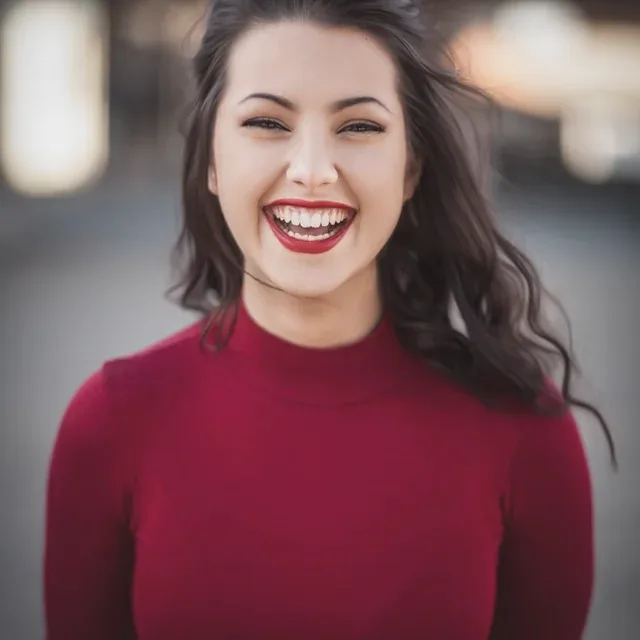
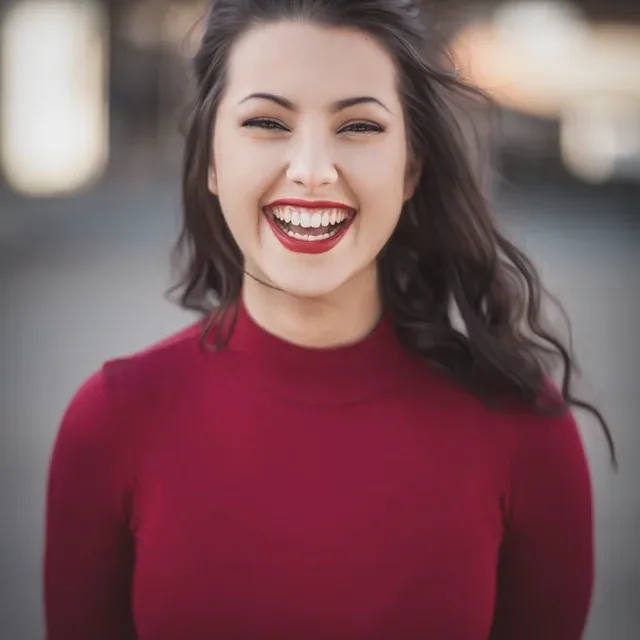
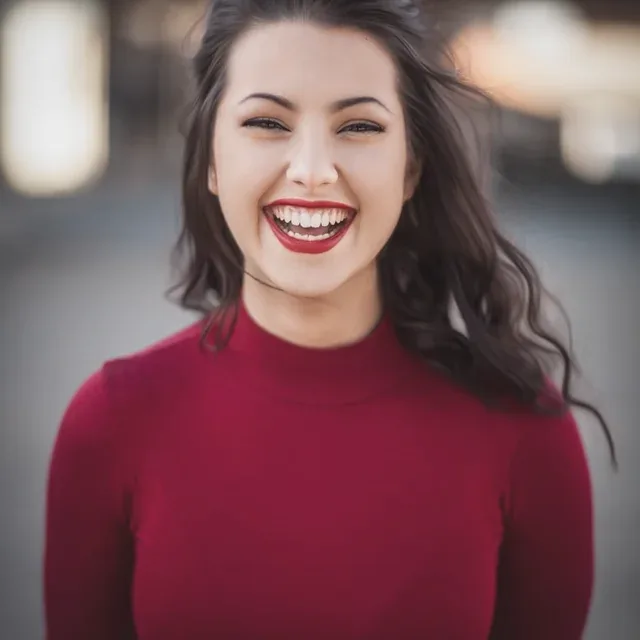
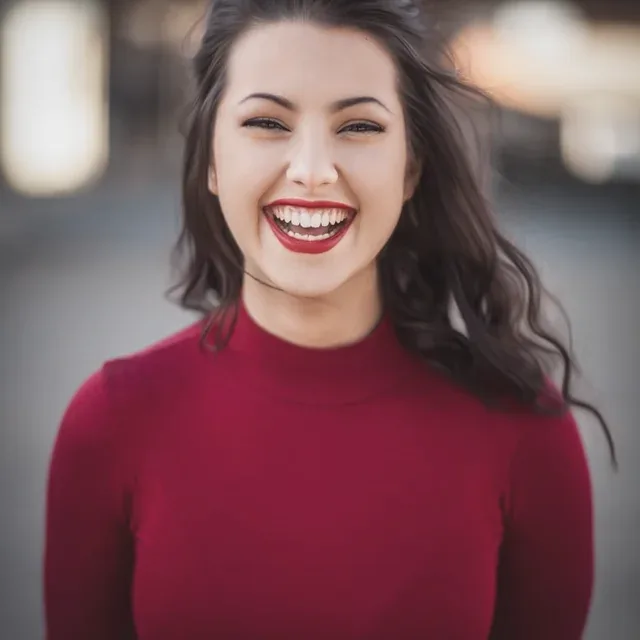
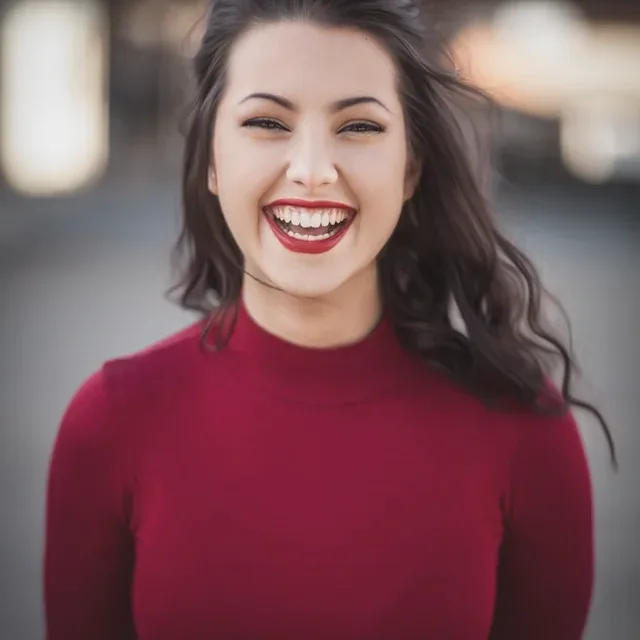
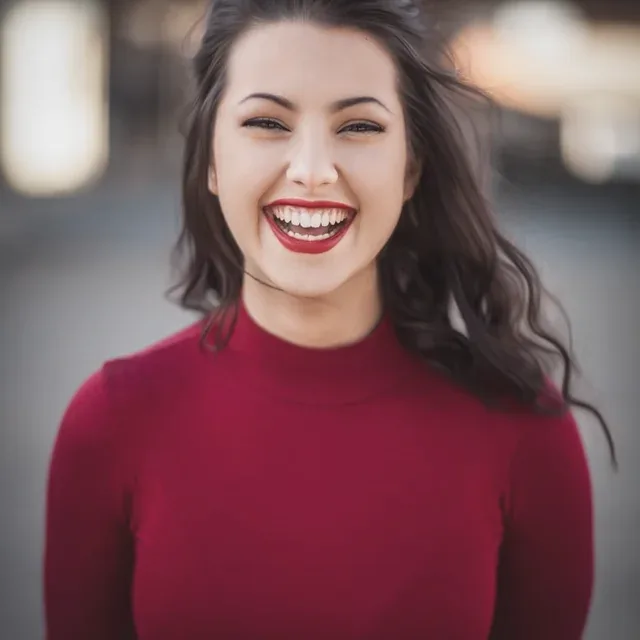
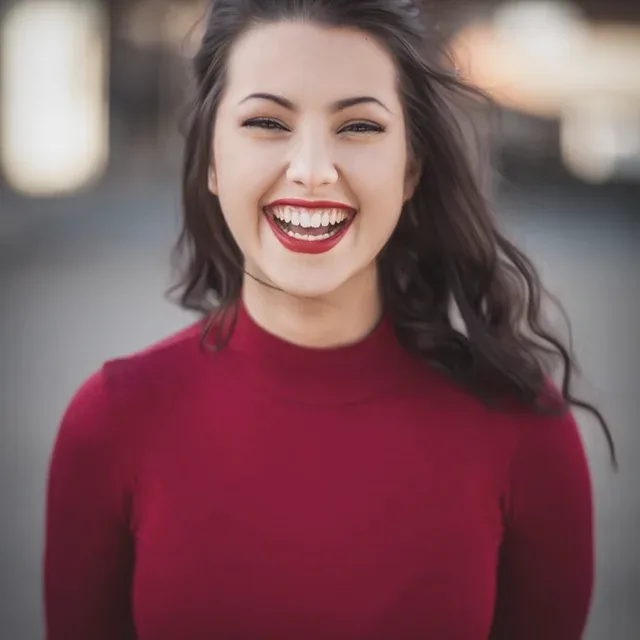
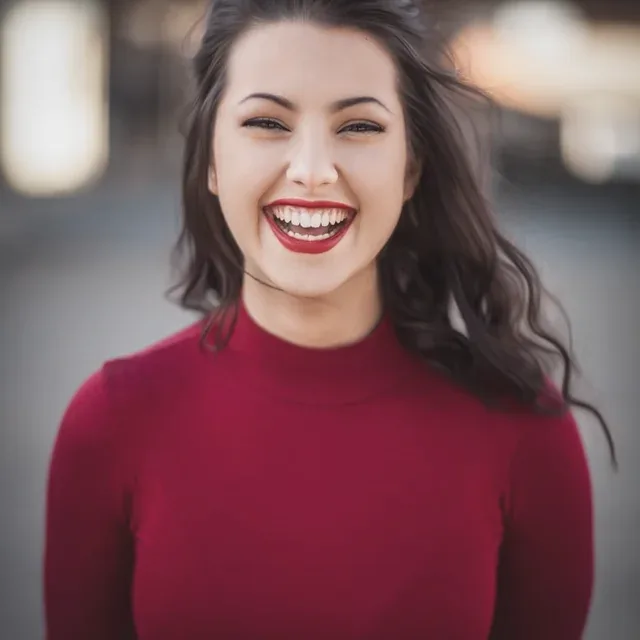
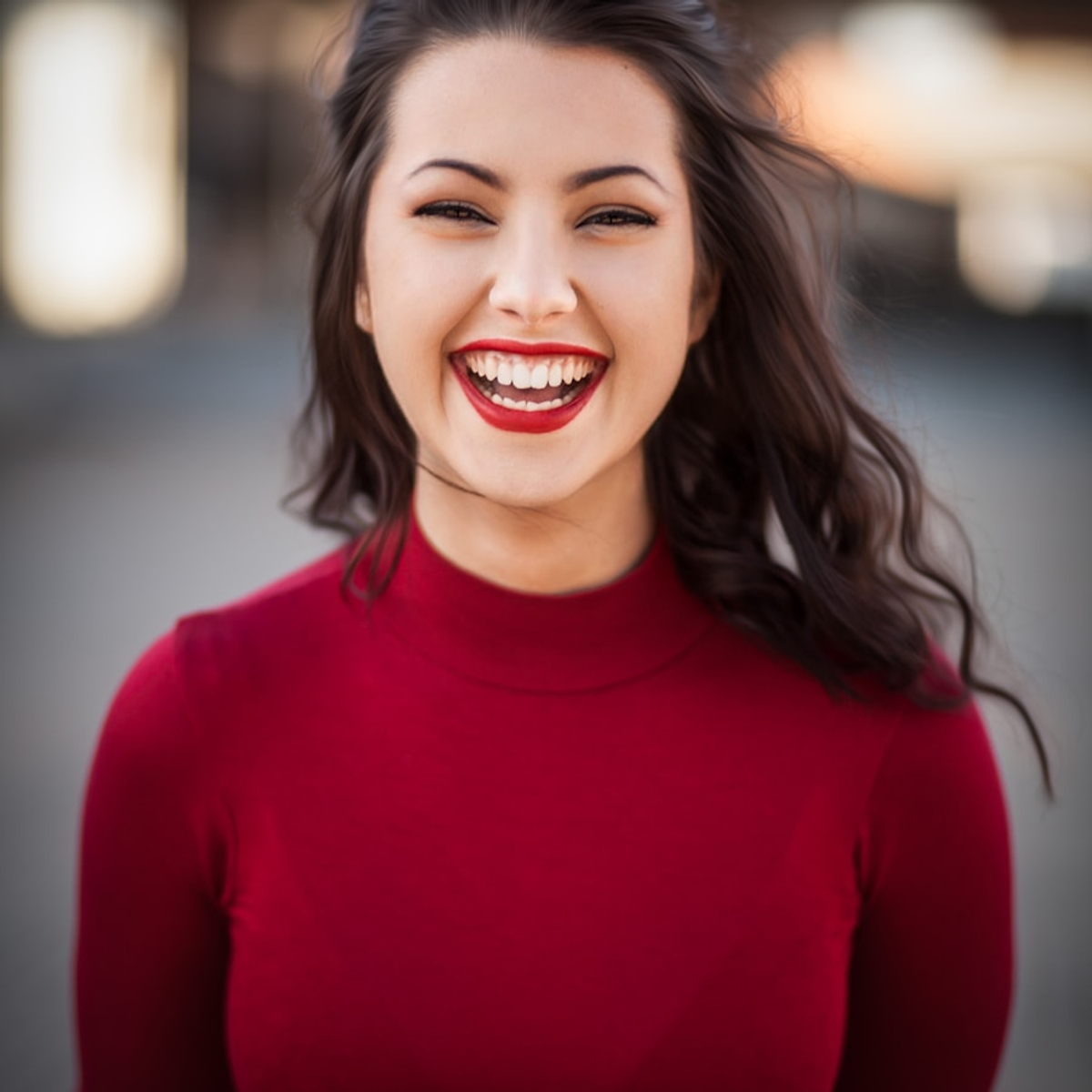
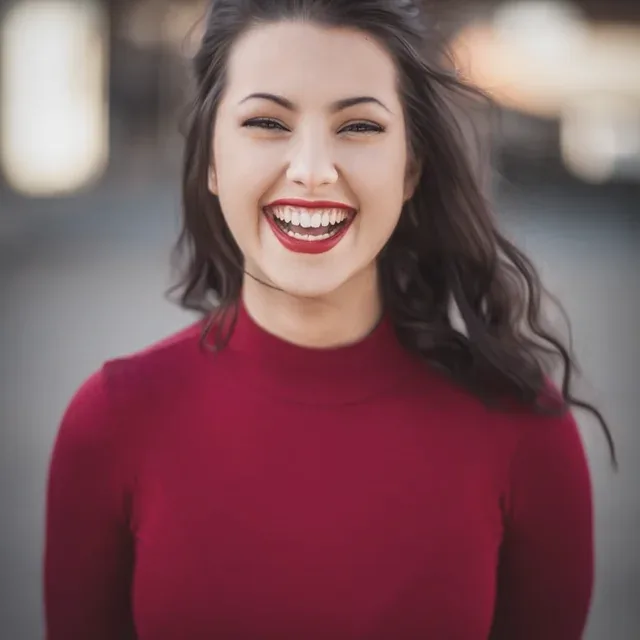
Image 1: upload the person photo you want to edit.

什麼是 AI 髮型變換器?

用一張照片測試剪髮與造型靈感

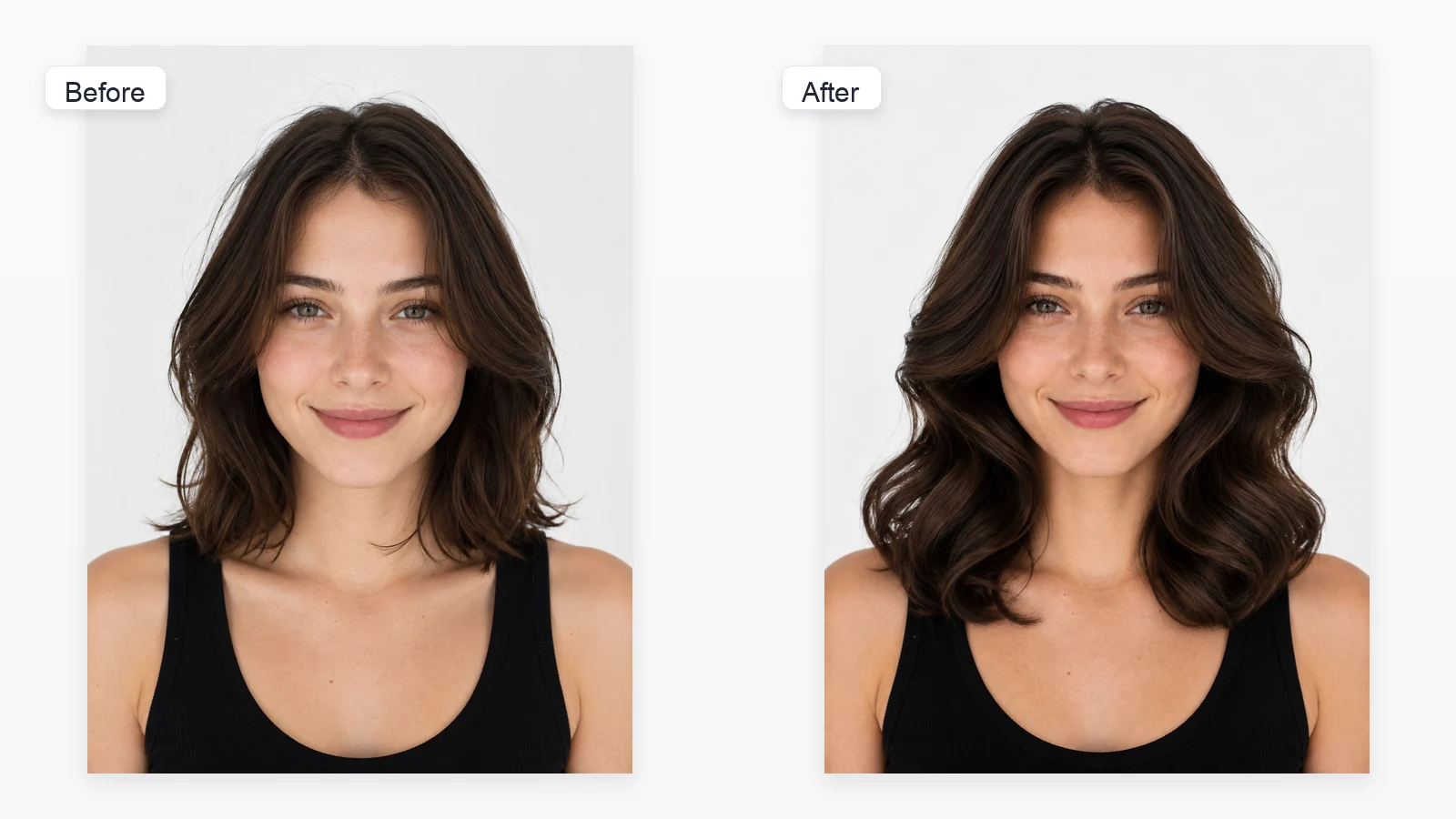
AI 髮型變換器會編輯人像中可見的頭髮,讓你比較不同剪裁、長度、質感與造型方向。Toolaze 將熱門造型分成女性與男性兩個分頁,並提供自訂選項描述其他髮型。結果是視覺概念,不保證與實際剪髮完全相同。

髮型模板與提示詞

瀏覽工具中可用的女性與男性髮型模板。每張卡片都顯示用於生成該髮型預覽的完整提示詞。

短鮑伯頭

短鮑伯頭

Use the uploaded portrait as the identity reference. Change only the hairstyle to a polished short bob ending near the jaw, with clean rounded shape, soft natural volume, realistic strands, and a believable hairline. Preserve the same face, facial features, skin tone, expression, age, pose, clothing, body, camera angle, lighting, and background.
A 字鮑伯頭

A 字鮑伯頭

Use the uploaded portrait as the identity reference. Change only the hairstyle to a sleek A-line bob, shorter at the back and gradually longer toward the front, with a precise salon shape, realistic texture, and natural hairline. Preserve all facial and non-hair details.

長層次

長層次

Use the uploaded portrait as the identity reference. Change only the hairstyle to long flowing layers with soft face-framing pieces, natural movement, realistic strands, and balanced volume. Preserve the same face, body, clothing, pose, lighting, and background.

八字瀏海

八字瀏海

Use the uploaded portrait as the identity reference. Change only the hairstyle to soft curtain bangs parted at the center with face-framing layers, natural volume, realistic strands, and a believable hairline. Preserve all non-hair details.

大波浪

大波浪

Use the uploaded portrait as the identity reference. Change only the hairstyle to glamorous large soft waves with full-bodied volume, smooth defined curves, realistic strands, and a natural hairline. Preserve the same person and every non-hair detail.

精靈短髮

精靈短髮

Use the uploaded portrait as the identity reference. Change only the hairstyle to a refined pixie cut with short tapered sides, softly textured top, delicate fringe, realistic strands, and a natural hairline. Preserve all facial and non-hair details.

狼尾剪

狼尾剪

Use the uploaded portrait as the identity reference. Change only the hairstyle to a modern wolf cut with choppy crown layers, soft volume, tapered ends, subtle face framing, realistic texture, and a natural hairline. Preserve all non-hair details.

高丸子頭

高丸子頭

Use the uploaded portrait as the identity reference. Change only the hairstyle to a neat high top bun with a smooth gathered base, a softly rounded bun, subtle natural flyaways, realistic strands, and a believable hairline. Preserve all non-hair details.

雙辮子

雙辮子

Use the uploaded portrait as the identity reference. Change only the hairstyle to two balanced braids with a clean center part, realistic woven strands, natural roots, and a believable hairline. Preserve the face, pose, clothing, lighting, and background.

捲髮鮑伯頭

捲髮鮑伯頭

Use the uploaded portrait as the identity reference. Change only the hairstyle to a chin-to-shoulder-length curly bob with defined soft curls, balanced volume, realistic strands, and a natural hairline. Preserve all facial and non-hair details.

直髮

直髮

Use the uploaded portrait as the identity reference. Change only the hairstyle to smooth straight hair with a clean center part, polished natural shine, realistic individual strands, and a believable hairline. Preserve all non-hair details.

如何用 AI 更換髮型

1

上傳清晰人像

使用正面或輕微側面照片,確保完整頭部、髮型輪廓與髮際線清楚可見。

2

選擇女性或男性

瀏覽短鮑伯頭、大波浪、高丸子頭、寸頭、平頭、光頭或漸層短髮等圖片模板。

3

生成或使用自訂

直接生成選定髮型,或開啟自訂描述其他剪裁、長度、瀏海、紋理或蓬鬆度。

提升髮型預覽效果的照片技巧

清楚呈現臉部、髮際線、頭型、光線與背景的照片,更有利於產生穩定結果。

完整顯示頭部與頭髮

避免頭頂被裁切、戴帽子,或雙手遮住大面積頭髮的照片。

使用均勻正面光線

強烈陰影與逆光會讓髮際線和髮絲質感更難判讀。

選擇簡單角度

正面或輕微三分之二角度,通常比極端側臉更適合。

保持臉部清楚

避免嚴重模糊、深色太陽眼鏡或頭髮遮住大部分臉部。

AI 髮型預覽與實際剪髮的差異

AI 結果適合比較視覺方向。髮質、髮量、生長方向、整理需求與實際可行性,仍需由專業設計師評估。

問題AI 預覽可協助專業設計師判斷
這個長度適合我嗎?快速比較短、中、長髮的視覺比例。在保留理想輪廓下,實際可剪除的長度。
瀏海看起來如何?嘗試不同臉部修飾與造型方向。依髮際線、髮旋、髮量與整理習慣決定剪法。
可以測試不同質感嗎?預覽波浪、捲髮、直順或增加蓬鬆度。哪些整理方式適合你的自然髮質。
預覽結果精準嗎?快速建立可比較或討論的視覺概念。依諮詢與頭髮狀況設定實際期待。

AI 髮型變換器的使用情境

沙龍前的髮型規劃

與專業設計師討論前,先比較多種剪裁與造型方向。

更新個人檔案照片

測試適合頭像、創作者頁面、交友或個人品牌的新造型。

比較男性剪髮

嘗試漸層、紋理短髮、短捲髮、後梳與平頭。

規劃服裝與角色

為 Cosplay、主題人像、表演與角色概念測試髮型。

製作社群內容

為貼文、情緒板、縮圖與改造前靈感建立不同版本。

AI 髮型變換器功能

單張照片流程

直接編輯上傳的人像,不重新產生另一個人物。

女性與男性髮型分頁

分別瀏覽不同髮型集合,不必在同一個長清單中混合尋找。

自訂髮型描述

想要的髮型不在圖片模板中時,可在自訂分頁直接描述。

多種造型方向

探索長髮、短髮、捲髮、直順、女性、男性與低維護造型。

生成後繼續調整

若第一次結果的輪廓、長度或質感不理想,可切換其他模板或調整自訂描述。

免費線上使用

標準流程可免註冊、無浮水印使用。

使用者如何評價 AI 髮型變換器

Toolaze 適合產生靈感與溝通用視覺參考,不代表沙龍一定能做出完全相同的結果。

我一直很難想像自己剪鮑伯的樣子。圖片選項讓我能比較長度與輪廓。部分髮絲並不完美,但作為和設計師溝通的參考非常實用。

Nina C.

規劃較短髮型

我用正面照片比較漸層短髮、平頭、寸頭與光頭。男性分頁很容易瀏覽,自訂也能補充其他方向,再拿結果和理髮師討論。

Marcus T.

比較男性剪髮

更新個人檔案前,我測試了直順造型與捲髮鮑伯。卡片很容易瀏覽,結果也適合作為拍攝前的情緒板。

Elena P.

創作者人像概念

AI 髮型變換器常見問題

AI 髮型變換器如何運作?+

工具會以上傳的人像作為人物參考,再套用選定的髮型模板。若清單中沒有想要的造型,也可以在自訂中描述其他剪裁。

哪種照片效果最好?+

建議使用完整頭部可見、光線均勻、遮擋較少的正面或輕微側面人像。

可以測試女性與男性髮型嗎?+

可以。選項包含長層次、波浪捲、鮑伯、短髮、漸層、捲髮與平頭。

可以嘗試模板中沒有的髮型嗎?+

可以。開啟自訂,描述長度、瀏海、分線、捲度、蓬鬆度、紋理或造型方向。

臉部會保持不變嗎?+

髮型模板包含保留人物特徵與非頭髮細節的指示,但生成結果仍可能不同。請檢查預覽,若臉部或背景改變過多可再次生成。

這是精準的剪髮模擬嗎?+

不是。這是視覺概念。實際結果取決於髮質、髮量、生長方向、目前長度與施作技術。

Toolaze 免費且免註冊嗎?+

是。標準流程可免費使用,免註冊且無浮水印。

可以下載結果嗎?+

生成後可使用頁面提供的儲存或下載功能。

可以拿給髮型設計師參考嗎?+

可以。請將它作為大方向,並與專業設計師確認哪些效果適合你的頭髮。