顯示完整服裝區域
全身或腰部以上照片通常比緊貼臉部裁切更好,因為模型能讀取袖子、下擺、手部和身體姿勢。
Image 1: upload the person photo you want to edit.
Image 2: upload your target clothing image, or choose one preset below.
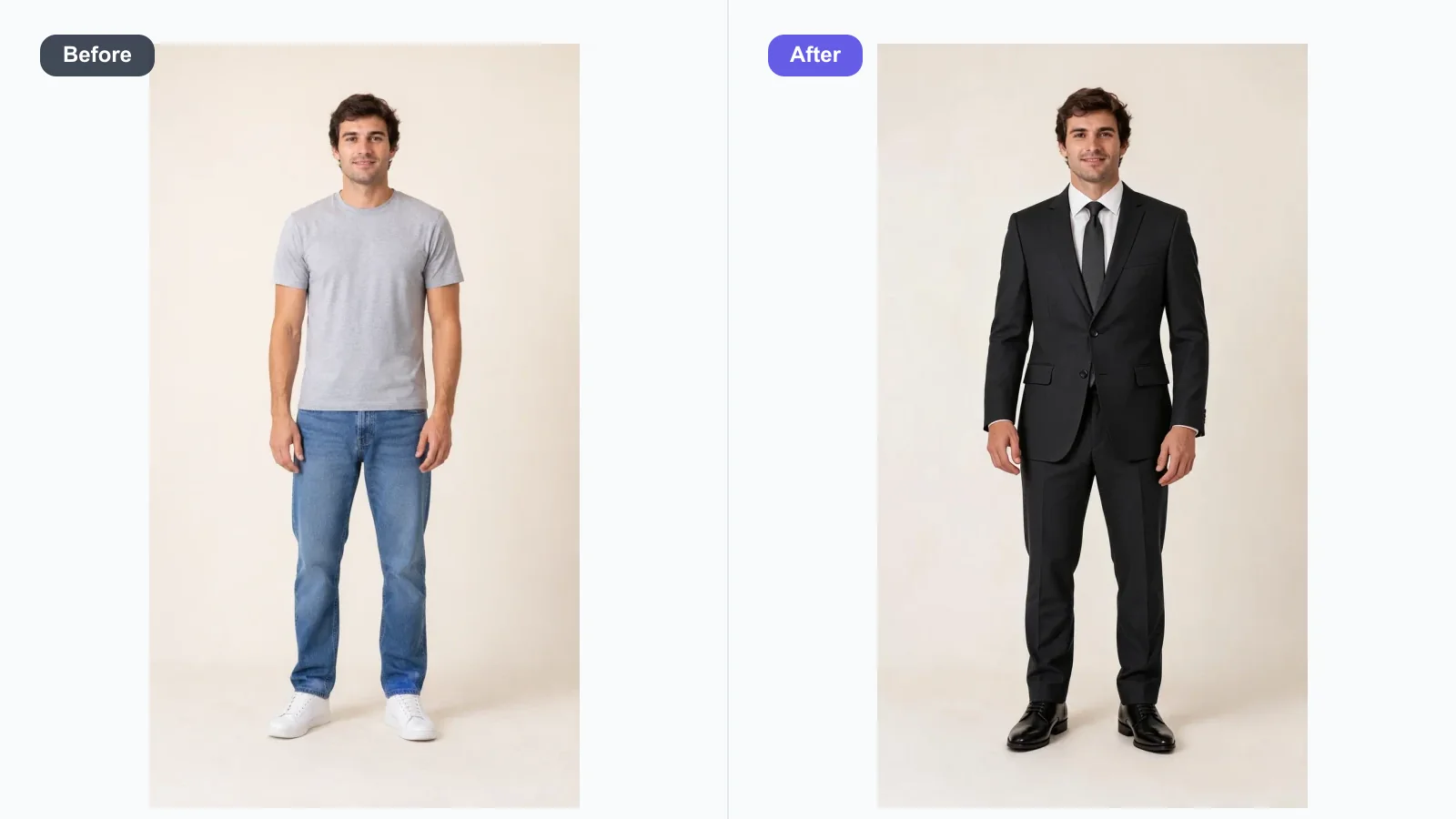
上傳人物照片和服裝參考,或使用自訂模式以一張照片加提示詞生成。預覽適合商務、正式場合、泳裝、創作者與商品造型的逼真 AI 換裝效果。
上傳人物照片和服裝參考,或使用自訂模式以一張照片加提示詞生成。預覽適合商務、正式場合、泳裝、創作者與商品造型的逼真 AI 換裝效果。
AI 換衣工具會編輯人物照片中可見的服裝,同時盡可能保持人物、姿勢、光線和場景穩定。Toolaze 支援雙圖流程:將人物作為圖片 1,上傳或選擇服裝參考作為圖片 2,再生成把該服裝轉移到人物身上的試穿預覽。當你只有人物照片、想用文字描述服裝時,也可以使用自訂模式。
當你有目標服裝圖片時,參考流程最適合。當你想描述西裝、禮服、比基尼、大衣或其他風格,又沒有服裝照片時,自訂流程更適合。請把結果視為視覺預覽;細小布標、精準品牌 logo、隱藏縫線和不合理疊穿仍可能需要人工檢查。
圖片 1 用於人物。選擇清楚的全身或半身照片,讓目前服裝、手臂、軀幹和身形輪廓可見。
參考流程中,將圖片 2 上傳為目標服裝照片,或點選內建服裝參考。自訂模式只需上傳人物照片並描述服裝。
檢查臉部、身形比例、手部、背景和服裝覆蓋是否穩定。如有需要,加入保留姿勢、臉部不變、匹配圖片 2 服裝、真實布料皺褶等限制。
當參考圖能清楚顯示人物和要替換的服裝區域時,AI 服裝編輯效果最好。
全身或腰部以上照片通常比緊貼臉部裁切更好,因為模型能讀取袖子、下擺、手部和身體姿勢。
正面站姿或坐姿比交叉手臂、遮住軀幹、動態模糊、鏡面反射或嚴重遮擋更容易處理。
若需要乾淨的虛擬試穿預覽,請加入保留臉部、頭髮、膚色、姿勢、身形比例、背景和光線。
小品牌標誌、徽章、標籤和刺繡可能變形。除非你擁有並需要特定素材,否則使用虛構 logo 或素面服裝更安全。
這是工具預設的四種服裝方向。可搭配服裝參考圖使用,也可在自訂模式中調整文字。
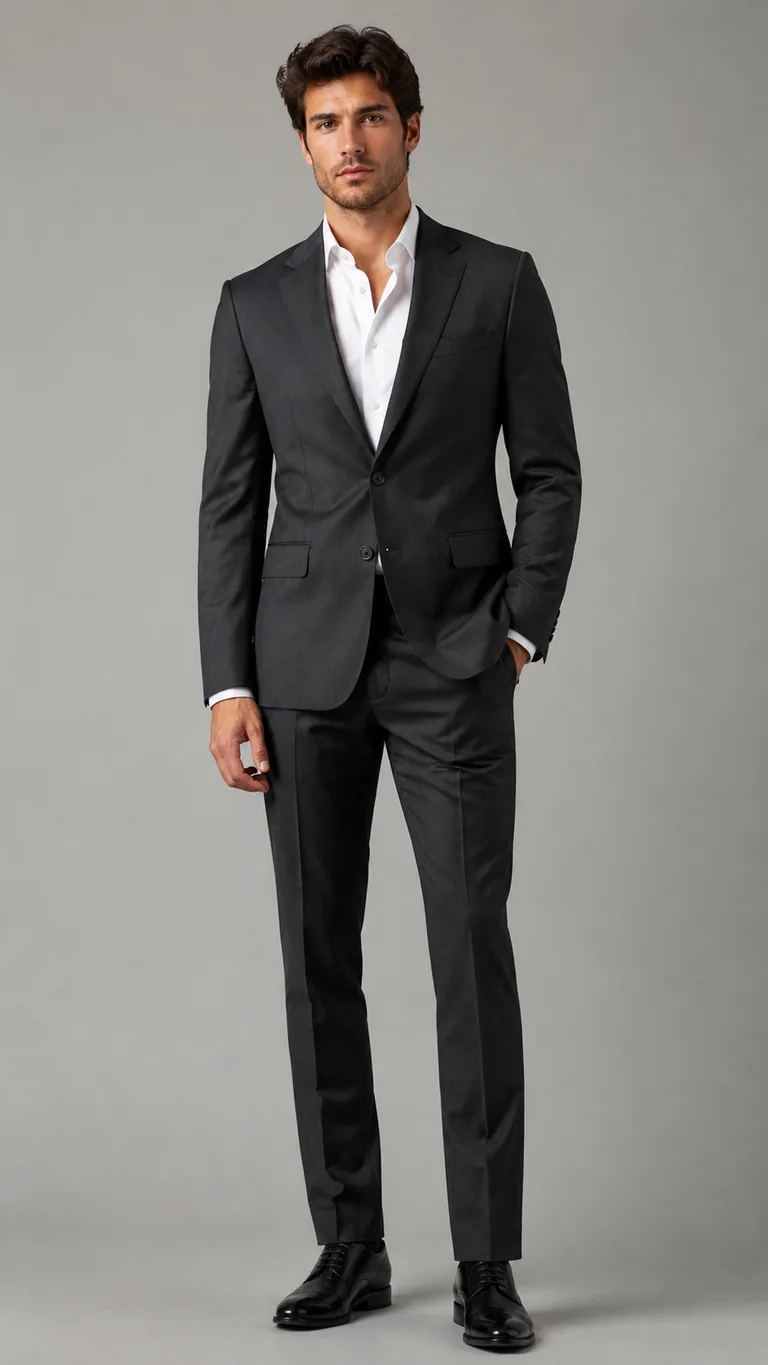
Image 1 is the person photo. Image 2 is the target clothing reference. Put the formal business suit from image 2 onto the person in image 1. Preserve the same face, identity, body proportions, pose, hands, background, lighting, and camera angle from image 1. Match the suit structure, shirt, trousers, fabric, color, and fit from image 2 as closely as possible.
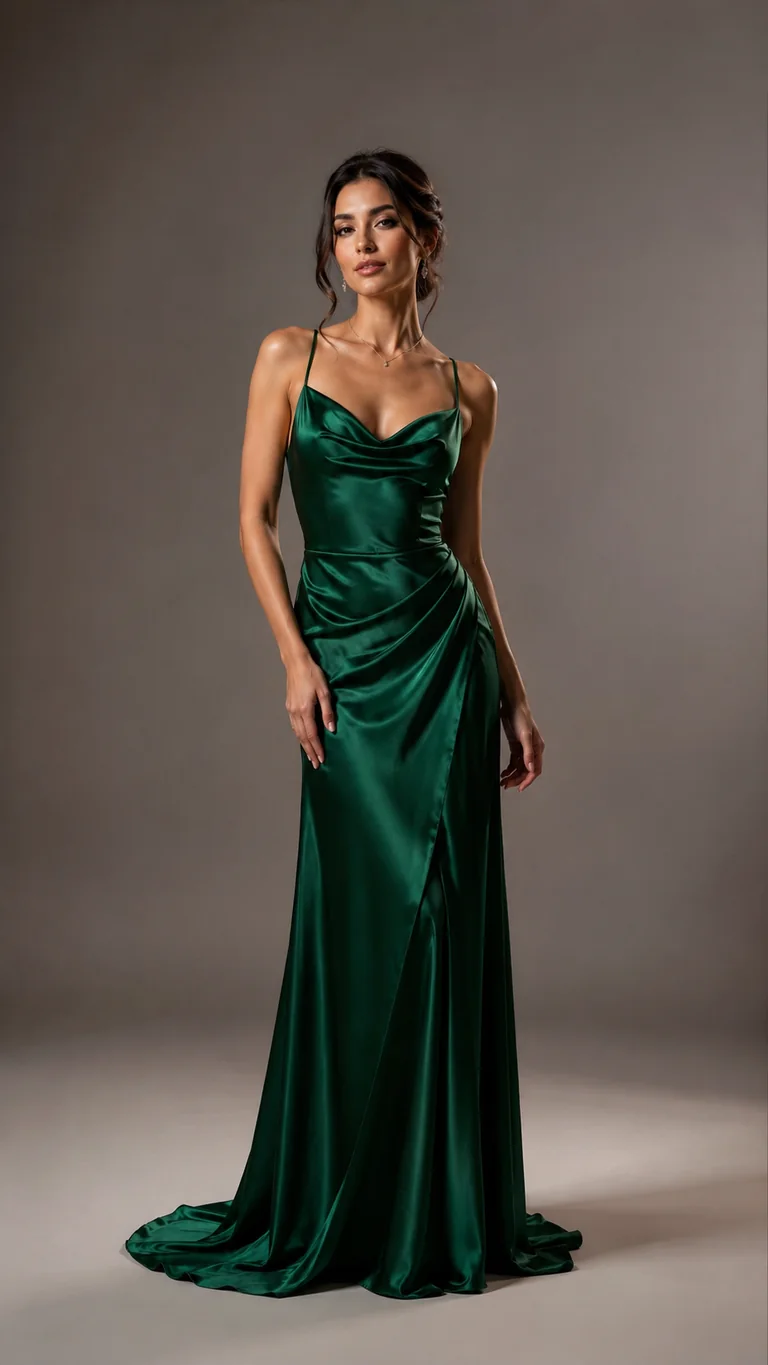
Image 1 is the person photo. Image 2 is the target clothing reference. Put the luxurious formal gown from image 2 onto the person in image 1. Preserve the same face, identity, body proportions, pose, hands, background, lighting, and camera angle from image 1. Match the gown silhouette, fabric shine, color, length, neckline, and elegant styling from image 2 as closely as possible.
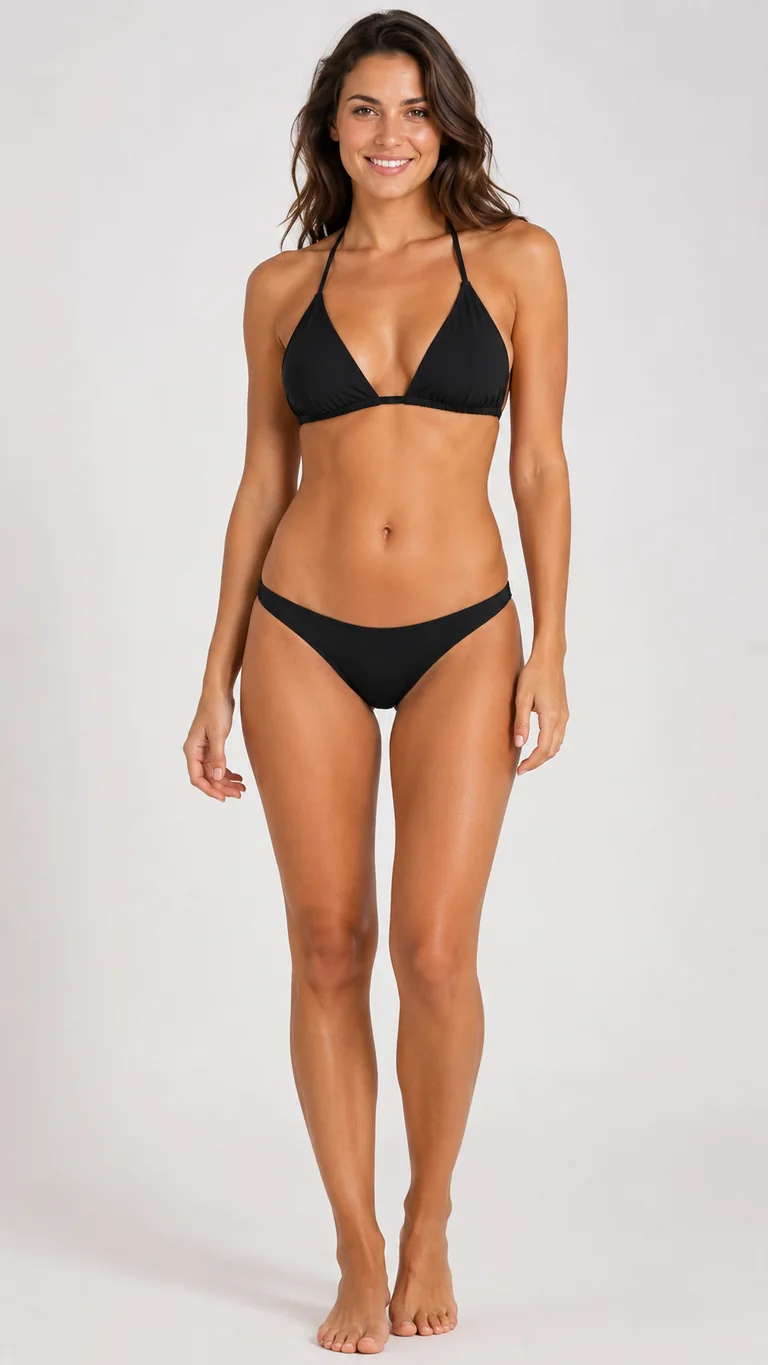
Image 1 is the person photo. Image 2 is the target clothing reference. Put the tasteful black bikini from image 2 onto the adult person in image 1. Preserve the same face, identity, body proportions, pose, hands, background, lighting, and camera angle from image 1. Match the swimwear shape, coverage, straps, color, and fabric from image 2 as closely as possible. Keep the result non-explicit and suitable for a swimwear preview.
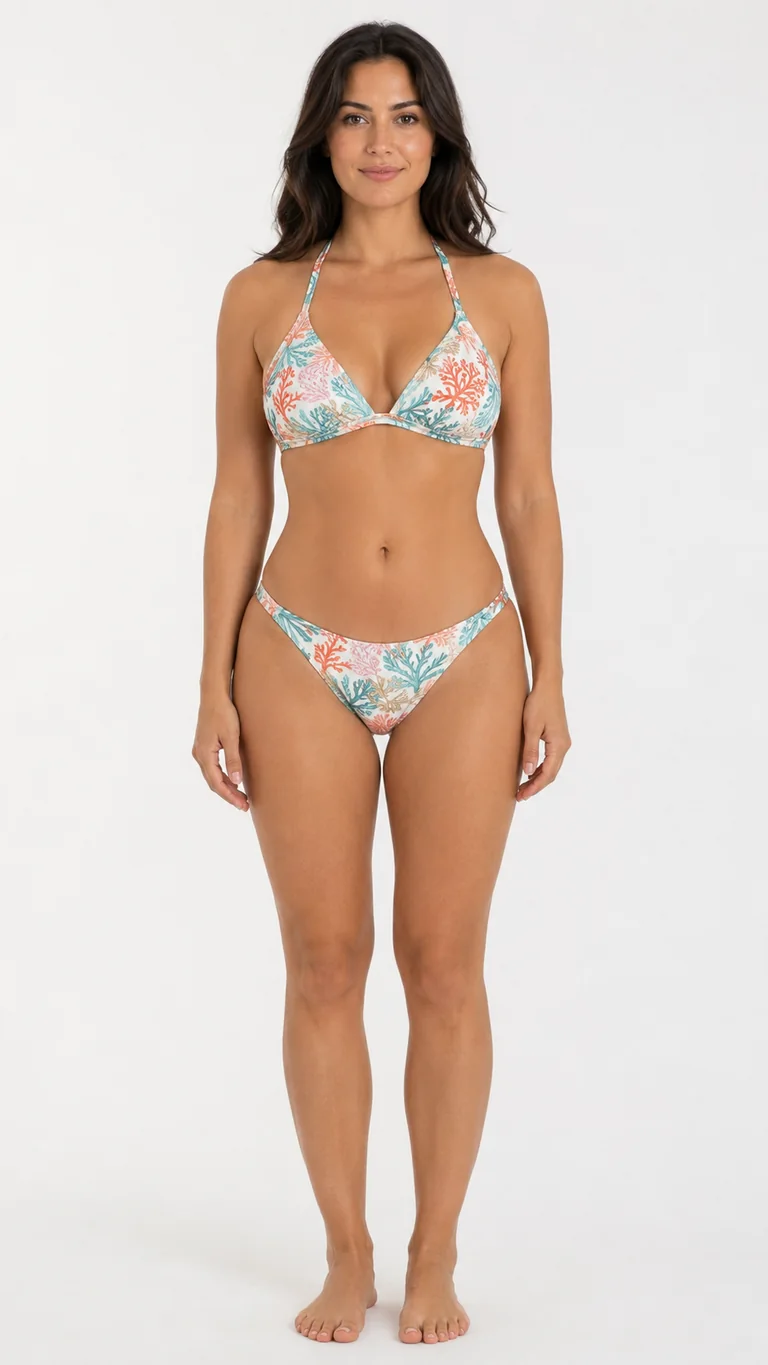
Image 1 is the person photo. Image 2 is the target clothing reference. Put the colorful resort bikini from image 2 onto the adult person in image 1. Preserve the same face, identity, body proportions, pose, hands, background, lighting, and camera angle from image 1. Match the swimwear shape, coverage, straps, color palette, pattern, and fabric from image 2 as closely as possible. Keep the result non-explicit and suitable for a swimwear preview.
用 AI 快速探索方向;需要精準商品還原時,再使用手動修圖或真實拍攝。
| 流程 | 最適合 | 注意事項 |
|---|---|---|
| Toolaze AI 換衣工具 | 快速穿搭預覽、創作者造型、個人檔案更新、情緒板、電商概念測試和社群視覺。 | 發布前請檢查手部、邊緣、布料邏輯、小 logo 和精準商品細節。 |
| 手動 Photoshop 修圖 | 像素級修正、品牌核准活動、精準 logo 位置和商業圖像完稿。 | 需要更多時間,通常也需要熟練修圖師。 |
| 實體拍攝 | 最終商品目錄圖、法律層面的商品準確性、版型驗證和服裝結構細節。 | 需要服裝、模特時間、場地、造型和重拍預算。 |
預覽適合工作的外套、上衣和乾淨衣櫃想法,同時保持臉部與肖像構圖穩定。
不用再安排拍攝,也能測試街頭穿搭、季節造型、活動 look 和縮圖風格。
在正式拍攝前,快速模擬早期 lookbook 方向、配色和活動服裝概念。
上傳一張人物照片,並用直接的服裝提示詞引導編輯,而不是從零重建整張圖。
使用內建提示詞模式,讓模型保持臉部、頭髮、姿勢、身形比例、光線和背景穩定。
此頁面用於得體、完整穿著的服裝編輯和實用穿搭規劃,不用於移除衣物或冒充他人。
可以。Toolaze 提供線上 AI 換衣流程,用於快速穿搭預覽。可用性與生成限制可能取決於產品中顯示的 Toolaze 存取政策。
這是虛擬試穿風格的圖像編輯:上傳人物照片並描述要預覽的衣服。它適合視覺想法,但不能取代真實試穿、尺寸判斷或最終商品攝影。
使用清楚的全身或半身照片,服裝可見、姿勢簡單、光線良好且遮擋少。交叉手臂、軀幹被裁切、手部被遮住或嚴重模糊都較難乾淨編輯。
可以。明確說出要替換哪件衣服,以及哪些地方必須保持不變。例如:只把外套改成海軍藍西裝外套,襯衫、臉、頭髮、姿勢和背景保持不變。
只有在你擁有權利或取得授權時,才使用品牌標誌、制服或受保護設計。一般預覽使用素面服裝和虛構 logo 更安全,也通常更乾淨。
不支援。此頁面用於得體、完整穿著的服裝編輯。請勿用於移除衣物、建立性化圖片、冒充他人,或在未取得適當許可時編輯人物。