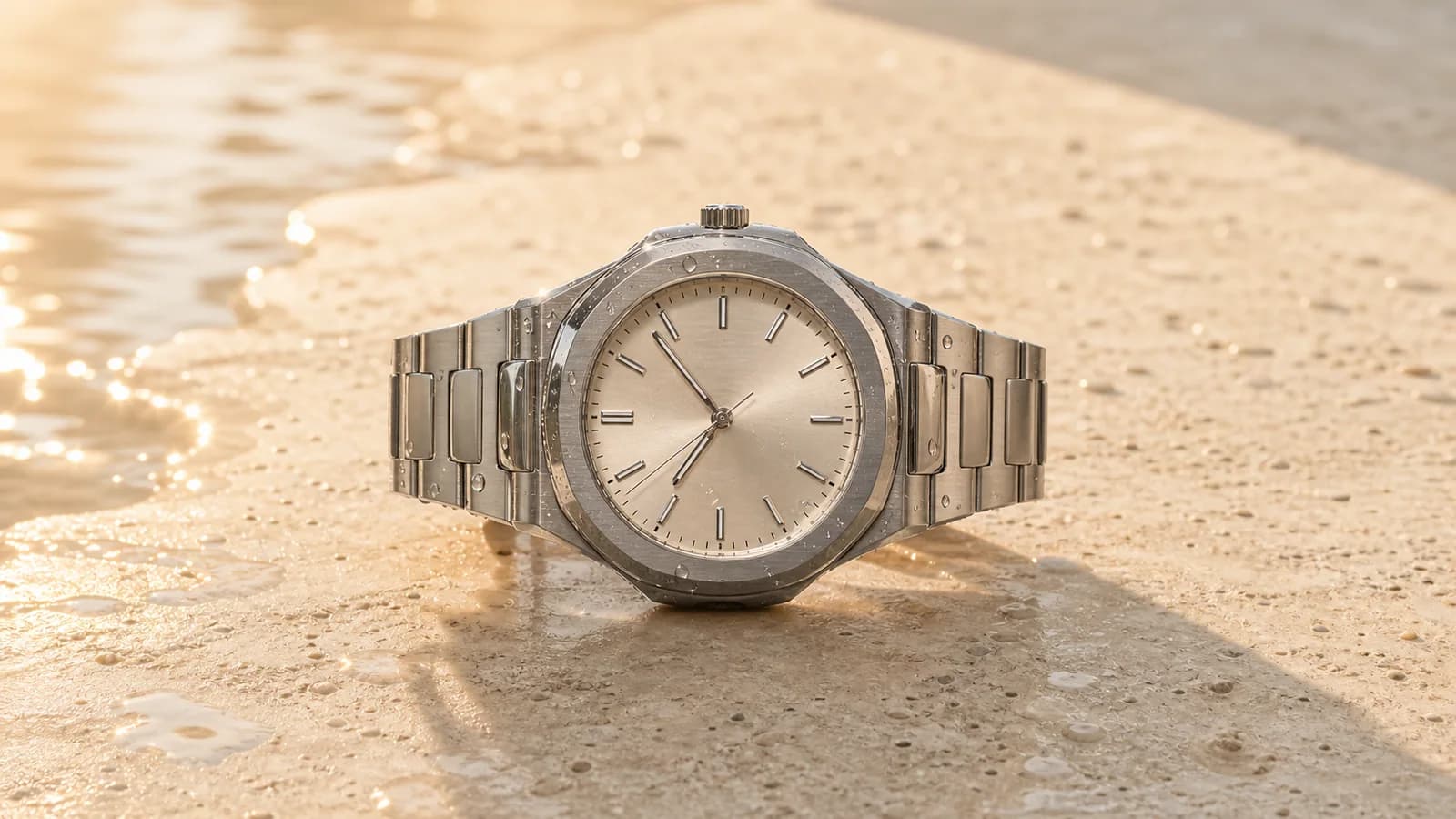
Product Motion Reveal
Animate a still product image with a slow push-in, polished lighting, realistic reflections, and a short commercial-style camera move.
Animiere ein Ausgangsbild mit kontrollierter Kamerabewegung, glaubwürdiger Bewegung und synchronem Ton. Erstelle auf Toolaze 1–15 Sekunden lange Clips in 480p oder 720p.
Grok Imagine Video 1.5 is xAI's generally available image-to-video model for turning one strong starting frame into a short audiovisual clip. It is designed to preserve the source image while adding camera movement, atmosphere, more believable physics, sound effects, ambience, or speech.
On Toolaze, you can use one image up to 20MB or start from a text prompt, choose a default 3-second output or another duration from 1-15 seconds, and generate at 480p or 720p in landscape, portrait, square, or automatic aspect ratios.
Modes
Image-to-video and text-to-video
Reference input
One starting image
Upload size
One image up to 20MB
Duration
Default 3-second clips, adjustable from 1-15 seconds
Resolution
480p or 720p
Audio
Native synchronized sound, ambience, and speech
Aspect ratios
Auto, 16:9, 9:16, 1:1, 3:2, 2:3
Am besten funktioniert ein klares Ausgangsbild mit einer Hauptaktion, einer Kamerarichtung und eindeutigen Ton- oder Stimmungshinweisen.
Start with a clean product shot, character frame, room concept, poster, or campaign visual. Grok uses that image as the opening frame and carries its composition, lighting, color, and subject detail into the generated motion.
Describe what should move and what must stay unchanged. A focused preservation instruction helps you judge identity, product geometry, room layout, and styling across the clip.
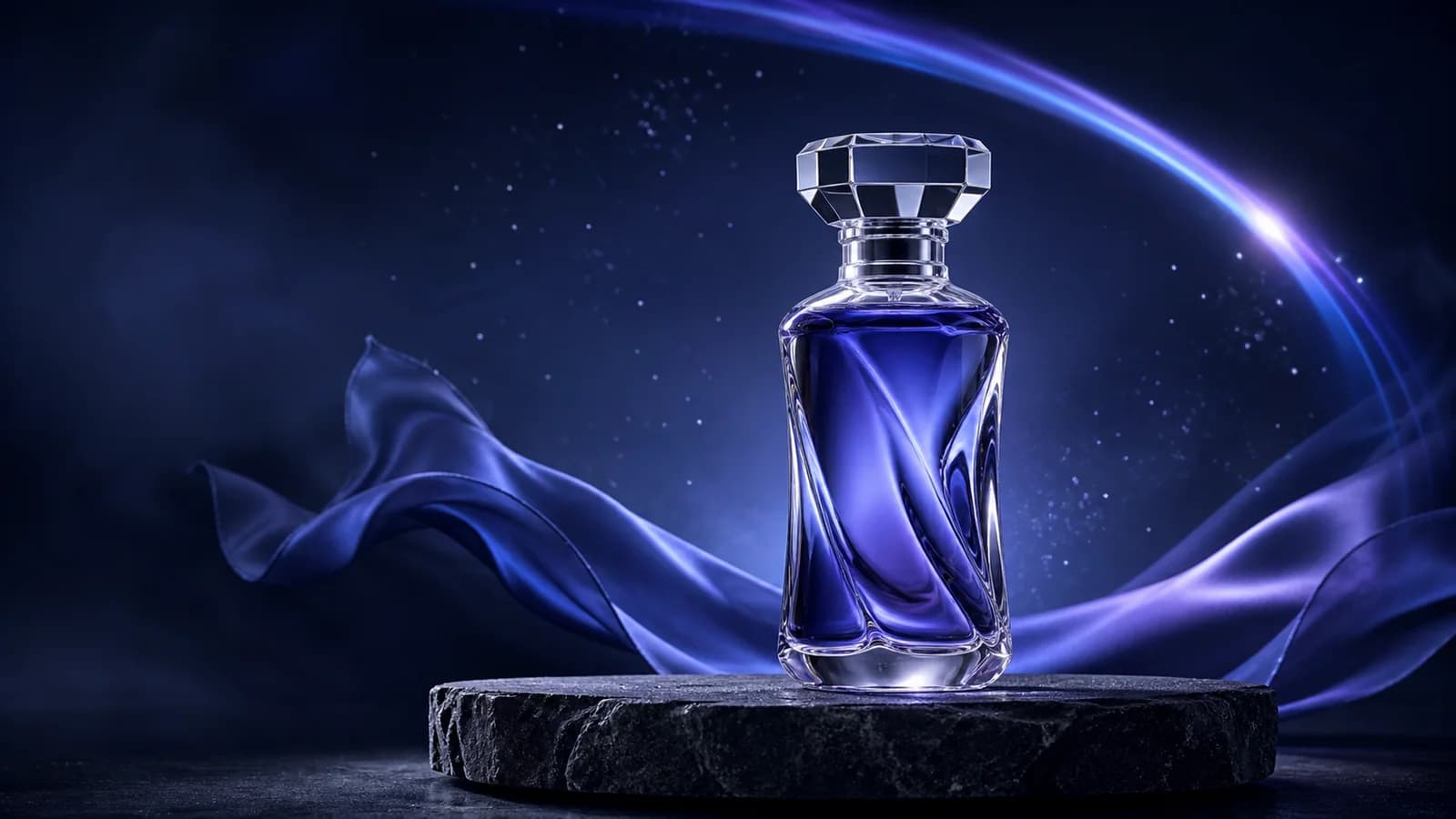
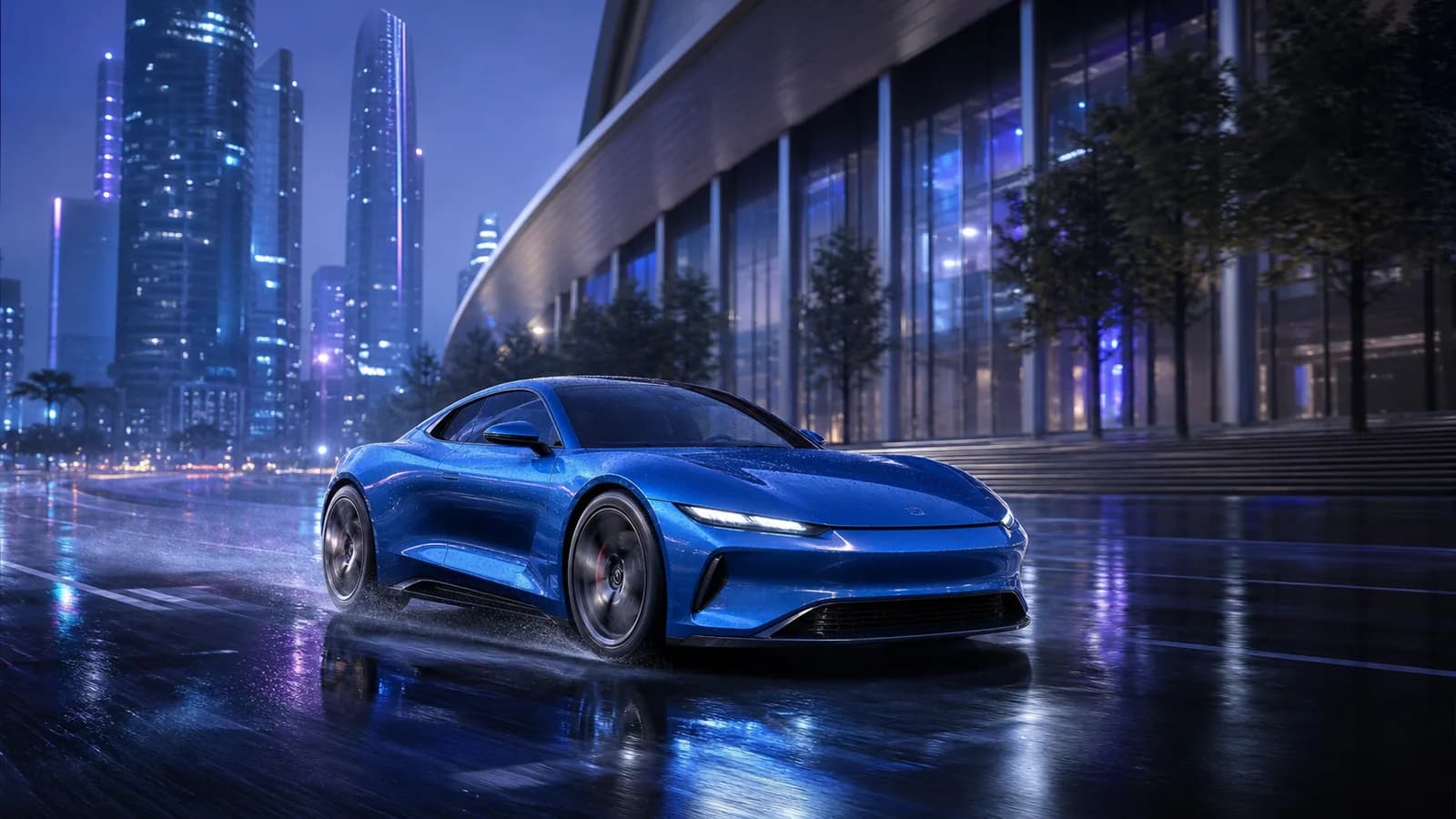
Video 1.5 improves how movement holds together across a short clip, including weight, momentum, environmental motion, and camera-driven perspective changes.
Keep the action readable: one primary subject action and one main camera move usually produce a clearer result than several competing movements in the same short generation.
Grok Imagine Video 1.5 on Toolaze defaults to 3-second clips and lets you choose 1-15 seconds, with 480p and 720p output options. Keep early prompts short enough to fit the selected duration clearly.
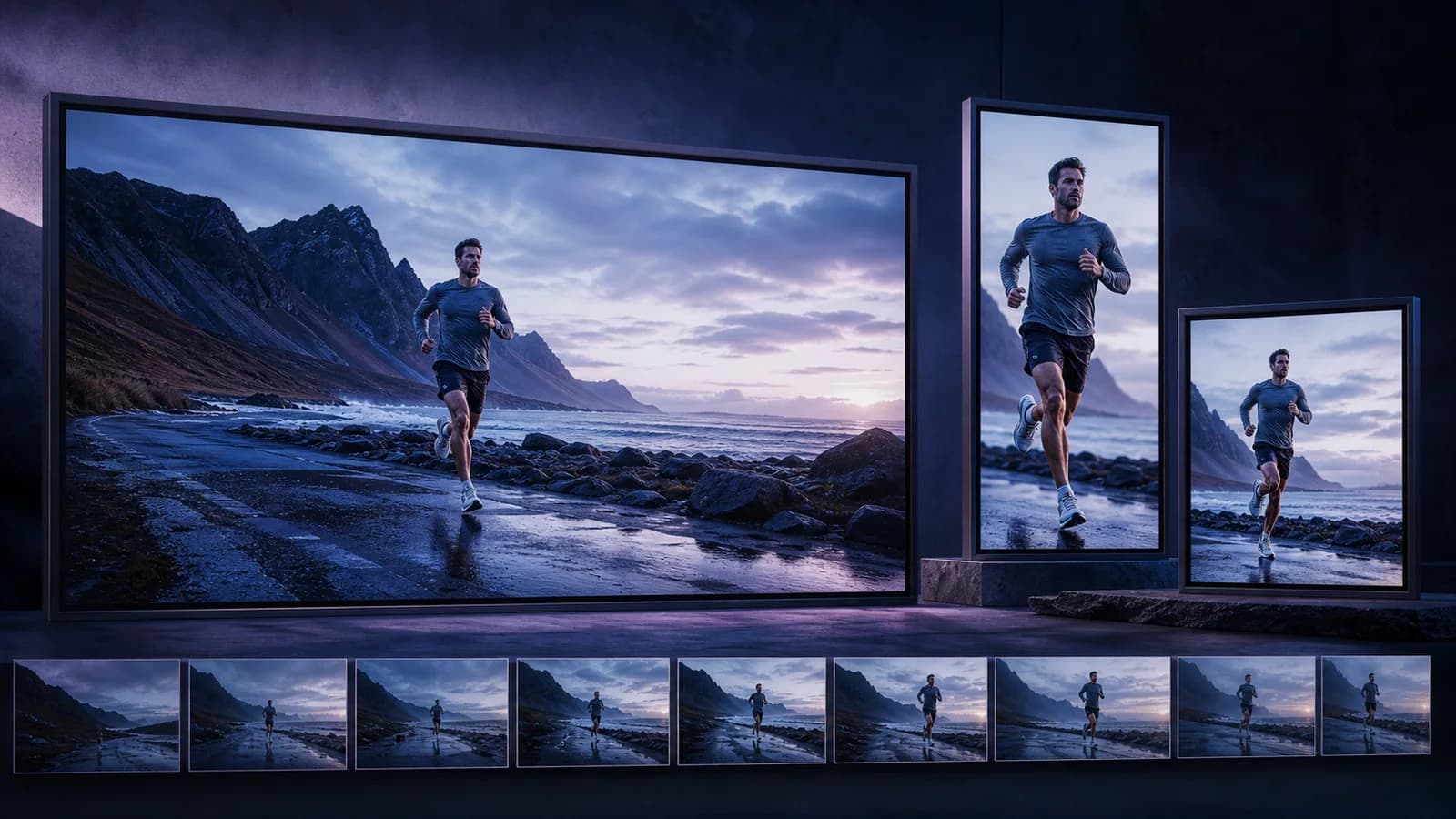
Choose Auto, 16:9, 9:16, 1:1, 3:2, or 2:3 depending on where the clip will be reviewed: landing page, product page, presentation, short-form feed, or storyboard board.
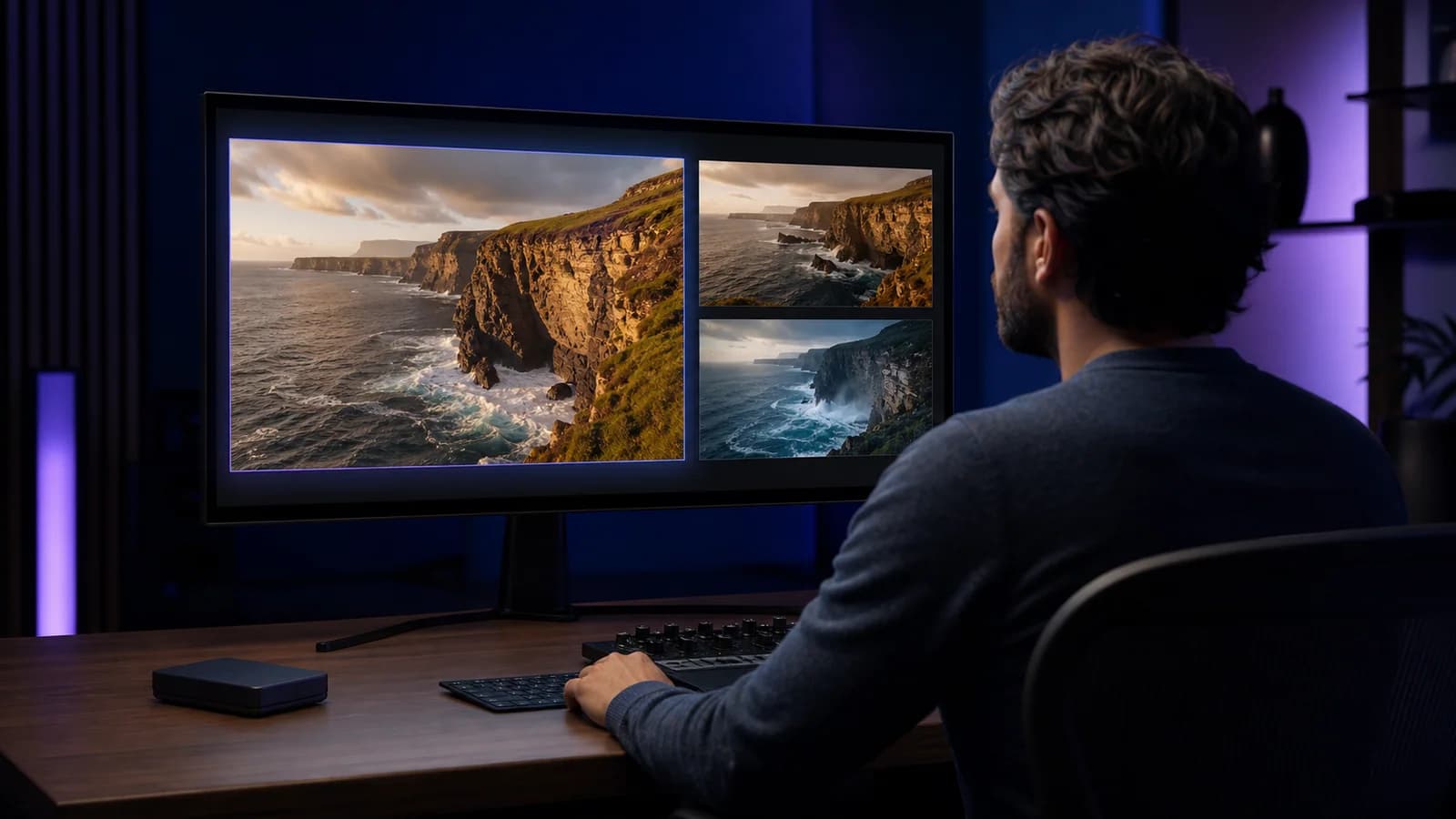
Grok Imagine Video 1.5 can generate sound effects, ambience, music, and speech in the same pass as the video, helping audio events land closer to the visible action.
Place each sound cue next to the action it belongs to. Keep dialogue short for a 1-15 second clip, and review lip sync, voice clarity, timing, and background noise before publishing.
Nutze diese Beispiele, um zwischen einem Ausgangsbild und einer reinen Prompt-Szene zu wählen.
Animate a still product image with a slow push-in, polished lighting, realistic reflections, and a short commercial-style camera move.
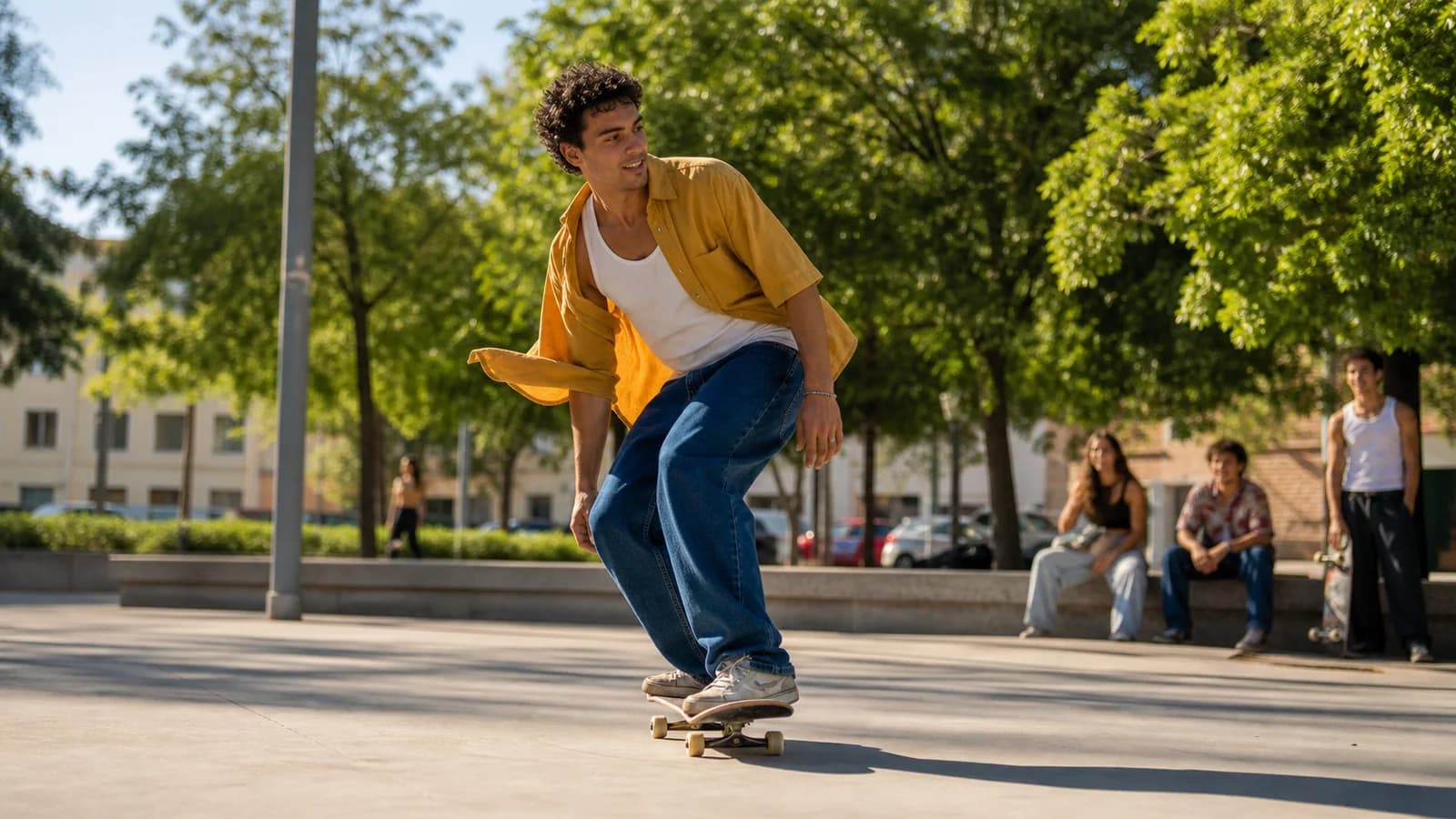
Create a vertical or square video idea for short-form channels using clear action, readable mood, and simple scene direction.
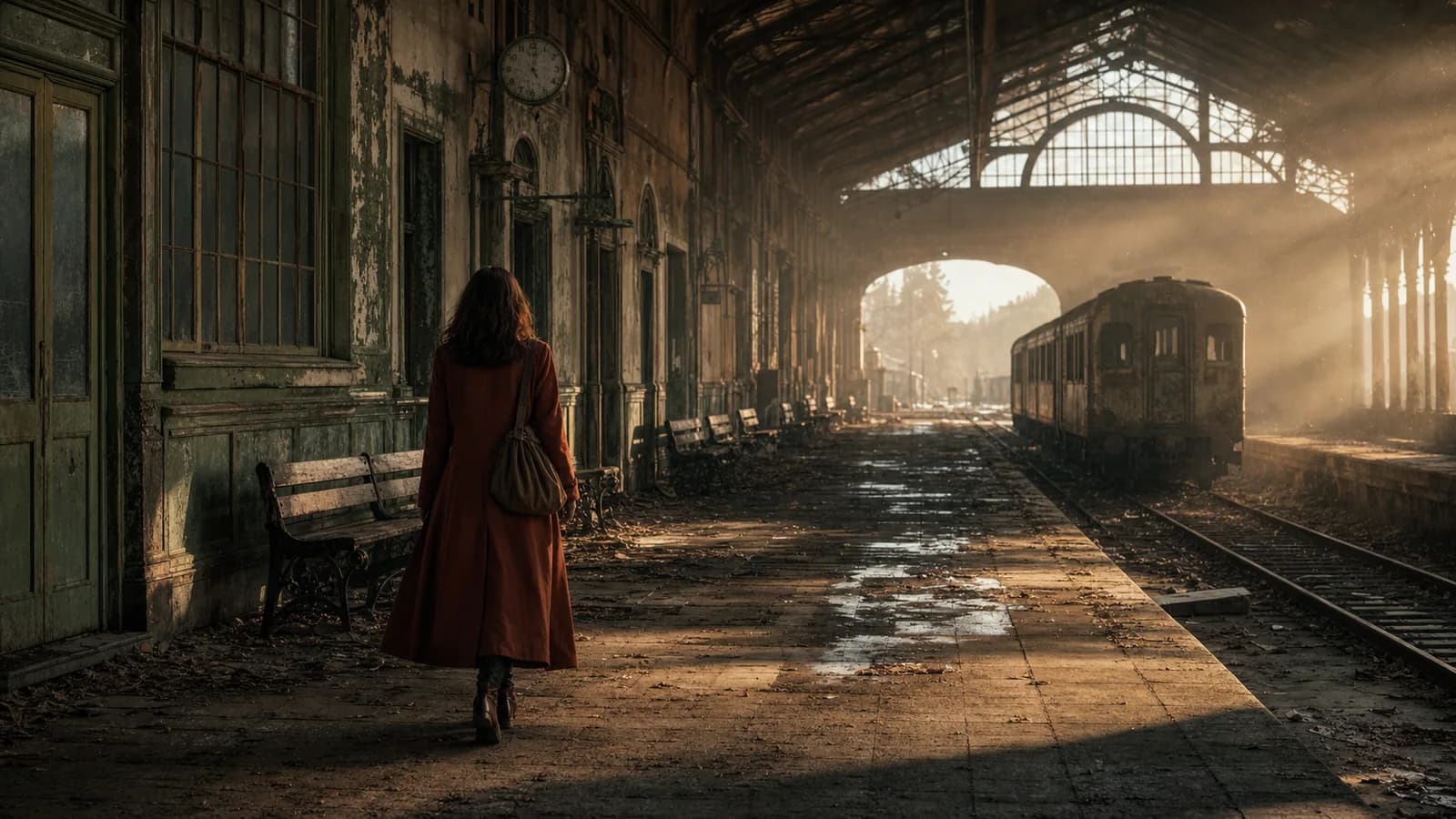
Turn a written scene into a quick moving shot that helps evaluate pacing, camera angle, and visual tone.
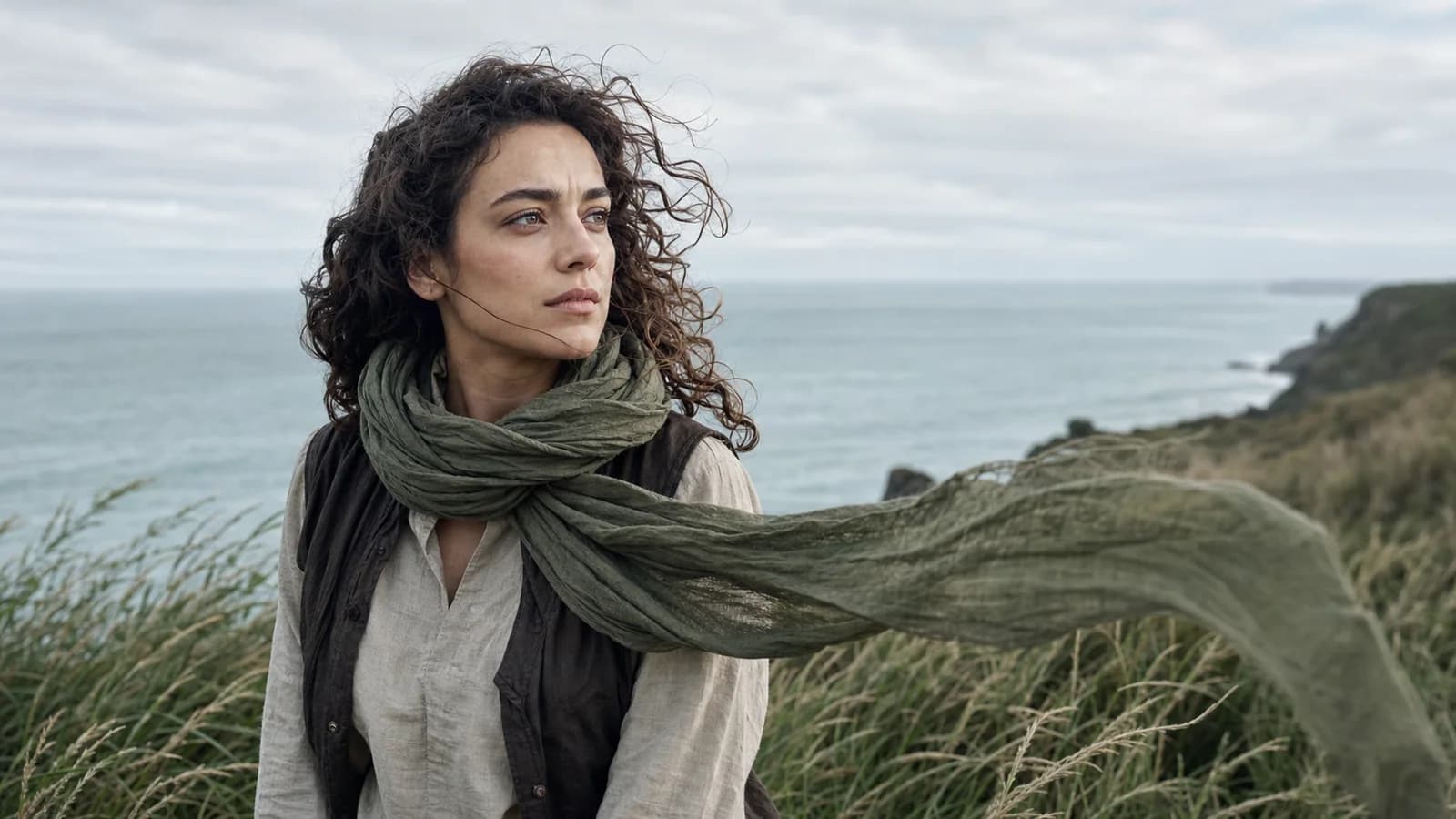
Use a reference character image and describe subtle motion, expression, lighting, and background atmosphere.
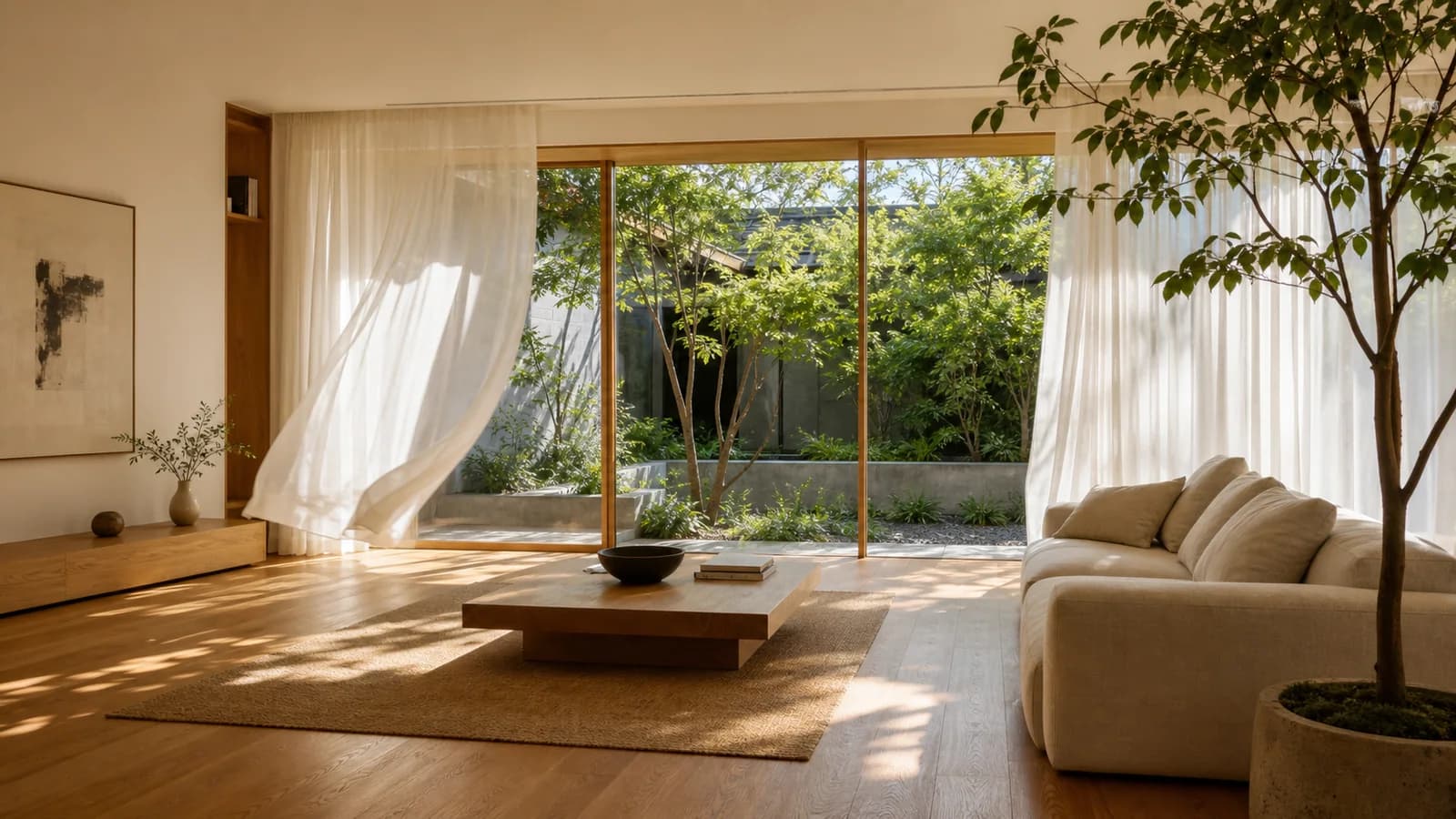
Animate an architectural still with a gentle camera drift, daylight changes, and realistic environmental motion.
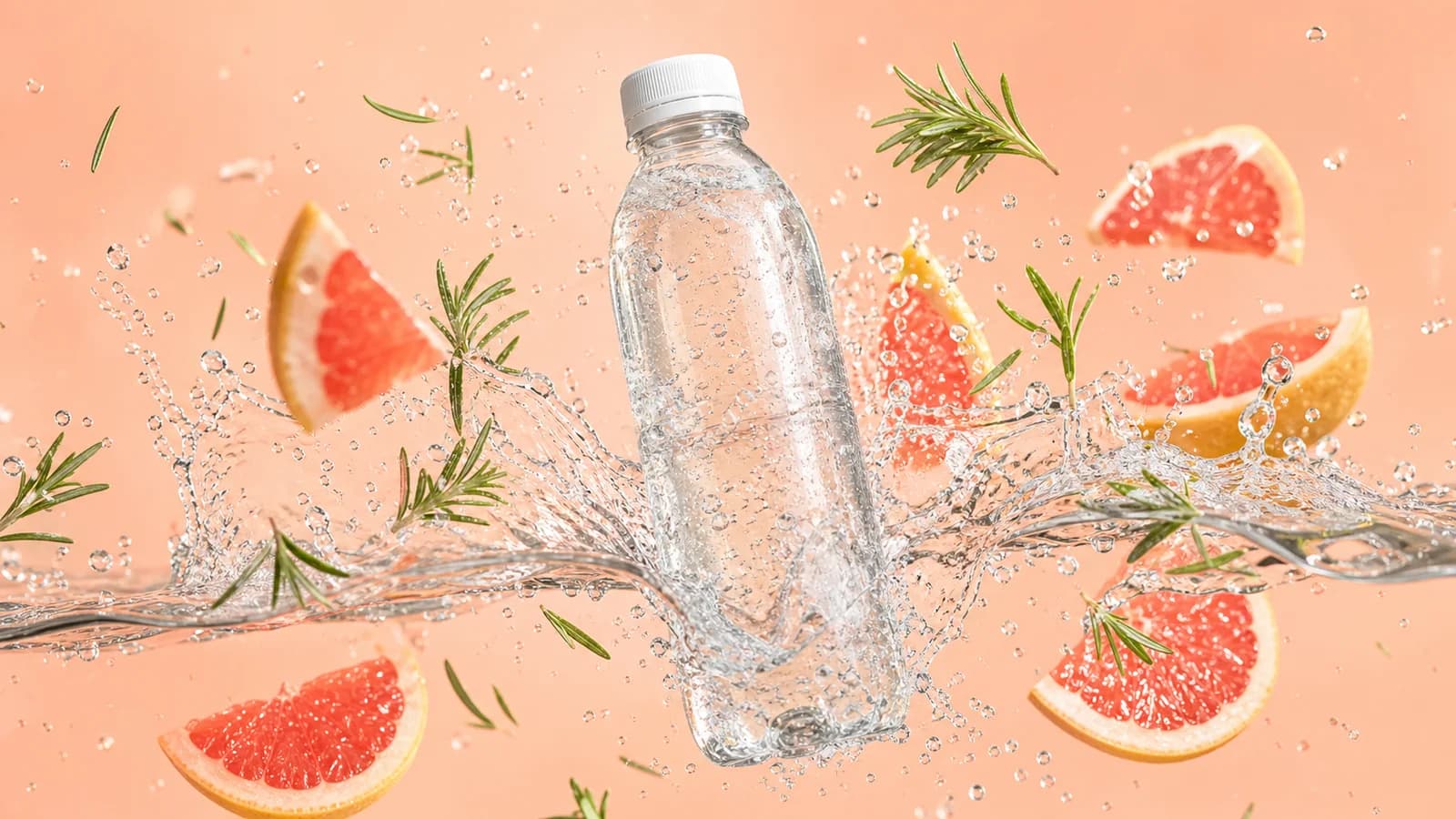
Generate quick visual options for campaign testing before spending time on editing, sound design, and finishing.
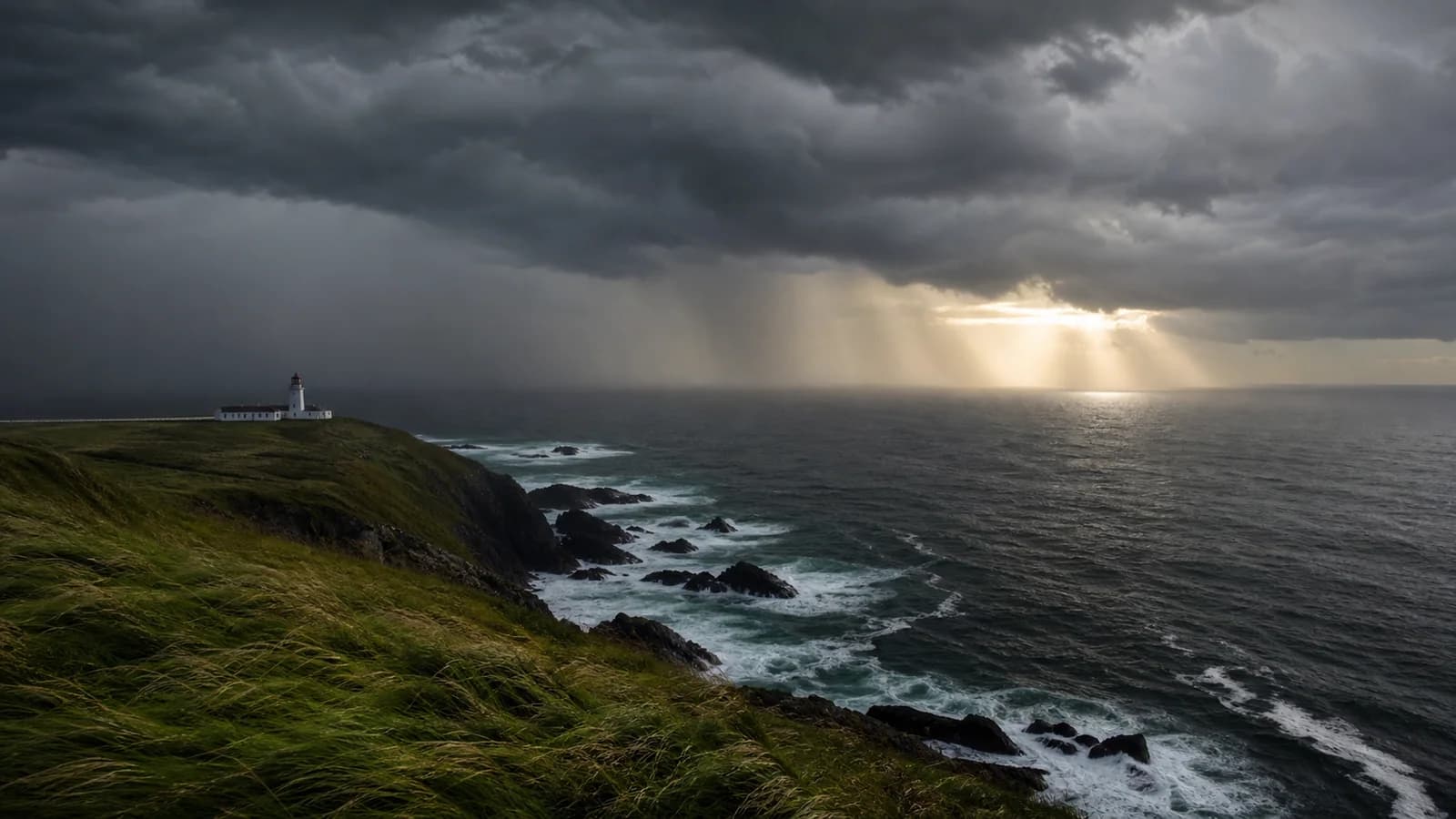
Describe a location, weather, movement, and camera direction to test the mood of a trailer or film sequence.
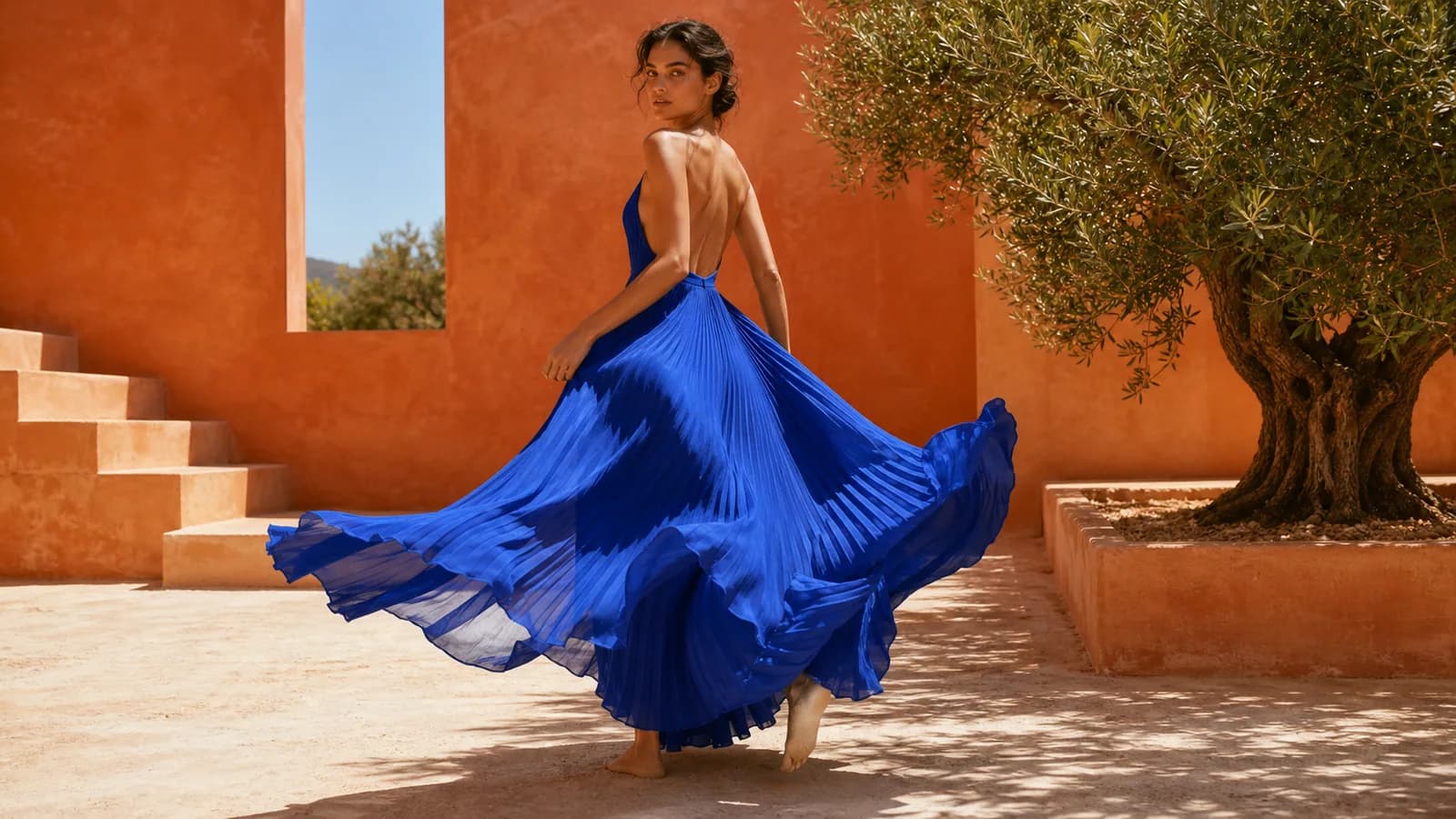
Use a still image as a style anchor, then explore how the visual language feels once it moves.
Vergleiche Eingaben, Ausgabelimits, Audio und geeignete Arbeitsabläufe.
| Capability | Grok Imagine Video 1.5 | Seedance 2.0 | Kling 3.0 | Veo 3.1 |
|---|---|---|---|---|
| Input resources | Starting image plus motion prompt; prompt-only drafts also supported. | Text, image, audio, and video; up to 9 images, 3 clips, 3 audio files. | Text, images, audio, video; references for characters, objects, and scenes. | Text and image prompts for cinematic video generation. |
| Output and length | 1-15 second video clips at 480p or 720p. | Up to 15-second multi-shot audio-video scenes. | Up to 15 seconds with native audio and voiceover. | Short high-resolution video clips with native audio support. |
| Best task fit | Animating one strong starting frame for quick motion tests. | Complex scenes using several source assets and audio cues. | Cinematic shots, dialogue, voiceover, and reference consistency. | Cinematic scenes that prioritize realism, dialogue, and polished sound. |
| Control strengths | Camera moves, atmosphere, physics, and starting-frame detail. | Mixed references, action logic, audio matching, and video extension. | Shot control, lip sync, speech, text, and consistency. | Cinematic composition, prompt adherence, dialogue, and sound design. |
| Review focus | Motion consistency, identity, physics, faces, hands, brand details. | Multi-subject consistency, audio distortion, prompt drift, edit effects. | Shot continuity, lip sync, voice order, text retention. | Character continuity, speech timing, scene realism, and audio quality. |
Veo 3.1 capabilities can vary by product surface and selected generation mode; compare the settings available in your chosen tool before starting a production run.
Open the Grok Imagine Video 1.5 generator on Toolaze.
Choose image-to-video when you have one starting image, or text-to-video when you want to start from a prompt.
Describe subject, motion, camera movement, lighting, setting, style, and what should stay unchanged.
Select aspect ratio, 480p or 720p resolution, and a 1-15 second duration. The default is 3 seconds.
Preview the returned clip, compare recent attempts, and download the result if you want to keep it.
Formuliere den Prompt wie eine kurze Einstellung: wichtigste Aktion zuerst, klare Kamerarichtung und feste Details.
Name the subject and primary movement first so the key action has enough time to develop within the selected clip length.
Use one clear direction such as a slow push-in, pan left, orbit, tracking shot, or locked camera instead of competing moves.
Say which identity, product shape, clothing, room layout, lighting, or background details must stay unchanged.
Describe whether the motion is gradual, energetic, or still, then place ambience, effects, or a short spoken line beside the matching action.
Kopiere einen Prompt und passe Motiv, Bewegung, Kamera, Stil und Bildvorgaben an.
Animate the uploaded product image into a 5-second premium product reveal. Slow push-in camera, subtle rotation, glossy reflections, clean studio lighting, realistic shadow movement, no extra text, commercial style.
Create a 16:9 short-form video of a futuristic city street at night. A courier walks through neon rain, camera follows from behind, reflections on pavement, cinematic lighting, smooth motion, atmospheric but clear.
Use the uploaded room image as the reference. Preserve the layout and furniture. Add a gentle left-to-right camera drift, soft daylight through the window, moving curtain fabric, warm interior mood, realistic motion.
Animate the reference character with subtle breathing, blinking, wind in hair, and a small camera push-in. Keep identity, outfit, color palette, and background style consistent. Cinematic portrait lighting.
A close-up food commercial shot of a dessert plate on a marble table. Steam, syrup movement, shallow depth of field, slow macro camera glide, elegant restaurant lighting, appetizing and realistic.
Create an establishing shot for a science-fiction short film. A small research vehicle crosses a frozen plain under green aurora, wide-angle camera, slow forward motion, wind-blown snow, quiet cinematic tension.
Vereinfache bei Fehlern gezielt nur die Anweisung, die nicht funktioniert hat.
Problem and fix
If a face, product, or room changes, use a cleaner source image and explicitly preserve identity, shape, layout, clothing, and colors.
Problem and fix
Replace vague wording with one concrete action verb, one visible environmental movement, and a clear pace such as gradual or energetic.
Problem and fix
Remove extra camera directions. Keep one primary move per clip and describe the subject action separately from the camera path.
Problem and fix
Reduce complex interactions, shorten the action, and avoid asking hands, liquids, fabric, and several objects to move at the same time.
Problem and fix
Put each sound cue next to its action, keep dialogue short, and remove competing music or ambience instructions when timing matters.
Wechsle zum allgemeinen Videogenerator, vergleiche Modelle oder nutze ein Standbildmodell.
Use the broader Toolaze AI video generator with model selection, text-to-video, and image-to-video controls.
Jetzt testen
Choose Seedance 2.5 when you need a broader multimodal workflow with several source assets and more complex scene planning.
Jetzt testen
Use Seedance 2.0 for multi-shot concepts, mixed references, and scenes that need coordinated visual and audio direction.
Jetzt testen
Choose Kling 3.0 for high-resolution cinematic shots, dialogue, voiceover, and reference-guided scene consistency.
Jetzt testen
Use a still-image model when you need posters, product visuals, image edits, and UI mockups.
Jetzt testen
Browse Toolaze image and video model pages when you need broader model comparison.
Jetzt testen
Grok Imagine Video 1.5 ist das allgemein verfügbare Bild-zu-Video-Modell von xAI für kurze Clips. Auf Toolaze steht es in einem fokussierten Generator für Bild-zu-Video und promptbasierte Entwürfe bereit.
Yes. Upload one starting image up to 20MB, describe the motion and camera direction, then generate a default 3-second video clip or choose another duration from 1-15 seconds.
Toolaze provides a text-to-video path for prompt-only scene drafts. For the most predictable Video 1.5 workflow, start with one strong image and describe the motion you want.
Yes. The model can generate synchronized sound effects, ambience, music, and speech in the same pass as the video. Review timing, voice clarity, and lip sync before publishing.
Subject drift is more likely when the source is cluttered or the prompt asks for several complex changes. Use a clean image and state which identity, shape, layout, clothing, and colors must remain unchanged.
Use one primary camera direction per short clip, such as a slow push-in, pan, orbit, tracking shot, or locked camera. Multiple competing moves can make the result less predictable.
Availability may depend on the current Toolaze access policy, quota, model availability, and selected settings. Check the generator for the latest access state.
Choose Grok for fast image-to-video iteration from one strong starting frame. Seedance is better suited to broader multi-asset workflows, while Kling is useful for high-resolution cinematic shots, dialogue, and voiceover.
Start from one strong image, describe one clear action and camera move, add sound cues when needed, and generate a short clip without leaving the page.
Grok-Videogenerator testenGrok Imagine Video 1.5 final preview
Motion
Camera
Style